How to Prep Your PS5 for GTA VI's Launch and What PS5 Pro Really Adds
Grand Theft Auto VI arrives November 19. Here's how to clear storage, set up DualSense features, and what PSSR and ray-traced shadows really mean on PS5 Pro.

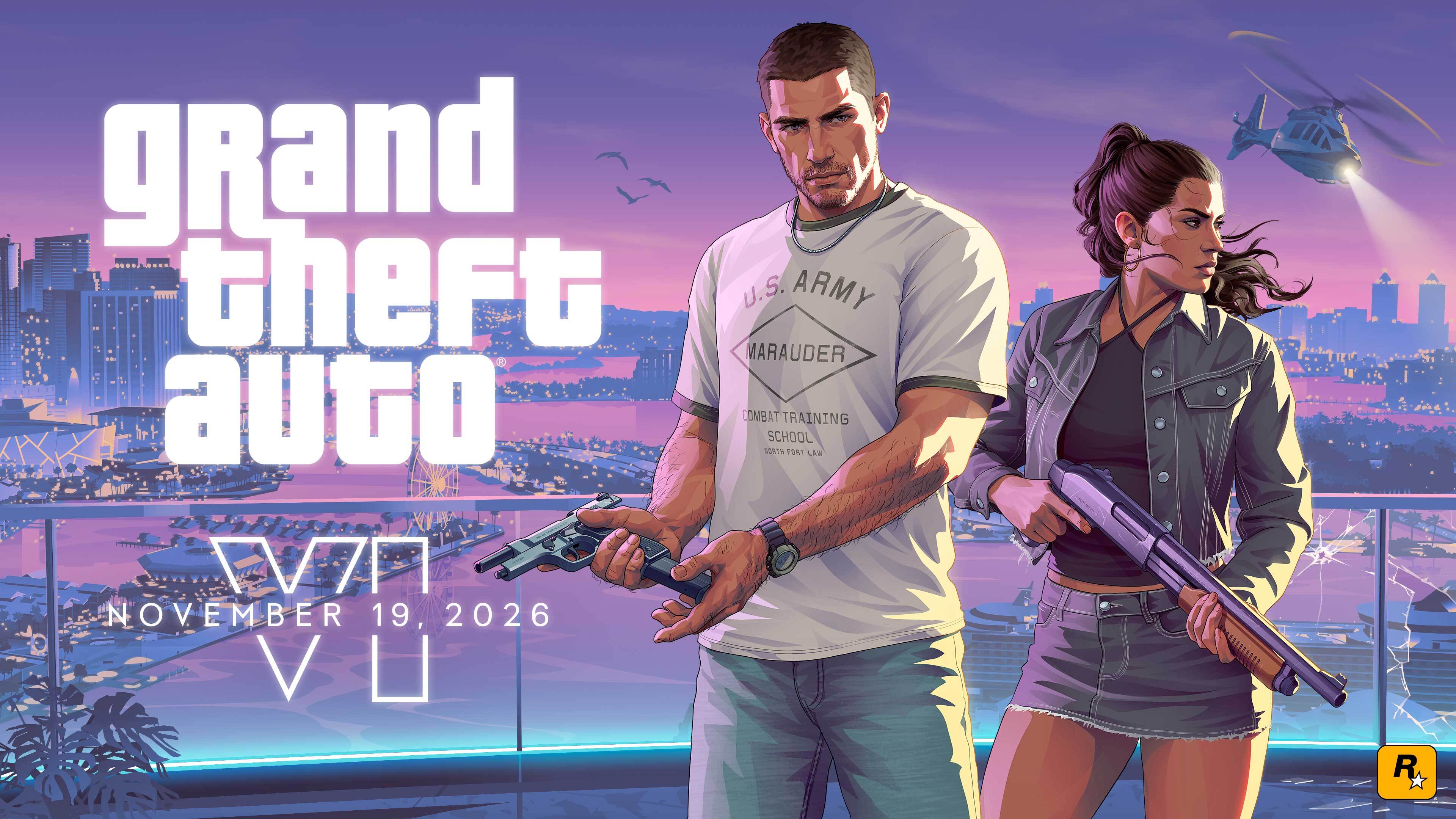
Grand Theft Auto VI launches on PlayStation 5 and PS5 Pro on November 19, and Rockstar Games and Sony have spent the past several weeks spelling out exactly what the console version does and doesn't do. Between a 212GB download, a new round of DualSense-specific features, and a PS5 Pro upgrade path that doesn't work the way most Pro patches do, there's enough to sort through before launch day that it's worth doing now rather than at midnight. Here's what to actually check on your PS5, drawn from Rockstar's and Sony's own posts rather than the rumor mill.
Clear the storage and get the pre-load finished
Rockstar's pre-load Newswire post and the official Grand Theft Auto VI PlayStation Store page lay out the same four steps: make sure your PlayStation account details are current, pre-order the Standard or Ultimate Edition through PlayStation Store, clear a minimum of 212GB of free space on your PS5, and let the pre-load run before November 19. Pre-loading opened to every digital pre-order holder on November 10 at midnight local time, after Rockstar moved the date up by two days from an original November 12 target. It does not unlock any part of the game early; it just means the install is already sitting on your drive when the servers go live.
212GB is a lot to find on a 1TB console, especially if you're also holding onto Grand Theft Auto V, a handful of Call of Duty installs and whatever you've been playing this fall. If you're short on room, decide now what you're willing to delete or move to an external drive rather than discovering the problem on launch morning.

Confirm the DualSense features are actually doing something
Unlike a lot of console exclusives that just mean better resolution, the PS5 version of Grand Theft Auto VI leans specifically on the DualSense controller. According to Sony's PlayStation.Blog announcement, the controller's haptic feedback is tied to in-game choices and environmental conditions across Leonida, the adaptive triggers add resistance that changes through the game, and the controller's built-in speaker plays sound effects during key moments, often layered with haptic feedback. None of this requires a setting to turn on inside the game itself, but it's worth doing the basics on the console side: make sure your DualSense is fully charged or docked, and check Settings → Accessories → Controllers on your PS5 to confirm vibration and trigger effects haven't been switched off, since some players disable them to save battery life during long sessions.
If you've been playing with a third-party or older DualSense pad, this is also a good moment to check its firmware is current. A controller that's behind on updates is the most common reason haptic and trigger features stop responding mid-session.
Set up Tempest 3D Audio before launch night
Sony's announcement also calls out Tempest 3D AudioTech by name, describing "highly accurate audio positioning" across Vice City and the rest of Leonida. Tempest 3D Audio works through any headset on PS5, and through TV speakers if you run the PS5's built-in audio calibration, but it isn't automatically tuned for your setup. Go to Settings → Sound → Audio Output → 3D Audio and run through the calibration options there, whether that's the headset profile list or the TV speaker calibration tone. It's a five-minute step that a lot of players skip entirely, and on a game built around dense street-level ambience, it's the difference between hearing a car creeping up behind you and not.
Know what PS5 Pro actually changes, and what it doesn't
This is the part that's caused the most confusion. Rockstar said in a November 10 update, reported consistently across gaming press covering the studio's own statements, that Grand Theft Auto VI targets 30 frames per second on PS5, PS5 Pro and Xbox Series X|S alike. There is no 40fps or 60fps performance mode confirmed for any console at launch. If you've seen claims that the base PS5 or PS5 Pro will run the game at 60fps, that's an unconfirmed claim circulating from industry-watcher accounts and a podcast guest, not something Rockstar or Sony has stated, and it should be treated as a rumor until one of them says otherwise.
What PS5 Pro does add, confirmed directly on the game's own PlayStation Store listing, is PlayStation Spectral Super Resolution upscaling and ray-traced shadows, both labeled under the "PS5 Pro Enhanced" banner. The listing is specific that this is a visual upgrade, not a frame rate one, and that a compatible display is required to see the benefit. Rockstar hasn't disclosed the rendering resolution behind PSSR on either console, so don't expect a published numbers comparison before launch. Practically: if you own a PS5 Pro, there's no toggle to find or setting to enable. PSSR and the shadow upgrade apply automatically to the Pro version of the game, and the main thing worth checking is that your TV or monitor supports the display modes your PS5 Pro is set to output, under Settings → Screen and Video.
Decide if you need new accessories before launch
Neither Rockstar nor Sony has said any accessory is required to play Grand Theft Auto VI, but both companies' launch materials point toward a specific setup: a DualSense Edge for players who want adjustable stick sensitivity and extra back buttons, and Sony's Pulse headset or Pulse Elevate speakers for the Tempest 3D Audio features described above. If you're already happy with your current headset or sound system, none of this is necessary. If you've been meaning to upgrade, launch week is a reasonable time to do it, since it gives you a few days to get the gear configured before November 19 rather than unboxing it the same night.
The short version
Update your account details, pre-order, and finish clearing 212GB of space well before November 19. Confirm your DualSense has vibration and trigger effects turned on and is running current firmware. Run the 3D Audio calibration in Settings → Sound. If you have a PS5 Pro, there's nothing to configure for PSSR or the ray-traced shadow upgrade beyond making sure your display supports it, and the frame rate target is 30fps across every console regardless of which one you own, whatever the rumor mill says between now and launch day.
Official links
Lena tests the hardware that games run on, from handheld thermals to controller latency. If a spec sheet is doing something suspicious, she has already opened the device.