Valve's Latest Steam Beta Defaults Windows Games to Proton and Adds Steam Frame Support
Valve's newest Steam Beta updates make Proton the default for non-Steam Windows games, add a Steam Frame controller fallback and fix an HDR bug in OLED Deck streams.

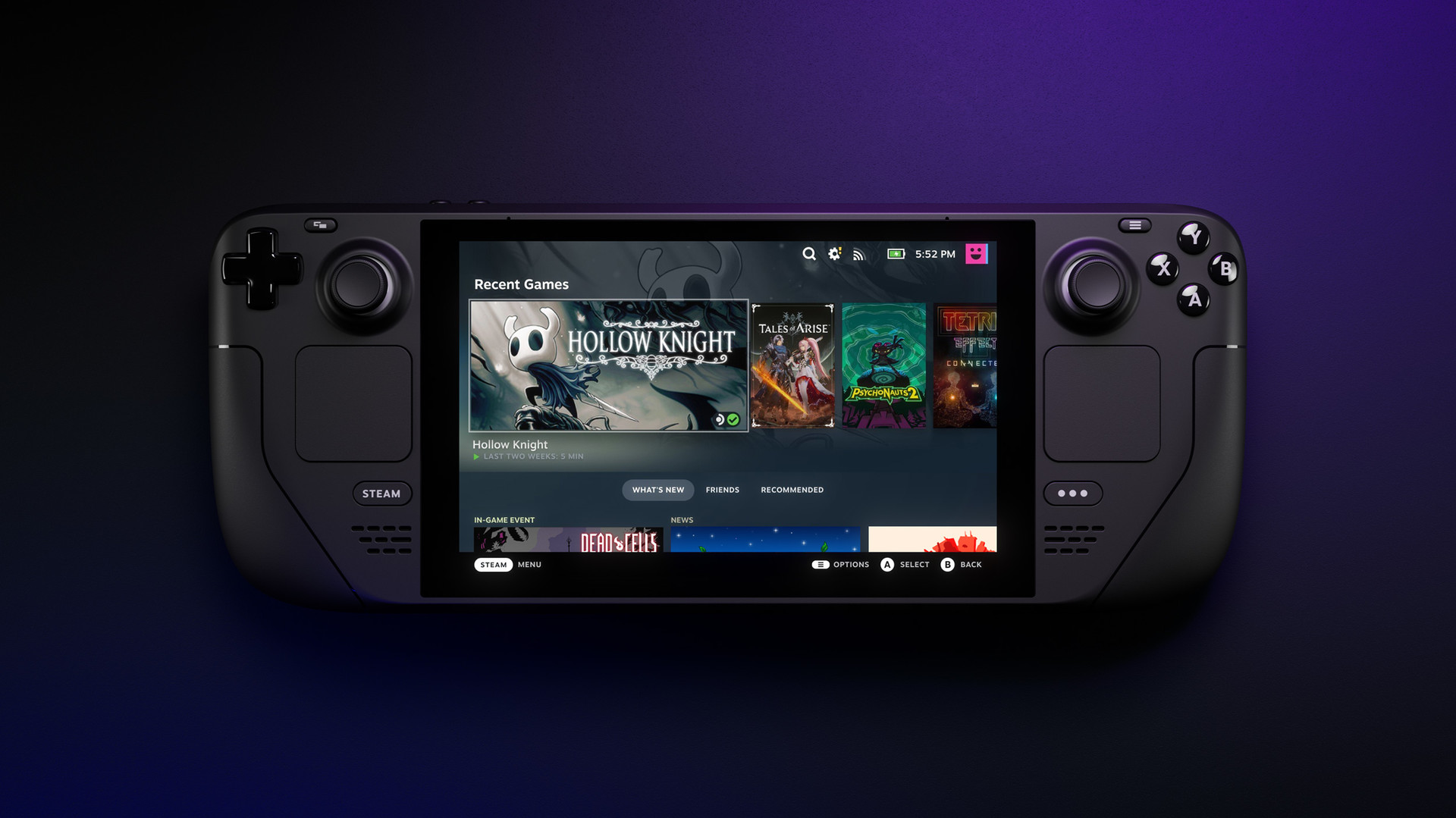
Valve shipped three Steam Beta Client updates in the space of five days this month, and buried in the changelogs is one of the more significant default-behavior changes to reach Steam Deck owners in months: non-Steam Windows games added to a library now launch through Proton automatically, instead of needing a manual override first. The same run of updates also lays groundwork for the Steam Frame, Valve's standalone VR headset, and quietly fixes an HDR bug that was breaking Remote Play streams to the OLED Steam Deck.
Proton Becomes the Default, Not the Workaround
The October 7th beta update flips a setting that previously required digging into a game's properties menu: any Windows executable added to Steam as a non-Steam game now runs through Proton by default on Linux systems, which covers both the Steam Deck and the Steam Machine. Until now, a freshly added .exe would try to launch as a native Linux binary and simply fail unless a player manually forced compatibility mode first, a step that tripped up plenty of newcomers trying to add launchers like itch.io or standalone installers to their library. The same update fixes a handful of related annoyances: games that stopped launching after a player changed their target binary, a Stop button that didn't work when a title had been launched by an external tool, and a temporary display glitch that showed the wrong playtime right after a session ended.
Steam Frame Owners Get an Automatic Controller Fallback
The October 9th build turns its attention to Valve's standalone headset, whose reservation invites have been going out to waitlisted buyers since mid-September. Steam Frame's own controllers will now default to acting as a standard gamepad whenever a VR game doesn't have native motion-controller support, rather than leaving the game unresponsive to input. Players can still override the behavior per game if they'd rather map Frame's controllers a different way. It's a small fix, but a necessary one for a headset built to run Valve's entire flat-screen library as well as dedicated VR titles.
Remote Play Gets Real Fixes, Including an OLED Deck HDR Bug
The bulk of the October 9th patch notes are about Remote Play reliability. Valve says it fixed streaming sessions that failed to launch because of a cloud-save conflict, corrected unusually low bitrates when hardware decoding was turned off, and removed a network-health dialog that was popping up unnecessarily at the start of a stream. On the codec side, the update adds Vulkan video decoding for the SteamRT3C Linux beta branch and falls back cleanly to H.264 on devices that can't decode HEVC. The fix most Steam Deck OLED owners will actually notice: HDR is now disabled outright when streaming to an OLED Steam Deck, after it was apparently causing playback problems that a straightforward toggle couldn't fix.
Smaller Changes Spread Across Three Builds
The two earlier updates in this stretch covered narrower ground. The October 5th build fixed client hangs on older CPUs during large downloads, added a landing page to the Steam Input configurator so new users land somewhere more useful than a blank screen, and resolved a pairing bug affecting the original 2015 Steam Controller over Bluetooth Low Energy. October 9th also tidied up the Quick Access Menu's Voice Chat tab with a cleaner layout, added a mute toggle to its volume sliders, and made the link to an active chat automatically focus the text box instead of requiring an extra click.
How to Try the Updates Now
None of these changes have reached the Stable channel yet. Players who want them immediately can switch over from Settings > System > System Update Channel and select Beta, though Valve's own notes caution that preview builds can carry their own bugs. For anyone who relies on Remote Play from a Steam Deck OLED or has been fighting with non-Steam Windows games that refuse to launch, this particular batch of fixes is worth the early download; everyone else will likely see the same changes land on Stable within the next few weeks, based on how quickly Valve's recent beta builds have been promoted.
Official links
Lena tests the hardware that games run on, from handheld thermals to controller latency. If a spec sheet is doing something suspicious, she has already opened the device.