How to Get Your PC Ready for Phantom Blade Zero Before Its October 29 Launch
Phantom Blade Zero launches October 29 on PC and PS5. Here's how to check your specs, pick the right settings tier and avoid a rough launch day.

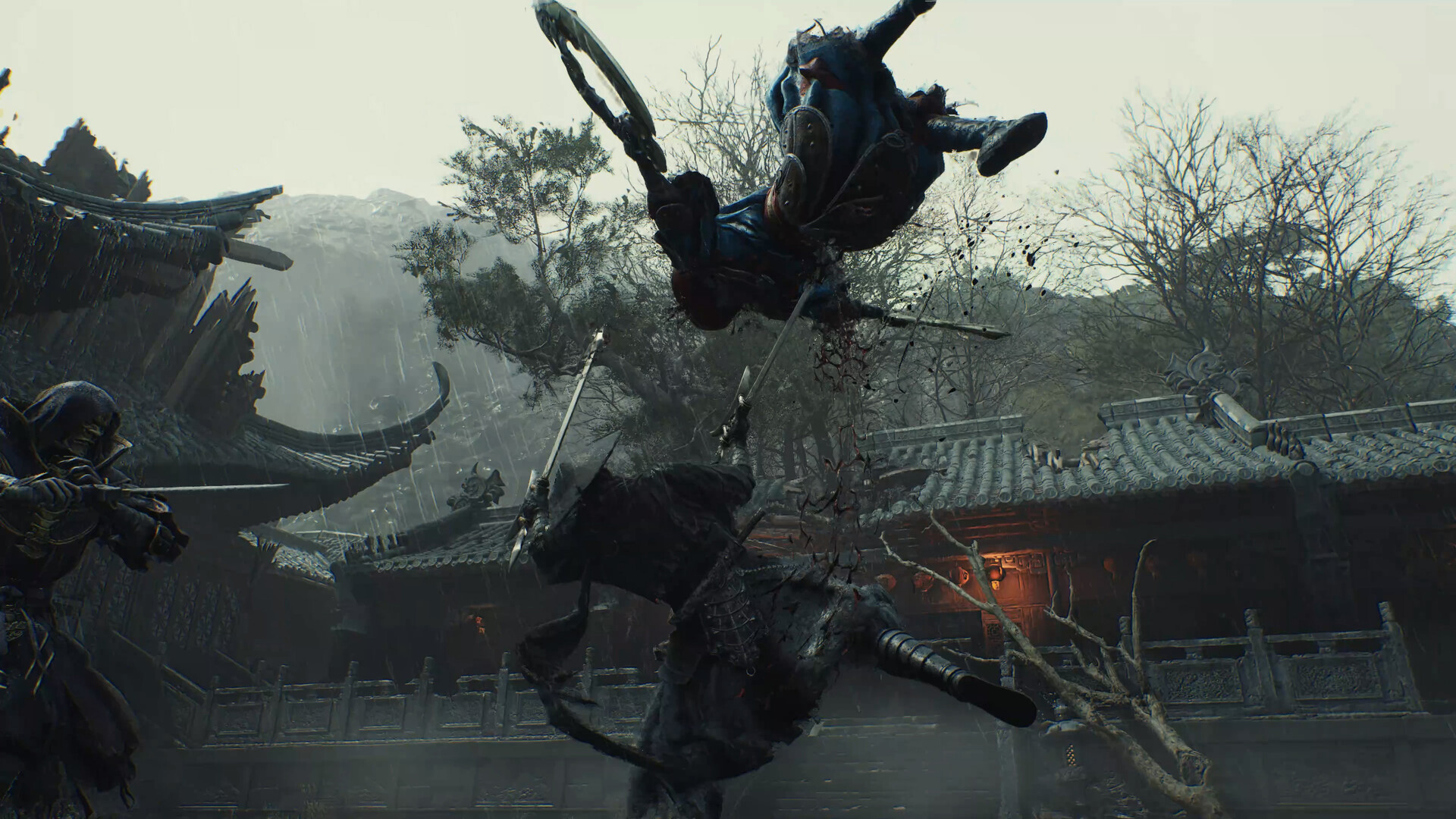
Phantom Blade Zero, developer S-GAME's Wuxia action-RPG built in Unreal Engine 5, launches October 29 on PC via Steam and the Epic Games Store, alongside PlayStation 5. With nine days left before release, S-GAME's own storefront listing is the clearest guide yet to what a rig actually needs to run it, and it is worth reading closely: both of the published spec tiers quietly assume upscaling is switched on.
What Phantom Blade Zero Actually Asks For
The official Steam listing splits requirements into two tiers, and both carry the same baseline: a 64-bit install of Windows 10 or 11, DirectX 12, and an SSD, which Valve's own page flags as required rather than merely recommended.
- Minimum (targets 1080p at 30 FPS with upscaling enabled): Intel Core i7-8700K or AMD Ryzen 5 3600, 16GB RAM, NVIDIA GeForce GTX 1660 6GB or AMD Radeon RX 5500 XT 8GB.
- Recommended (targets 1440p at 60 FPS with upscaling enabled): Intel Core i5-10600K or AMD Ryzen 5 5600X, 16GB RAM, NVIDIA GeForce RTX 3060 Ti 8GB or AMD Radeon RX 6700 XT 12GB.
Two things jump out. First, 16GB of RAM is the floor at both tiers, not a recommended-only bump, so anyone still running 8GB should treat that as the first upgrade to make before launch day. Second, the CPU asks are relatively modest next to the GPU asks: an i7-8700K is a 2017 chip, but the matching GPU, a GTX 1660, is only a 6GB card, which tells you where S-GAME expects the bottleneck to sit.
Why "Upscaling Enabled" Matters More Than the Resolution Number
Notice that neither tier promises a native-resolution framerate. The minimum spec's 1080p/30 and the recommended spec's 1440p/60 are both listed as results achieved with upscaling on, not off. That is a meaningful admission for a combat game built around precise dodges and parries: running at native resolution on either listed card will likely land well under those numbers, and players who care about input-to-screen latency in a game this reflex-driven should expect to lean on whatever upscaler the final PC build ships with rather than treat it as optional polish.
Practically, that means the first settings pass on launch day should not be the usual "max everything and see what happens." Start from the upscaling mode, set it to balanced or quality rather than performance, and only then start trading shadow and reflection detail against your target framerate.
Clearing Space Before October 29
S-GAME has not published an exact install size for Phantom Blade Zero, but the SSD requirement at both spec tiers is firm, not a suggestion for a smoother load screen. Players still running their Steam or Epic library off a mechanical drive should plan to install this one to solid-state storage, or budget time to move it before launch rather than after a stutter-filled first session. With the standard edition priced at $59.99 and the Digital Deluxe Edition at $69.99, the Deluxe tier's bonus content will also need to land in the same install, so factor that into whatever free space estimate you're working from.
Picking a Settings Tier for Your Rig
Match your hardware to the published tiers rather than assuming the recommended spec is simply "the good one":
- At or below the minimum GPU tier (GTX 1660 / RX 5500 XT): expect to run upscaling on its performance mode and keep expectations at 1080p30. This is the floor S-GAME tested against, not a safety margin.
- At the recommended tier (RTX 3060 Ti / RX 6700 XT) with 16GB RAM: 1440p60 with upscaling in quality mode is the target S-GAME built around. If you're running a 1080p monitor instead, you have headroom to push detail settings higher than the baseline.
- Above the recommended tier: S-GAME has not published a higher spec tier for 4K or uncapped framerates, so treat any gains beyond 1440p60 as bonus headroom rather than an officially tested target.
Handheld players should be realistic about where their hardware lands. Valve has not issued a Steam Deck compatibility rating for Phantom Blade Zero ahead of launch, and the published minimum GPU tier sits above what the Deck's integrated graphics typically deliver next to a desktop GTX 1660 or RX 5500 XT. The ROG Xbox Ally X20 and other newer APU-based handhelds are closer to that floor, but anyone planning to play this on a handheld should wait for a verified rating or hands-on benchmarks rather than assume parity with the desktop minimum spec.
"Phantom Blade Zero launches on October 29, 2026, and is available to pre-order now on PlayStation 5," said Soulframe Liang, founder and CEO of S-Game, confirming the date alongside the game's pre-order trailer.
“Phantom Blade Zero launches on October 29, 2026, and is available to pre-order now on PlayStation 5.”Soulframe Liang, founder and CEO of S-Game
Controller and Accessibility Options Worth Checking First
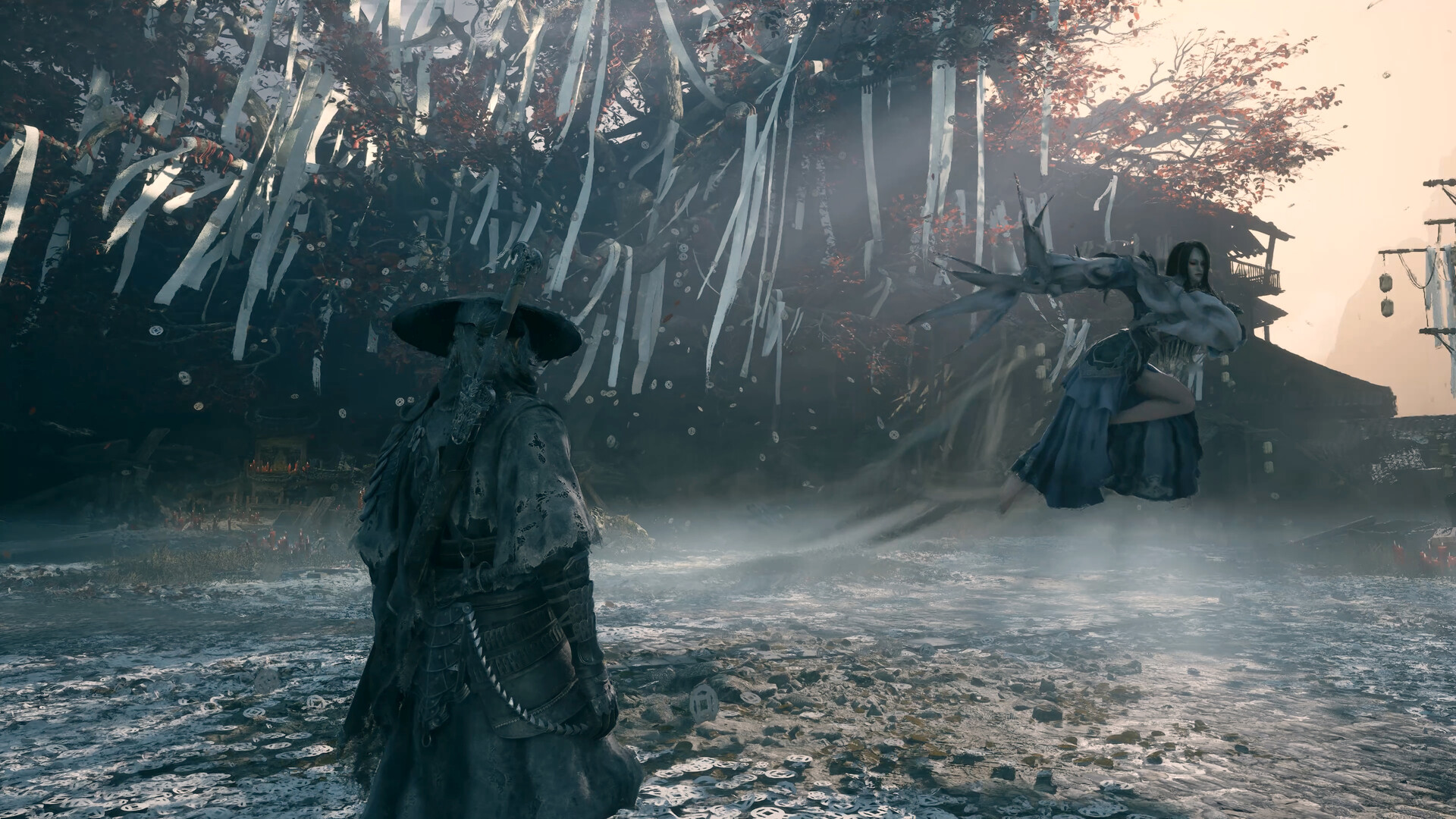
Phantom Blade Zero's Steam listing confirms full controller support, Steam Input API support and dedicated DualSense controller support, alongside adjustable text size, custom volume controls, subtitle options and adjustable difficulty. That last one matters more than it sounds: this is a timing-driven combat game that director Soulframe Liang has said was shaped in part by martial artist and consultant Donnie Yen's motion-capture work on its boss encounters, so a difficulty slider that can be adjusted mid-run is worth testing against your own hardware's actual framerate rather than its on-paper spec. A combat system tuned around frame-accurate dodges plays very differently at a stable 30 FPS than at one that dips below it, so pairing a lower difficulty setting with a steadier framerate is usually the better trade than the reverse.
Controller players should also confirm Steam Input is enabled before launch if they plan to use anything other than a stock Xbox or DualSense pad, since third-party or Bluetooth controllers sometimes need the API toggled on manually the first time a new Steam release recognizes them.
What to Do This Week
With just over a week until launch, the practical checklist is short. Confirm your GPU driver is current for both NVIDIA and AMD cards, since a day-one game-ready driver typically lands within a day or two of release rather than before it. Check your free storage against your current library and the SSD requirement, and move the install target to solid-state storage now if it isn't already there. If you're on exactly 8GB of RAM, treat the 16GB floor as non-negotiable rather than a target to test against after a crash. And if you were hoping to play on a handheld, hold off on final judgment until Valve or the handheld makers weigh in after launch, rather than relying on the desktop minimum spec as a stand-in.
None of this requires guesswork: S-GAME's own storefront listing is specific about what it tested against, down to naming "upscaling enabled" as part of both performance targets. Reading that fine print now is the difference between a smooth October 29 and a settings menu spent mid-cutscene.
Official links
Lena tests the hardware that games run on, from handheld thermals to controller latency. If a spec sheet is doing something suspicious, she has already opened the device.