How to Turn On NVIDIA App's DLSS Override in Zenless Zone Zero and 37 Other Games
NVIDIA App 11.0.9.585 adds DLSS Override for 38 games, from Zenless Zone Zero to Forza Horizon 6. Here's exactly how to turn on the newer DLSS model yourself.
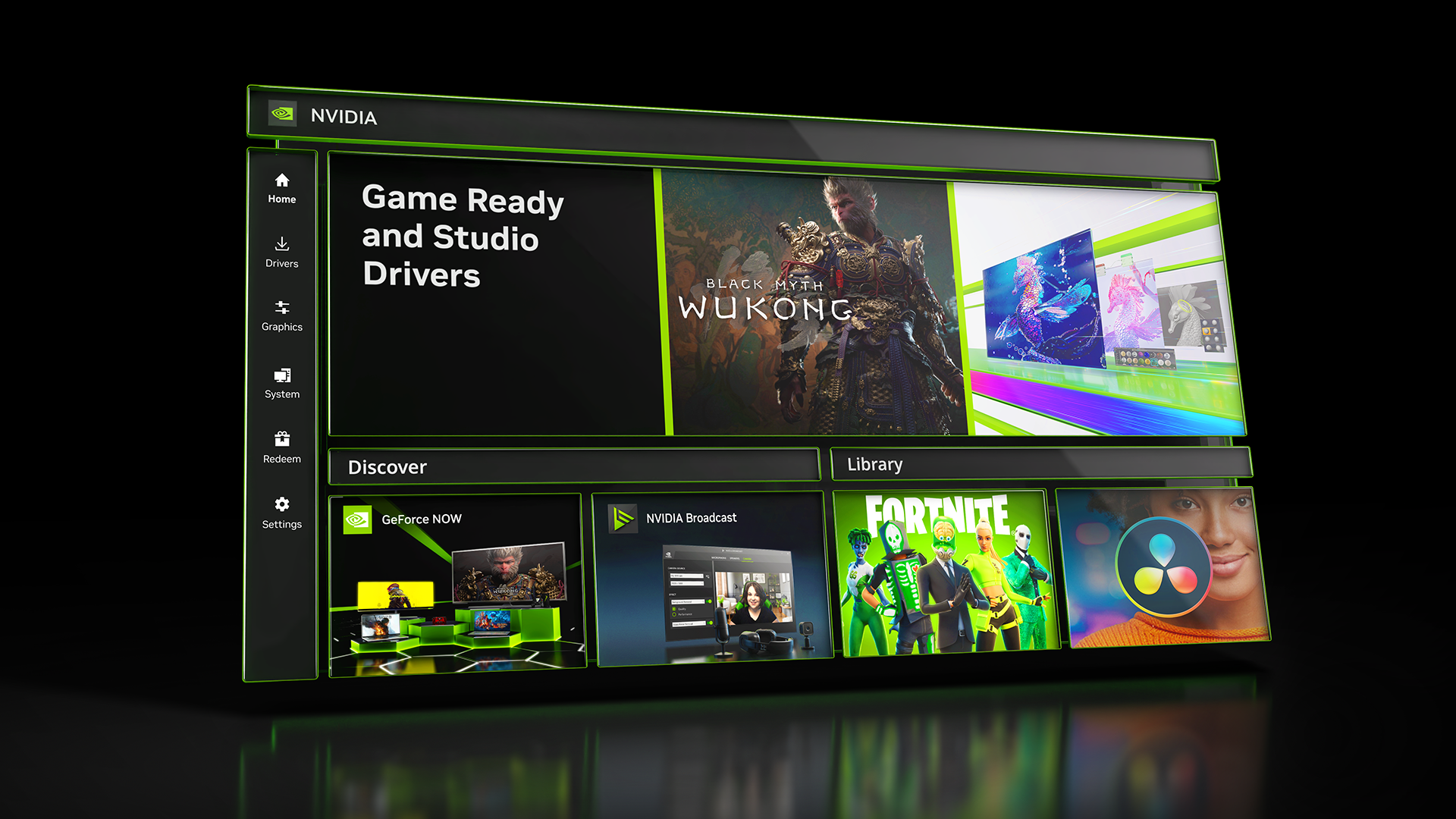
NVIDIA's latest NVIDIA App update, version 11.0.9.585, quietly did something more useful than any single driver headline this month: it added DLSS Override support for 38 games that haven't been patched with the newest DLSS model themselves, including Zenless Zone Zero, Forza Horizon 6, Subnautica 2 and Halo: Campaign Evolved. Ten of those games also picked up ready-made Optimal Settings profiles. None of it requires a developer patch, a mod, or a config file edit. It is a toggle inside the app you likely already have installed, and it works whether the studio behind your current favorite game ever gets around to updating its DLSS integration or not.
It's a small-sounding feature with an outsized effect on how long a game's visuals hold up. Plenty of titles on this list launched with whatever DLSS build was current at the time and were never revisited once the credits rolled on day-one support. DLSS Override is NVIDIA's way of closing that gap from its side of the fence instead of waiting on 38 separate development teams to schedule a patch.
What DLSS Override Actually Changes
Most games ship with whichever version of DLSS was current when the developer last updated their render pipeline. If a studio integrated DLSS a year or two ago and hasn't revisited it, players are stuck with that older model even though NVIDIA has since shipped sharper upscaling and better Ray Reconstruction. DLSS Override lets the NVIDIA App substitute a newer DLSS library at the driver level for supported titles, without the game itself needing to change a single line of code.
That matters most for Ray Reconstruction, which replaces a game's standard denoiser with an AI model trained specifically for ray-traced and path-traced lighting. Games that only ship with DLSS Super Resolution can gain Ray Reconstruction through the override on GeForce RTX graphics cards, provided the title already uses ray tracing in some form.
The 38 Games That Just Gained Support
NVIDIA's own release notes list the full set, and it is a mix of recent releases and older catalog titles that never got a second look from their developers. Alongside Zenless Zone Zero and Forza Horizon 6, the list includes:
- Subnautica 2, Halo: Campaign Evolved and Mistfall Hunter
- 007 First Light, STAR WARS Zero Company and Painkiller RTX
- Onimusha: Way of the Sword, NBA 2K27 and The Blood of Dawnwalker
- Deep Rock Galactic: Rogue Core, Directive 8020 and Gothic 1 Remake
- Conan Exiles Enhanced, Blades of Fire and Luna Abyss
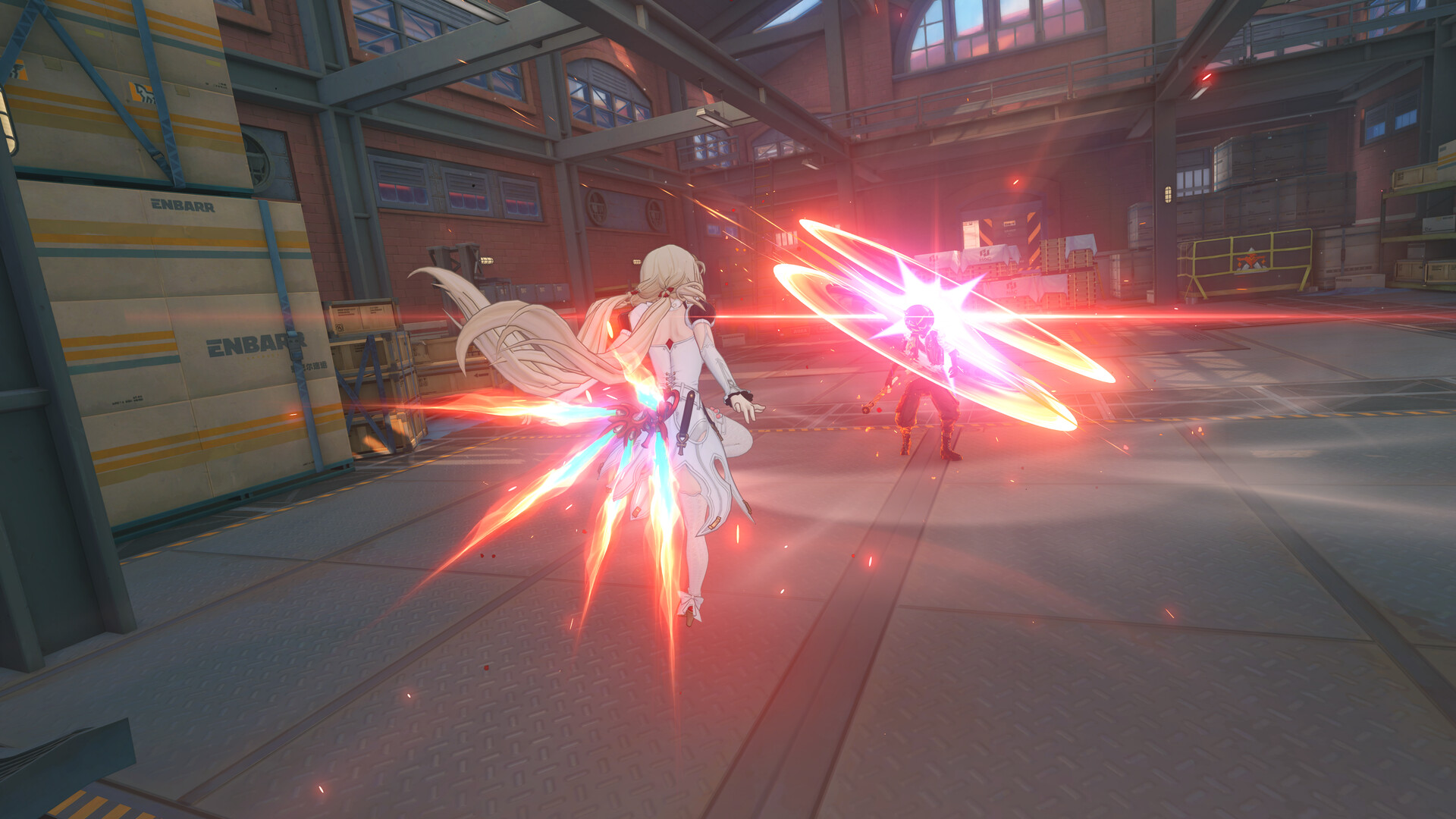
The remaining titles on NVIDIA's list range from newly launched indie games like Starminer and Corsair Cove to long-running live-service titles such as World of Tanks: HEAT, so the practical benefit varies by game. A title that already runs a recent DLSS build will see a smaller jump than one that has gone untouched for several driver cycles.
How to Turn On DLSS Override, Step by Step
The toggle lives in the same place regardless of which of the 38 games you're overriding:
- Open the NVIDIA App and make sure it reports version 11.0.9.585 or newer under its settings page; update it first if it doesn't.
- Click Graphics in the left-hand sidebar, then select the game from your list of installed titles.
- Switch to Driver Settings within that game's profile.
- Find DLSS Override - Model Presets and set it to Recommended.
- Launch the game and confirm its in-game DLSS or upscaling menu still shows your preferred resolution mode; the override swaps the underlying model, not your existing quality setting.
The feature is scoped to GeForce RTX graphics cards, so it won't appear for older GTX hardware. If a game isn't on NVIDIA's supported list yet, the DLSS Override section simply won't show an option for it.
Optimal Settings Profiles Cover a Smaller List
Ten of the 38 games — 007 First Light, Halo: Campaign Evolved, Mistfall Hunter, Subnautica 2, STAR WARS Zero Company, Painkiller RTX, Onimusha: Way of the Sword, NBA 2K27, The Blood of Dawnwalker and Resonance: A Plague Tale Legacy — also received Optimal Settings profiles in this update. That's a separate NVIDIA App feature from DLSS Override: instead of overriding a single model, it applies a full set of graphics settings NVIDIA has benchmarked for your specific GPU. It sits under Graphics next to the Driver Settings tab for any game that has a profile available.
The same 11.0.9.585 update also added per-app control over Resizable BAR, so players who want to toggle it game by game rather than system-wide now have a menu for that too, alongside fixes for Battlefield 4's in-game filters and a Photo Mode color bug.
Why RTX 40 and RTX 50 Owners See Different Results
DLSS Override doesn't level the playing field between every GeForce RTX card, because the individual DLSS features it can inject are still tied to specific GPU generations. According to NVIDIA's own DLSS technology page, Super Resolution and Ray Reconstruction run on RTX 20, 30, 40 and 50 Series cards alike, so anyone with a reasonably modern GeForce card can benefit from the sharper image quality the override brings to older integrations. Frame Generation, by contrast, is limited to RTX 40 and 50 Series GPUs, and Multi Frame Generation is exclusive to RTX 50 Series cards with their fifth-generation Tensor Cores.
In practice, that means an RTX 30 Series owner who overrides DLSS in, say, Subnautica 2 or Gothic 1 Remake will mainly notice cleaner upscaling and better-resolved lighting, while an RTX 50 Series owner in the same game can also pick up the newer frame generation modes if that title's renderer supports them. Check your specific card's generation against NVIDIA's table before assuming an override will unlock every feature on the list.
What to Check Before You Flip the Switch

DLSS Override is applied per title, so compatibility and the exact visual result still depend on how that specific game renders its scene. A racing game like Forza Horizon 6 and a live-service action game like Zenless Zone Zero won't necessarily see the same improvement, and NVIDIA's own notes don't promise a guaranteed frame-rate gain, only an updated model. It's worth launching a game after enabling the override and comparing a few minutes of play against your usual settings before deciding whether to leave it on everywhere.
If a game you were hoping to see isn't on this list, it's not necessarily excluded forever. NVIDIA has been expanding DLSS Override's supported list with nearly every recent app update, and titles like War Thunder are picking up DLSS improvements of their own through separate driver updates rather than the override feature, so it's worth checking back with each new NVIDIA App release.
Official links
Lena tests the hardware that games run on, from handheld thermals to controller latency. If a spec sheet is doing something suspicious, she has already opened the device.