How to Set Up Oatchi's Voice Commands in Pikmin 4's New Switch 2 Edition
Pikmin 4's Nintendo Switch 2 Edition launches today with Oatchi voice commands, 72 Dandori Academy stages and GameShare battles. Here is how to set it all up.
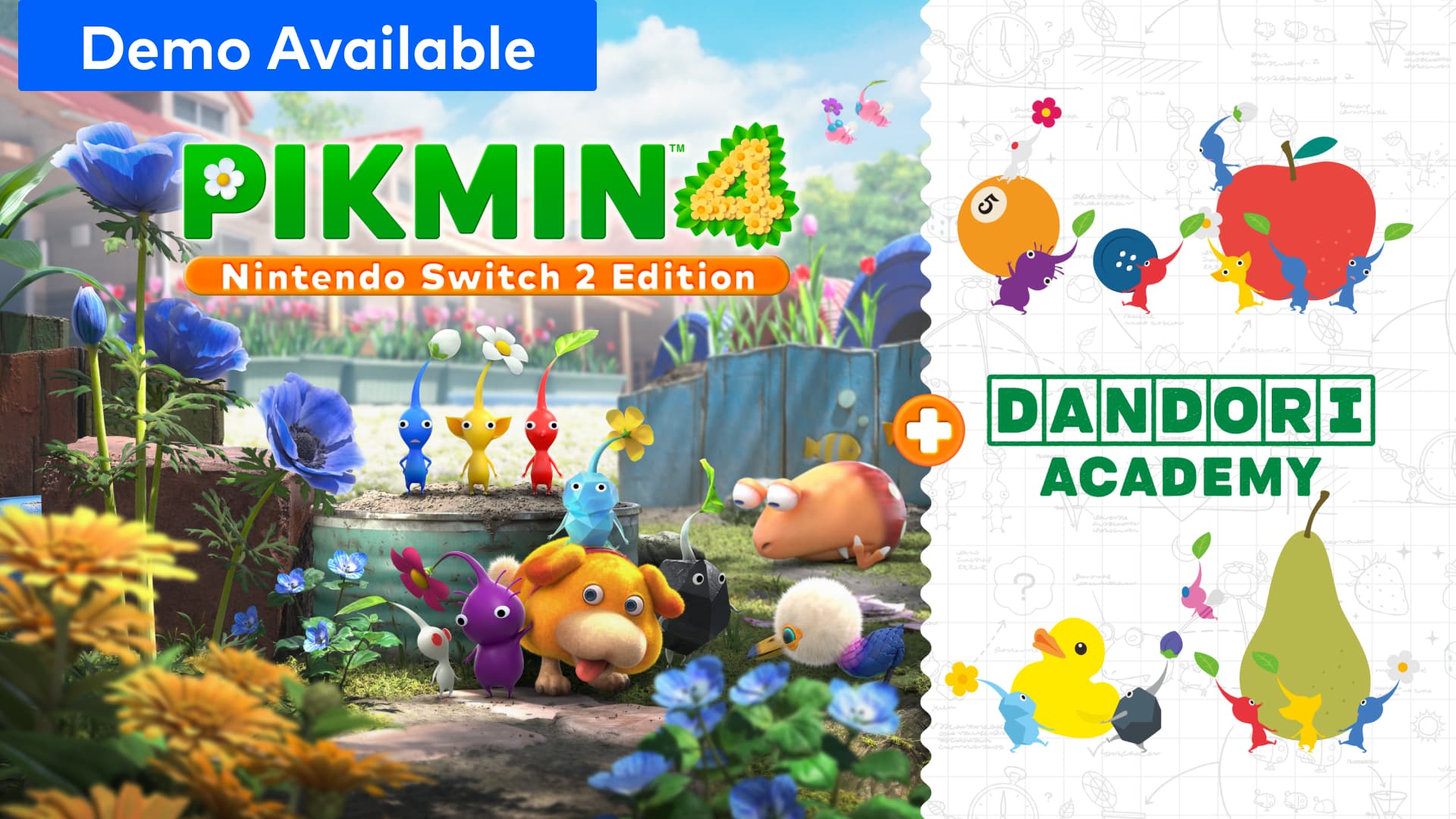
Pikmin 4's upgrade for Nintendo Switch 2 is live. Pikmin 4 – Nintendo Switch 2 Edition + Dandori Academy launched worldwide on November 12, bringing voice-commanded Oatchi, 72 new challenge stages and sharper visuals to a game that first came out in 2023. Whether it's your first trip to PNF-404 or your save file still remembers every Dandori shortcut from the original release, here is what actually changes today, what it costs, and how to get it all running on your own hardware.
What You'll Need Before You Start
Most of what's new today is tied to Switch 2 hardware specifically, not just a software patch anyone can install. Before buying anything, check that you have:
- A Nintendo Switch 2 console — Oatchi's voice commands and the higher-resolution visuals do not apply on the original Switch.
- A copy of the base Pikmin 4 game, either physical or digital, if you're buying only the Upgrade Pack rather than the full Switch 2 Edition.
- At least 1.2GB of free storage for the Upgrade Pack alone, or up to 12.8GB if you're installing the full Switch 2 Edition from scratch.
- An internet connection, a Nintendo Account and an active Nintendo Switch Online membership if you plan to use GameChat for online Dandori Battles.
Buy the Upgrade Pack, Not the Whole Game Again
Nintendo isn't charging existing owners full price twice. Anyone who already owns Pikmin 4 on Switch or Switch 2 can buy the Nintendo Switch 2 Edition + Dandori Academy Upgrade Pack on its own for $9.99, a 1.2GB download that patches the enhancements onto a save you already have. Starting fresh costs $69.99 digitally for the full Switch 2 Edition, a 12.8GB download on Switch 2 hardware or 11.2GB on the original Switch. If your copy of Pikmin 4 is a physical cartridge, buying the digital Upgrade Pack doesn't replace it — you'll still need to insert the original game card to play, with the Upgrade Pack layering its content on top. Either way, the first step is letting the game update itself: Nintendo's official update guide walks through installing Ver. 2.0.0, the patch that actually unlocks the new content for anyone who already owns the game on cartridge or as a download, and lists the system-update prompt to watch for if the eShop hasn't already queued it automatically.
Turning On Oatchi's Voice Commands
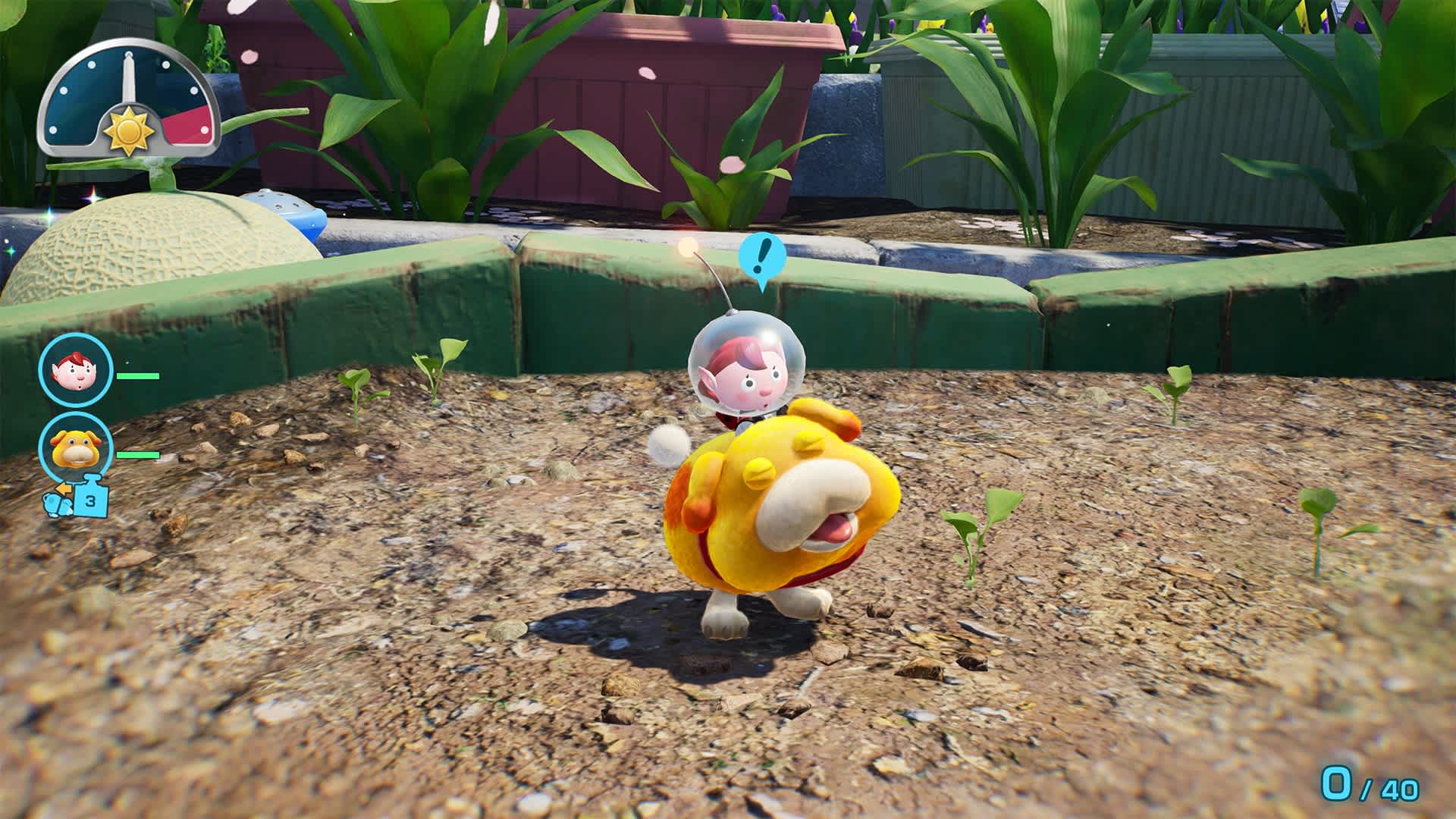
The headline new feature only works with a working microphone and an actual Switch 2 console. Once Ver. 2.0.0 is installed, Oatchi can respond to spoken commands picked up through the system's built-in microphone while you play, letting you call him over or redirect a pack of Pikmin without reaching for a button. There's no separate in-game menu toggle to hunt for: the system mic simply listens during gameplay, so the setting that actually matters lives in System Settings, where the microphone needs to stay enabled rather than muted at the OS level. Speak at a normal volume rather than shouting at the screen, and if commands still aren't registering, try moving closer to the console in handheld mode, since the mic is built into the unit itself rather than a headset.
Picking a Difficulty in Dandori Academy
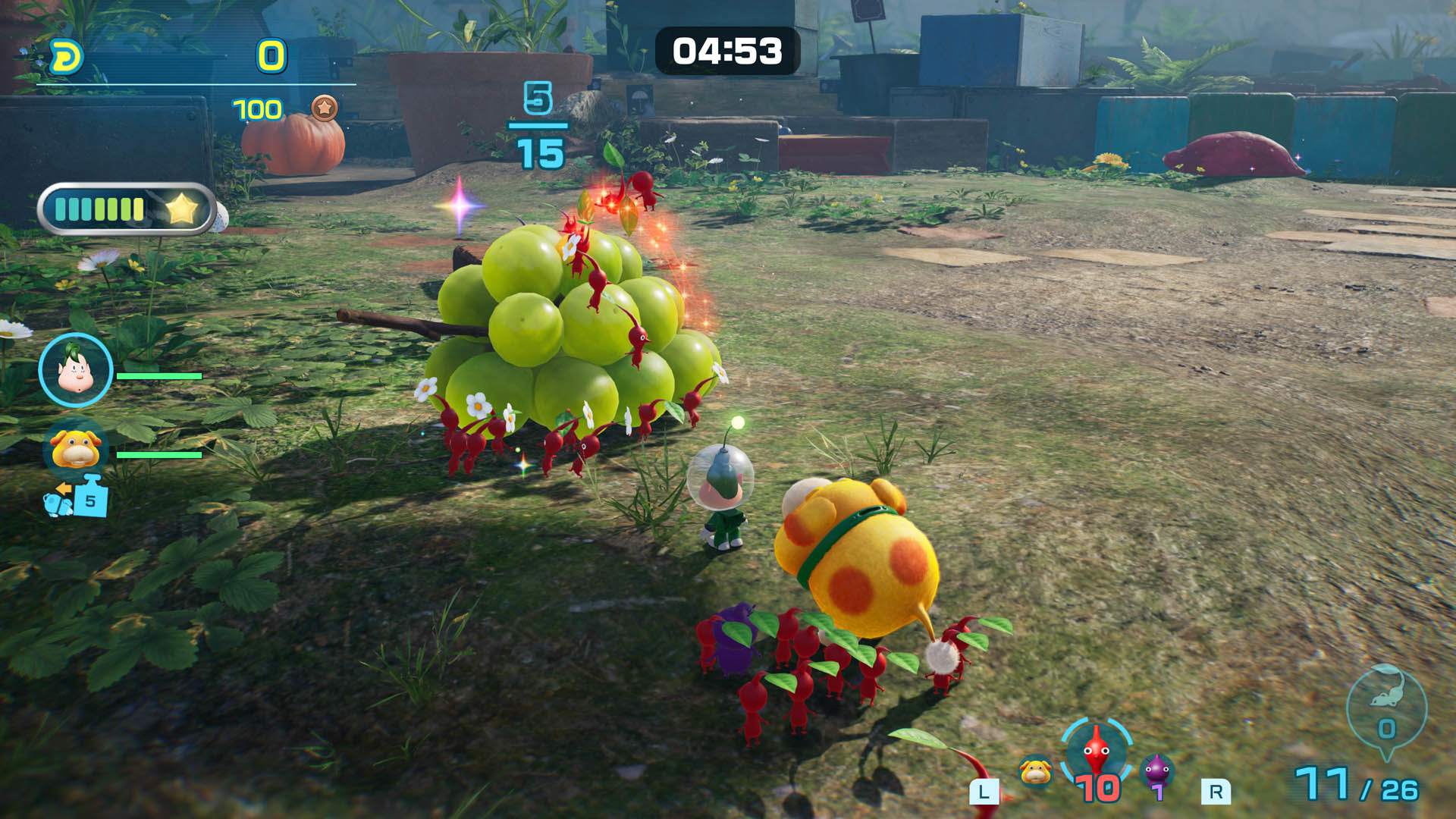
Dandori Academy is the Upgrade Pack's biggest addition: a standalone mode built entirely around the series' signature multitasking, separate from the story campaign. Nintendo is rolling out 72 exam stages over time rather than dropping all of them at once, and the stages span a range of difficulty levels so newcomers and series veterans aren't solving the same puzzle on day one. Clearing a stage earns an in-game medal, which makes it worth replaying early exams for a faster route once you've learned a stage's layout, rather than moving on the moment you first clear it — later, harder exams reward the habits those easier stages are built to teach. Treat the opening batch as a crash course in Dandori thinking, splitting your Pikmin into simultaneous tasks instead of moving them as one group, before tackling whatever arrives in the mode's later waves.
Inviting a Friend Who Doesn't Own the Game
Dandori Battles, the head-to-head mode, now extends beyond local same-system play through GameShare. A friend can join a Dandori Battle without owning a copy of Pikmin 4 at all, either locally over wireless or online through GameChat. The online route has real prerequisites: both players need a Nintendo Switch 2 console, an active Nintendo Switch Online membership, a signed-in Nintendo Account and an internet connection, and according to Nintendo's GameShare overview and FAQ, a borrowed copy stays playable only for the length of that GameChat session — it isn't a way to keep playing for free after your friend logs off. Start the GameChat room first, then launch the Dandori Battle from inside it rather than trying to send an invite mid-match, since GameShare sessions have to be started from a Switch 2 console acting as host.
TV Mode Versus Handheld: What Actually Changed
Nintendo's own description of the visual upgrade is deliberately broad — "improved high-resolution visuals" in both TV mode and handheld mode — and the company hasn't published exact resolution or frame rate figures for either. In practice, that means the most noticeable difference shows up in TV mode on a large screen, where the extra resolution has more room to register. If you split your time between docked and portable play, don't expect handheld mode to look identical to a 4K television; the underlying assets are the same, but how much of the added detail actually reaches your eyes depends on screen size and viewing distance as much as the console's own output. There's no manual graphics option to switch between a resolution or performance mode here — the Switch 2 Edition simply renders at its improved settings automatically in whichever mode you're playing.
Is It Worth Upgrading Today?
For $9.99, the Upgrade Pack is an easy recommendation for anyone with Pikmin 4 already installed — Oatchi's voice commands and the sharper visuals apply the moment the patch lands, and Dandori Academy gives a real reason to boot the game back up even after finishing the story. Newcomers deciding between the original Switch release and the $69.99 Switch 2 Edition should simply buy on Switch 2 if they own one; there is no version of this upgrade that makes the older release the better buy. The one caveat worth knowing before diving in: 72 stages released over time means Dandori Academy is a slow rollout, not a complete new campaign available from minute one, so budget a first session's expectations accordingly.
Official links
- Pikmin 4 – Switch 2 Edition (Nintendo Store)nintendo.com
- Switch 2 Edition Upgrade Pack (Nintendo Store)nintendo.com
- Pikmin 4 (Nintendo Store)nintendo.com
- GameShare Overview and FAQ (Nintendo Support)en-americas-support.nintendo.com
- How to Update Pikmin 4 (Nintendo Support)en-americas-support.nintendo.com
Lena tests the hardware that games run on, from handheld thermals to controller latency. If a spec sheet is doing something suspicious, she has already opened the device.