How to Fix Radeon RX 9000 and RX 7000 Crashes With AMD's New Adrenalin 26.10.2 Driver
AMD's Adrenalin 26.10.2 driver fixes FSR Frame Generation crashes, video-playback timeouts and a Valor Mortis shutdown bug on Radeon RX 9000 and RX 7000 GPUs.
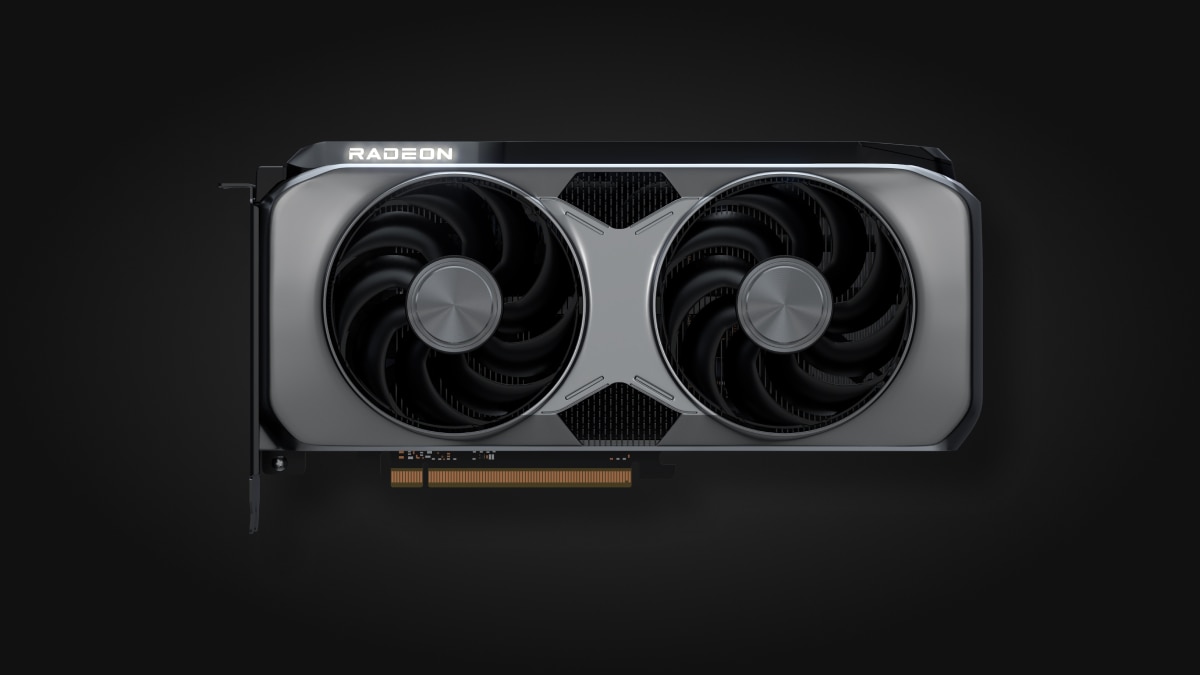
AMD has shipped a fix-only driver update aimed squarely at the two complaints that show up most often in Radeon owner forums: random crashes with AMD FSR Frame Generation switched on, and driver timeouts that knock a GPU out mid-session. AMD Software: Adrenalin Edition 26.10.2 went live on October 30 as an optional release, and AMD's own release notes list ten resolved issues split across the Radeon RX 9000 and RX 7000 series. There's no new game support and no performance headline this time, but for anyone whose Radeon card has locked up mid-match recently, it is the update worth grabbing first.

What Adrenalin 26.10.2 Actually Fixes
AMD packages the update as driver version 26.20.15.12, built for 64-bit Windows 10 and Windows 11, and the release notes describe it plainly as a bug-fix pass rather than a feature drop. That matters for anyone who held off on 26.10.1 because of its own known issues: 26.10.2 slots in as a cleanup release, not a replacement for the Game Ready optimizations AMD has been shipping for titles like Call of Duty: Modern Warfare 4 and Final Fantasy Resonance in earlier builds. The current Radeon RX 9070 and RX 9060 series, along with the RX 9050 and the older RX 7000 line, all pick up fixes in this build.
Radeon RX 9000: Frame Generation Crashes and a Call of Duty Corruption Bug
The biggest item for RX 9000 owners is a fix for intermittent crashes and hangs that occurred when switching between applications or toggling an overlay while a game had in-game AMD FSR Frame Generation running. That bug had been showing up across a range of titles since Frame Generation became a standard RX 9000 feature, and AMD's notes single it out as resolved in this release. Alongside it, 26.10.2 fixes an application hang in Death Stranding 2: On the Beach that occurred specifically with FSR enabled, a case of black-screen corruption in Call of Duty: Modern Warfare Remastered on RX 9000 hardware, and application failures that some Windows 10 users hit after running AMD's Cleanup Utility to remove a previous driver before installing a new one.
Radeon RX 7000: Video Playback Timeouts and a Valor Mortis Shutdown
RX 7000 owners get a narrower but still disruptive set of fixes. The headline item resolves Windows 11 driver timeouts that occurred during video playback specifically when Hardware-Accelerated GPU Scheduling, a Windows feature most Radeon users leave switched on, was enabled. AMD also patched sporadic full-system shutdowns in Valor Mortis on RX 7600-series cards, plus a broader set of driver timeouts reported on other RX 7000-series products that weren't tied to one specific title.
General Fixes Across Every Radeon GPU
A handful of the ten resolved issues apply regardless of which Radeon generation is installed. AMD closed a crash that happened when opening or closing the Xbox Game Bar overlay while its own Performance Measurement Overlay was active, an awkward conflict between two overlays most players never think to disable. It also fixed intermittent crashes while the Steam client itself was loading, sporadic shutdowns in Final Fantasy Resonance specifically on systems using a Ryzen AI MAX PRO 400 processor, and a cosmetic but annoying bug in AMD's own Install Manager that failed to list optional drivers when a user selected "Recommended and Optional" during setup.
It's a tighter turnaround than usual: AMD's previous WHQL build, 26.10.1, only shipped on October 20 with support for Call of Duty: Modern Warfare 4, Star Wars: Galactic Racer and Final Fantasy Resonance. Ten days later, 26.10.2 arrived purely to clean up stability complaints that build introduced or left unresolved, rather than to add anything new. That cadence is worth knowing if you're deciding whether to update at all — this isn't a driver to wait out for a "better" version down the line, since the next scheduled Game Ready release will likely carry its own set of day-one quirks.
How to Install the Driver
Because 26.10.2 is listed as optional rather than WHQL-recommended, it won't necessarily appear as an automatic prompt for everyone. The safest path is still through AMD's own channels rather than a third-party download mirror.
- Open AMD Software: Adrenalin Edition, go to the Updates tab, and check for an available driver; select "Recommended and Optional" if the update doesn't show under the default filter.
- Alternatively, download the package directly from AMD's driver support page for your specific card, which lists 26.10.2 alongside the full release notes.
- If you're coming from a driver older than 26.10.1, run a clean install through AMD's Cleanup Utility first, then reboot before installing 26.10.2, rather than installing the Cleanup Utility and the new driver back to back — that sequencing is what triggered one of the application failures this release fixes.
- After installation, confirm the version number under AMD Software's Performance tab or the System tab in Adrenalin Edition reads 26.10.2 (driver version 26.20.15.12) before reporting any remaining issue to AMD.
What's Still Broken, and AMD's Suggested Workarounds
AMD is upfront that 26.10.2 doesn't close every open ticket. Four issues remain flagged as known in the current release notes, each with a workaround rather than a fix:
- Phantom Blade Zero on RX 9000: visual corruption affecting sky textures and character hair. AMD's suggested workaround is disabling the game's High-Quality Hair setting until a future driver addresses it.
- Assassin's Creed Black Flag Resynced on RX 7000: periodic program crashes and driver timeouts persist. No workaround is listed yet beyond lowering in-game settings.
- Cyberpunk 2077 on RX 9000: some systems crash when a video plays on a secondary display while the game runs with FSR Upscaling, Radeon Anti-Lag, and in-game Frame Generation all active simultaneously. AMD recommends disabling in-game Frame Generation as the workaround.
- War Thunder on Radeon RX 5000: owners of that older generation who hit timeouts are advised to stay on driver 26.9.1 rather than updating, since the issue hasn't been resolved for that hardware tier.
For most current Radeon owners, none of those four should be a reason to skip the update — they're narrower than the crashes 26.10.2 actually fixes, and AMD's own RDNA 4 architecture that underpins the RX 9000 series continues to get its stability issues ironed out generation by generation. Anyone running an RX 9000 or RX 7000 card who has hit a Frame Generation crash, a video-playback timeout, or an unexplained shutdown in the past few weeks should treat 26.10.2 as a mandatory update rather than an optional one.
Official links
Lena tests the hardware that games run on, from handheld thermals to controller latency. If a spec sheet is doing something suspicious, she has already opened the device.