Xbox Insiders Can Now Pick Dynamic Background Favorites and Flip the Guide
Microsoft's latest Xbox Insider build adds shuffling dynamic backgrounds, a separate view for disc-to-digital licenses, and a right-side Guide option.
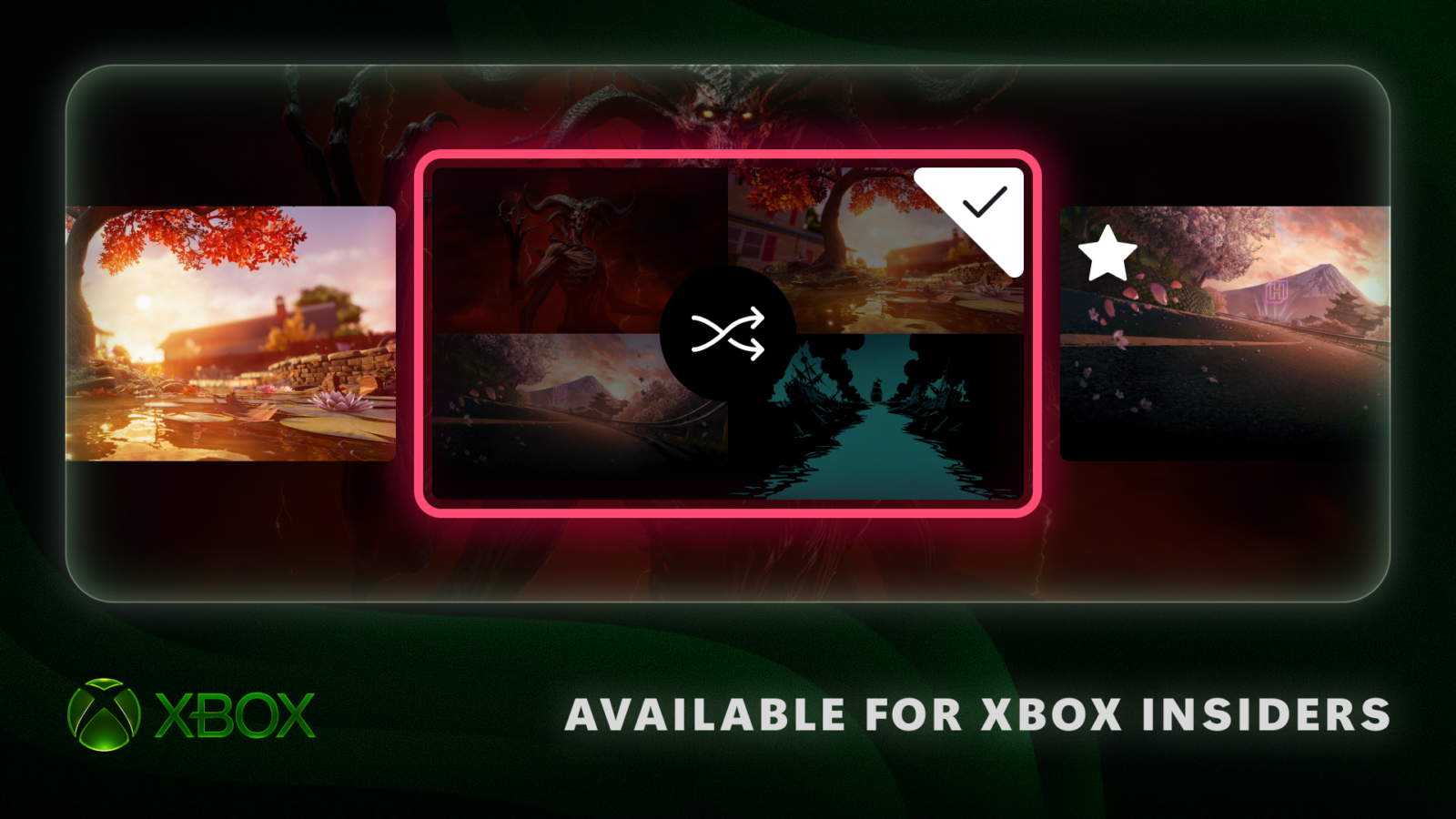
Microsoft has begun rolling out a trio of personalization updates for Xbox consoles, giving Xbox Insiders more control over how their Home screen, game library, and Guide look and behave. The changes landed on November 12, 2026 through the Xbox Insider Program, with Alpha Skip-Ahead members first in line before the features reach wider rings and, eventually, all players.
The update, detailed in an Xbox Wire post by Principal Software Engineering Lead Eden Marie and Senior Product Manager Judy Chen, focuses on three areas: dynamic backgrounds that can be saved and shuffled automatically, a way to separate converted digital licenses from the rest of a library, and the option to move the Guide to either side of the screen.
Favorite backgrounds, now on shuffle
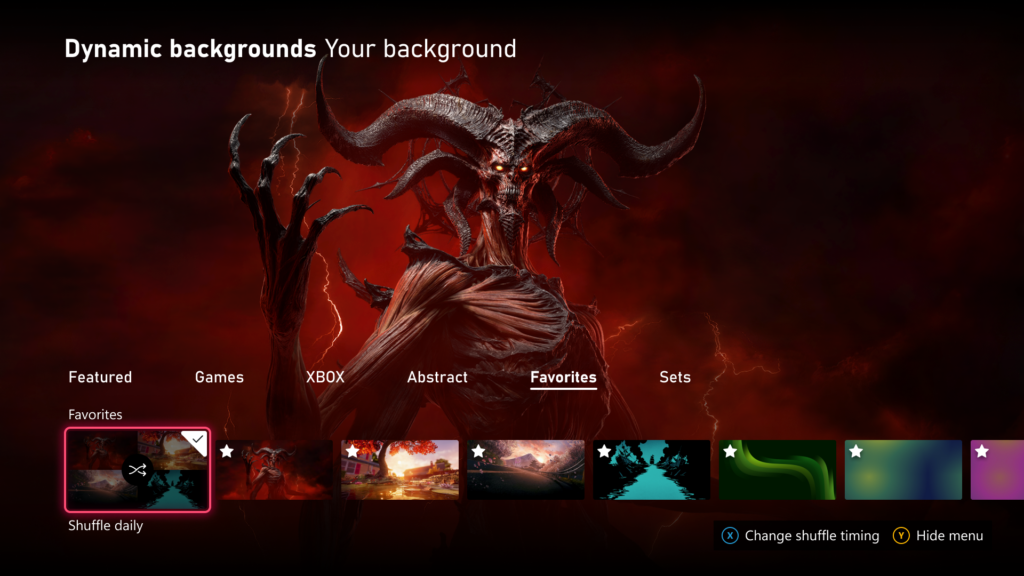
Xbox has offered animated, theme-specific backgrounds for years, but until now players had to dig through categories every time they wanted to switch one in. The new build lets Insiders save individual dynamic backgrounds to a dedicated Favorites category, reachable from Settings > General > Personalization > My background > Dynamic backgrounds. Saved favorites can then be set to shuffle automatically, with the console swapping images at every sign-in, or on an hourly, daily, or weekly schedule.
The feature also removes a long-standing restriction on backgrounds tied to specific hardware. Players who save the dynamic background created for the Xbox Wireless Controller X25 Special Edition can keep using it on their Home screen even without that controller connected to the console.
Keeping disc-to-digital conversions separate
Since August, players have been able to claim a digital license for games they already own on disc, a conversion feature meant to let physical-media owners access cloud saves and Xbox Cloud Gaming without buying a second copy. The new Insider build adds a way to manage where those converted titles show up.
- Converted titles now appear in their own category in the full library view by default.
- Players who want everything in one place can fold converted games back into the main collection.
- The same settings page can hide the small digital license icon that otherwise marks those tiles.
Both options live in Settings > General > Personalization > Games & apps.
Choosing a side for the Guide
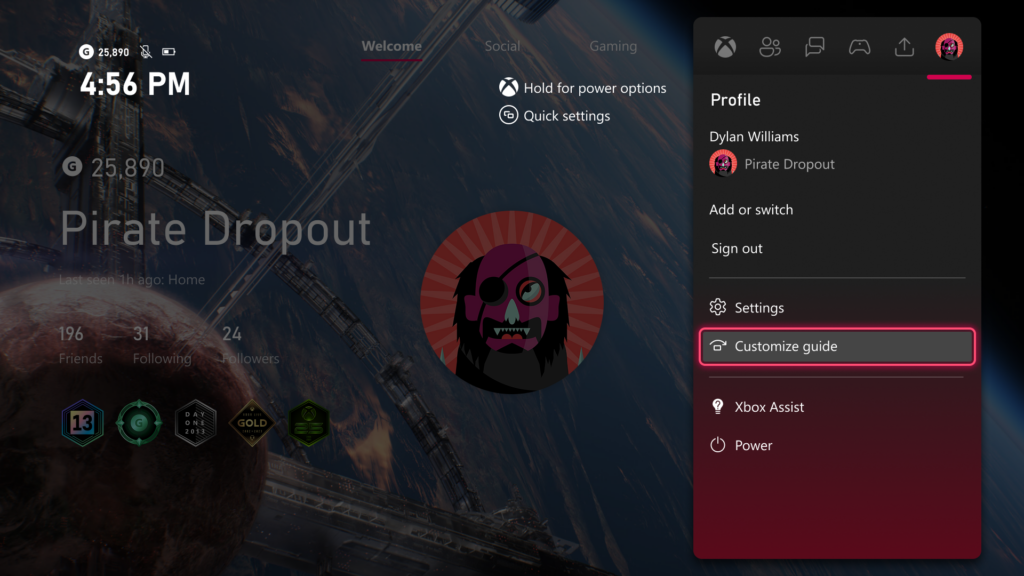
The Guide overlay, which surfaces notifications, quick settings, and capture tools without leaving a game, has always opened from the left edge of the screen. Insiders can now flip that in Settings > General > Personalization > Guide, pulling it in from the right instead. Microsoft framed the change as a matter of habit and controller grip rather than a functional overhaul, closing its post by asking players directly whether they are team left or team right.
Part of a broader personalization push
The November update continues a pattern from Microsoft this year, which has steadily expanded how much of the Xbox dashboard players can reshape. Earlier 2026 Insider builds added extra Home groups, custom accent colors, and expanded library filters; this release narrows in on the details of backgrounds, licensing clarity, and Guide ergonomics rather than introducing a new system-wide feature.
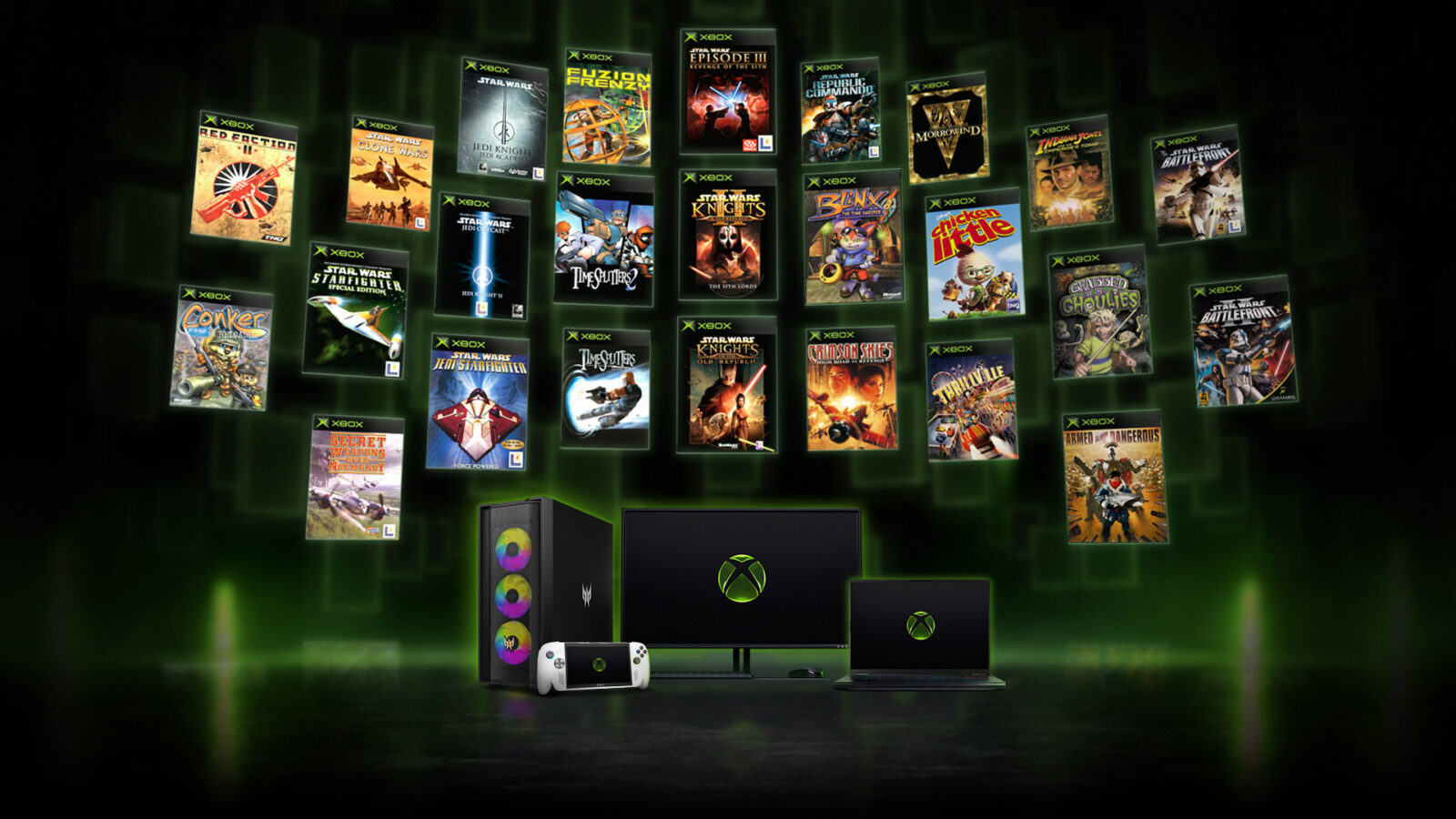
The rollout also lands the same week Microsoft marked Xbox's 25th anniversary with a wave of announcements, including expanded backward compatibility for original Xbox titles on PC and a limited-edition Series X25 console and controller. The background feature's nod to the X25 controller ties the Insider update loosely to that celebration, even though the personalization changes themselves are available on any current Xbox console.
How to try it
The features are live now for Xbox Insiders in the Alpha Skip-Ahead ring, through the Xbox Insider Hub app. Microsoft said it plans to expand access to more rings, and eventually all players, over time, with no firm date yet attached to a general release. Insiders already in the program can submit feedback through the Xbox Insider subreddit or at aka.ms/XBOXplayervoice; anyone else can join the Insider Program to get early access to future builds.
Microsoft has not said whether additional personalization options are planned for the next Insider wave, but the steady cadence of these updates suggests dashboard customization will keep expanding well ahead of any next-generation hardware.
Official links
Lena tests the hardware that games run on, from handheld thermals to controller latency. If a spec sheet is doing something suspicious, she has already opened the device.