AMD's Adrenalin 26.11.2 Driver Fixes a Smart Access Memory Bug and Adds Two Games
AMD's November 18 Adrenalin 26.11.2 driver fixes a Smart Access Memory bug, patches a memory leak, and adds support for two newly released games.
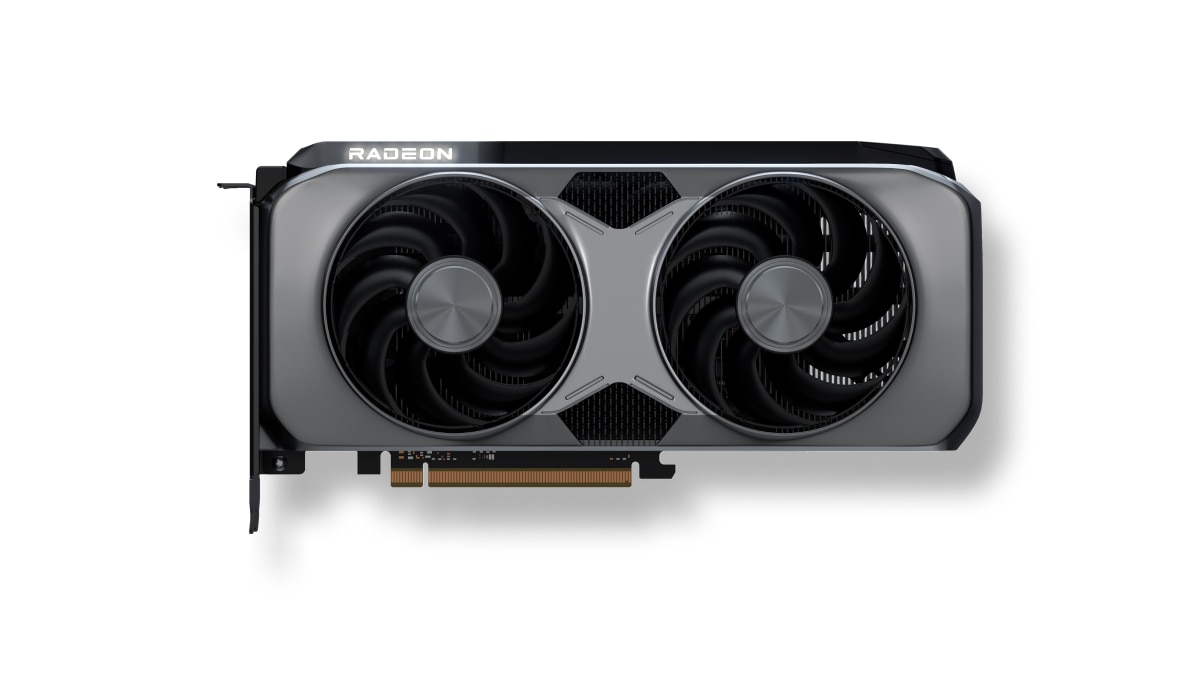
AMD shipped AMD Software: Adrenalin Edition 26.11.2 on November 18, 2026, and it is the most consequential Radeon driver in weeks: it re-enables a Windows 10 feature the previous release accidentally switched off, closes nine other bugs, and formally adds support for two games. If you run a Radeon RX 5000 series card or newer, here is exactly what changed, how to get the update safely, and which known issues are still worth watching before you install.

What's new in Adrenalin 26.11.2
According to AMD's own 26.11.2 release notes, the update is built around "stability and reliability improvements" rather than one headline feature. The concrete additions are support for ROCm 10.2, AMD's compute stack for machine-learning and HPC workloads, plus official New Game Support for Crimson Desert Enhanced: Charting the Unknown and Phantom Blade Zero. New Game Support means AMD has validated and optimized the driver against that specific title, not that the game gained new graphics features on its own. ROCm 10.2 itself won't matter to most gamers, but it underlines that AMD is still shipping gaming and compute driver updates through the same monthly Adrenalin package rather than splitting them apart.
The package itself carries two Windows driver builds: version 26.20.29.02 for the current Windows Driver Store line, and a parallel 25.10.45.29 build, alongside Ryzen AI NPU driver 32.00.20102.4480. Both ship together, and AMD Software: Adrenalin Edition picks the correct one for your system automatically during installation, so there's no separate download to choose between.
How to download and install it
Most owners will see 26.11.2 offered inside the Adrenalin app itself: open AMD Software, go to the Drivers tab, and click Update if it isn't already queued. For a manual install, grab the package from the AMD Software: Adrenalin Edition page, which always links the current WHQL build for RDNA-based Radeon RX and PRO cards.
- If you're coming from a driver older than 26.10.x, or you've hit flickering, black screens or install failures in the past, run the official AMD Cleanup Utility first to remove the old driver cleanly before installing 26.11.2.
- AMD's own installation walkthrough covers both the Express and Custom install paths, including how to keep your existing Adrenalin profiles and overlay settings.
- 26.11.2 supports Windows 11 version 21H2 and later, and 64-bit Windows 10 version 21H2 and later. AMD notes this release is a notebook reference driver for laptop GPUs, so some vendor-specific features may only fully arrive through your laptop maker's own driver package.
- The update is compatible with the full current Radeon lineup from the RX 5000 series through the newest RX 9070 / 9060 / 9050 cards, plus AMD's Radeon PRO workstation line, so there's no need to check a separate compatibility list beyond confirming your card generation.
The fixes that matter most
Top of the list is a genuinely annoying regression: AMD Smart Access Memory could silently turn itself off after installing a driver on Windows 10, quietly costing owners of supported Ryzen and Radeon combos the extra performance SAM is meant to deliver. 26.11.2 fixes that outright, so it's worth reopening Adrenalin's Performance tab after updating to confirm SAM shows as enabled again.
Several other fixes target specific Radeon RX 9000 series and older-card scenarios: a crash on first launch of Resident Evil Requiem after resetting the shader cache on RX 7000-and-up cards, visual corruption in Phantom Blade Zero's character hair on RX 9000 cards, intermittent crashes or driver timeouts while streaming with OBS Studio on RX 9000 cards, a system crash when launching an application from a long file path on RX 7000 cards, and a failure to launch PETAFAB: Bot Invasion on RX 6000 cards. AMD also closed a slow memory leak that made applications take progressively longer to launch over time on RX 5000-and-up hardware, and extended November 12's fix for excessive idle writes to the system drive — previously scoped to RX 7000 and above — down to RX 5000 and RX 6000 cards running Windows 10. That idle-write bug had been nagging owners with SSD wear concerns since at least the 26.11.1 release, so seeing it closed out for the older card generations too is a genuinely useful cleanup rather than a cosmetic changelog entry.
Known issues to watch for
AMD's notes are upfront about what 26.11.2 doesn't fix yet. Cyberpunk 2077 can still crash or time out on some RX 9000 cards when AMD FSR Upscaling, Radeon Anti-Lag and in-game frame generation are all active during secondary-display video playback; AMD's own workaround is to turn off in-game frame generation. Gears of War: Reloaded can show a black screen on launch on Ryzen AI 9 400 series processors — toggling the in-game display mode from Fullscreen to Windowed and back resolves it. Assassin's Creed Black Flag Resynced can still crash or time out on RX 7000 cards, and Call of Duty: Modern Warfare Remastered can briefly stop responding to Alt+Tab on Ryzen AI Max PRO 400 series systems or show black corruption on RX 9000 cards. None of these are new to 26.11.2; AMD has carried them forward from 26.11.1 while it keeps working on fixes, so don't expect this release to clear them up on its own.
There's one specific regression to flag for anyone chasing the new game support: AMD's notes say the original (non-Enhanced) Crimson Desert can fail to launch on RX 6000 cards under 26.11.2, and the recommended fix is to roll back to Adrenalin 26.11.1 until a further patch lands. If you don't play that specific game, there's no reason to hold back the update, and AMD's installer makes rolling back or forward between the two versions straightforward through the Cleanup Utility if you do need to switch.
A note for handheld owners
If you're running a Windows handheld — an ROG Xbox Ally, a Legion Go 2 or similar — AMD Software: Adrenalin Edition explicitly does not include support for handheld gaming devices, and AMD directs owners to their device maker for a vendor-specific driver instead. Installing the standard desktop or laptop Adrenalin package on a handheld can skip optimizations your manufacturer ships separately, so check ASUS, Lenovo or your OEM's own support page before pulling this update onto a handheld rather than assuming it behaves the same way it does on a desktop GPU.

Should you install it now
For most Radeon RX 5000-series-and-newer desktop owners, 26.11.2 is a straightforward upgrade: it fixes a real performance regression in Smart Access Memory, patches a slow memory leak, and adds validated support for two newly released games without introducing any severe new known issues of its own. The one group that should pause is anyone who specifically plays the original Crimson Desert on an RX 6000 card, where staying on 26.11.1 a little longer avoids a launch failure. Everyone else can update through the Adrenalin app or AMD's own download page, spend thirty seconds confirming Smart Access Memory came back on, and move on with the rest of their evening.
Official links
Lena tests the hardware that games run on, from handheld thermals to controller latency. If a spec sheet is doing something suspicious, she has already opened the device.