How to Enable Path Tracing and DLSS 4.5 in CONTROL Resonant on PC
CONTROL Resonant launched with path tracing, DLSS 4.5 Ray Reconstruction and Dynamic Multi Frame Generation on PC. Here's where every setting lives.
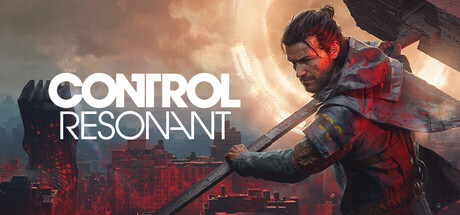
Remedy Entertainment's CONTROL Resonant launched worldwide on September 24 for PlayStation 5, Xbox Series X|S and PC, and its Steam and Epic Games Store release doubles as one of the most demanding ray tracing showcases of the year. The Northlight Engine sequel supports full path tracing, DLSS 4.5 Ray Reconstruction and Dynamic Multi Frame Generation on GeForce RTX cards, and Remedy built the settings menu so almost any PC can find a stable combination. Here is exactly where each option lives, what it does, and what it costs in performance.
Turning on path tracing
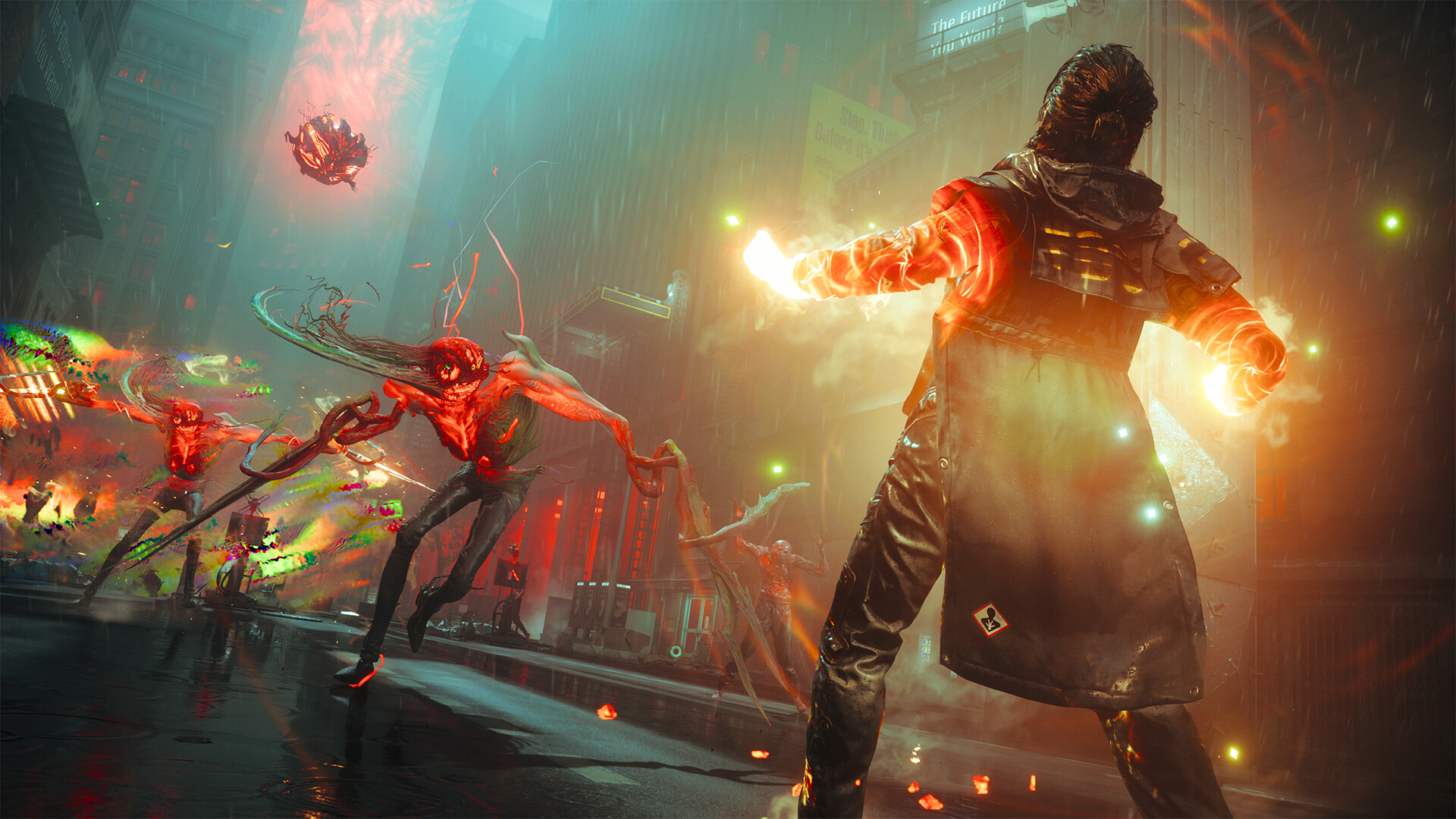
Path tracing sits inside the graphics menu under Ray Tracing Preset. Setting it to Ultra activates full path-traced direct and indirect illumination across the Federal Bureau of Control and Dylan Faden's warped Manhattan, replacing the game's baked and screen-space lighting with physically accurate bounced light, reflections that hold detail even off-screen, and ambient occlusion that reacts to the environment in real time. NVIDIA's own breakdown of the feature describes it as recalculating how light bounces through indoor and outdoor spaces alike, which is why doorways, glass and Oldest House hallways look dramatically different with the preset enabled versus the standard ray tracing tiers below it.
Path tracing on Ultra is built around GeForce RTX hardware specifically. Steam's listed minimum and recommended specifications only guarantee standard ray tracing on AMD and Intel cards, covering everything from a Radeon RX 5600 XT or Arc A580 at the low end up to a Radeon RX 6700 XT or Arc B580 at the recommended tier. Radeon and Arc owners should plan around one of the ray tracing presets below Ultra rather than expecting the full path-traced mode to appear as an option.
DLSS 4.5 Ray Reconstruction: automatic, not optional
If you run an RTX card and switch Ray Tracing Preset to Ultra, DLSS 4.5 Ray Reconstruction turns on automatically rather than living as a separate toggle you need to hunt for. Ray Reconstruction replaces the game's hand-tuned denoiser with an AI network NVIDIA trained on a supercomputer, and its job is to clean up the noisy, grainy pixels that path tracing produces before a frame is fully resolved. NVIDIA describes the model as unifying denoising and Super Resolution into a single pass that reads temporal and spatial data straight from the engine to rebuild sharper, more stable, higher-fidelity frames. In practice, that means path tracing looks far less noisy and far more temporally stable in CONTROL Resonant than it would with a conventional denoiser, especially in the game's darker interior spaces and during fast camera movement.
Because Ray Reconstruction is bundled into the Ultra preset, there is no scenario where you would want path tracing without it on supported hardware; the two features were built and validated together for this specific title.
Setting up Dynamic Multi Frame Generation
The third piece is Dynamic Multi Frame Generation, which supports up to a 6x multiplier and, unlike earlier frame generation implementations, automatically adjusts how many frames it generates based on how demanding a given scene is, aiming to hit whatever target frame rate the player selects rather than locking to a fixed multiplier throughout. It sits in the same graphics menu as the upscaling and frame generation controls, alongside the usual DLSS mode selector.
With Ultra path tracing and the full 6x multiplier active, NVIDIA's own benchmarks put an RTX 5090 at 320 fps at 4K and an RTX 5080 at 220 fps, while at 1440p an RTX 5070 Ti reaches 240 fps. Drop to 1080p and even an RTX 5060 Ti holds 215 fps under the same Ultra settings. Laptop GPUs scale similarly: an RTX 5090 laptop chip hits 340 fps at 2560x1600 on the High preset, and every RTX 50-series laptop GPU clears 260 fps at 1080p on the same preset.
Matching settings to your hardware
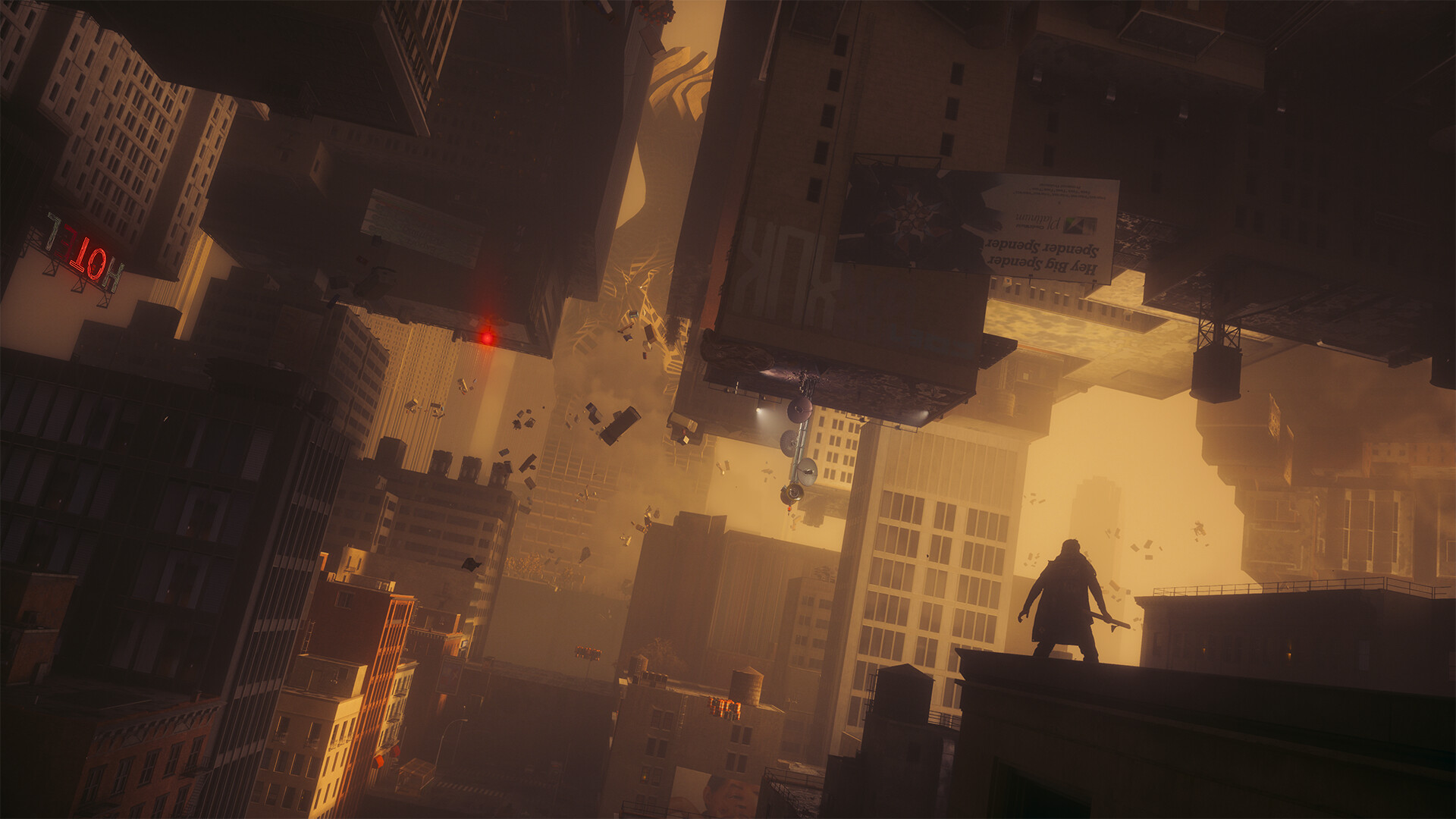
Steam's published system requirements make the gap between "runs" and "runs with path tracing" explicit. The minimum spec, an Intel Core i5-8500 or Ryzen 5 3500 with a GeForce GTX 1070, Radeon RX 5600 XT or Arc A580, targets standard rendering rather than any ray tracing preset. The recommended spec steps up to an Intel Core i7-10700 or Ryzen 7 3700X paired with an RTX 3060 Ti, Radeon RX 6700 XT or Arc B580, which is enough for the game's entry-level ray tracing profile at 1080p. Reaching Ultra path tracing at a locked 4K/60 without leaning entirely on frame generation is where Remedy sets the bar at an RTX 5080, and even that benchmark uses a Performance-tier upscaling preset rather than native rendering. Every tier needs 16GB of RAM and 120GB of SSD storage; Remedy lists an SSD as a hard requirement rather than a suggestion, since the Northlight Engine streams geometry and textures aggressively as Dylan moves through the Oldest House.
Practical settings by GPU tier
- RTX 4070 and below: leave Ray Tracing Preset on a standard setting rather than Ultra, let DLSS 4.5 Super Resolution do the upscaling work, and treat full path tracing as a screenshot mode rather than a way to actually play.
- RTX 4070 Ti / 4080-class cards: Ultra path tracing is playable with Frame Generation carrying a chunk of the frame rate, but expect to lean on the Balanced or Performance upscaling modes at 1440p and above.
- RTX 5070 Ti and up: this is where Dynamic Multi Frame Generation's 6x multiplier does its best work, comfortably covering the frame rate target at 1080p and 1440p with Ultra path tracing fully enabled.
- RTX 5080 / RTX 5090: native or lightly-upscaled 4K with Ultra path tracing is realistic, and NVIDIA's benchmarks show both cards holding well past 200 fps once frame generation is engaged.
NVIDIA is also running a CONTROL Resonant bundle through September 29, pairing a Steam copy of the game with qualifying GeForce RTX 50 Series graphics card and laptop purchases, alongside a dedicated Game Ready Driver built specifically for the game's launch. If path tracing still stutters after matching your card to the tiers above, the most common fix is dropping the DLSS mode one notch, from Quality to Balanced, before touching anything else; Ray Reconstruction keeps image quality stable enough at Balanced that the difference is far smaller than the frame rate gain it buys back.
Official links
Lena tests the hardware that games run on, from handheld thermals to controller latency. If a spec sheet is doing something suspicious, she has already opened the device.