How to Fix Phantom Blade Zero, AION 2 and The Forest on Steam Deck Now
Valve's November 10 Proton Experimental update fixes Phantom Blade Zero video stutter, an AION 2 crash, and a The Forest bug. Here is how to get it on Steam Deck.

Valve pushed a new build of Proton Experimental on November 10, and for anyone running a Steam Deck, Steam Frame or Steam Machine, it is worth grabbing today. The update, logged on the official Proton changelog, folds in every change from the stable Proton 11.0-2 release and adds a short list of game-specific fixes on top, headlined by a video playback stutter in Phantom Blade Zero that had made the game close to unplayable in handheld mode for some players.
Proton is Valve's compatibility layer for running Windows-only PC games on SteamOS and other Linux-based systems, and it ships in two tracks: a stable build most Steam Deck owners are already on, and an Experimental branch that gets fixes first, before they are promoted to stable. The November 10 build is an Experimental release, so it will not install itself automatically unless your library is already opted in. Here is exactly what changed, and how to get it running.
What the November 10 build actually fixes
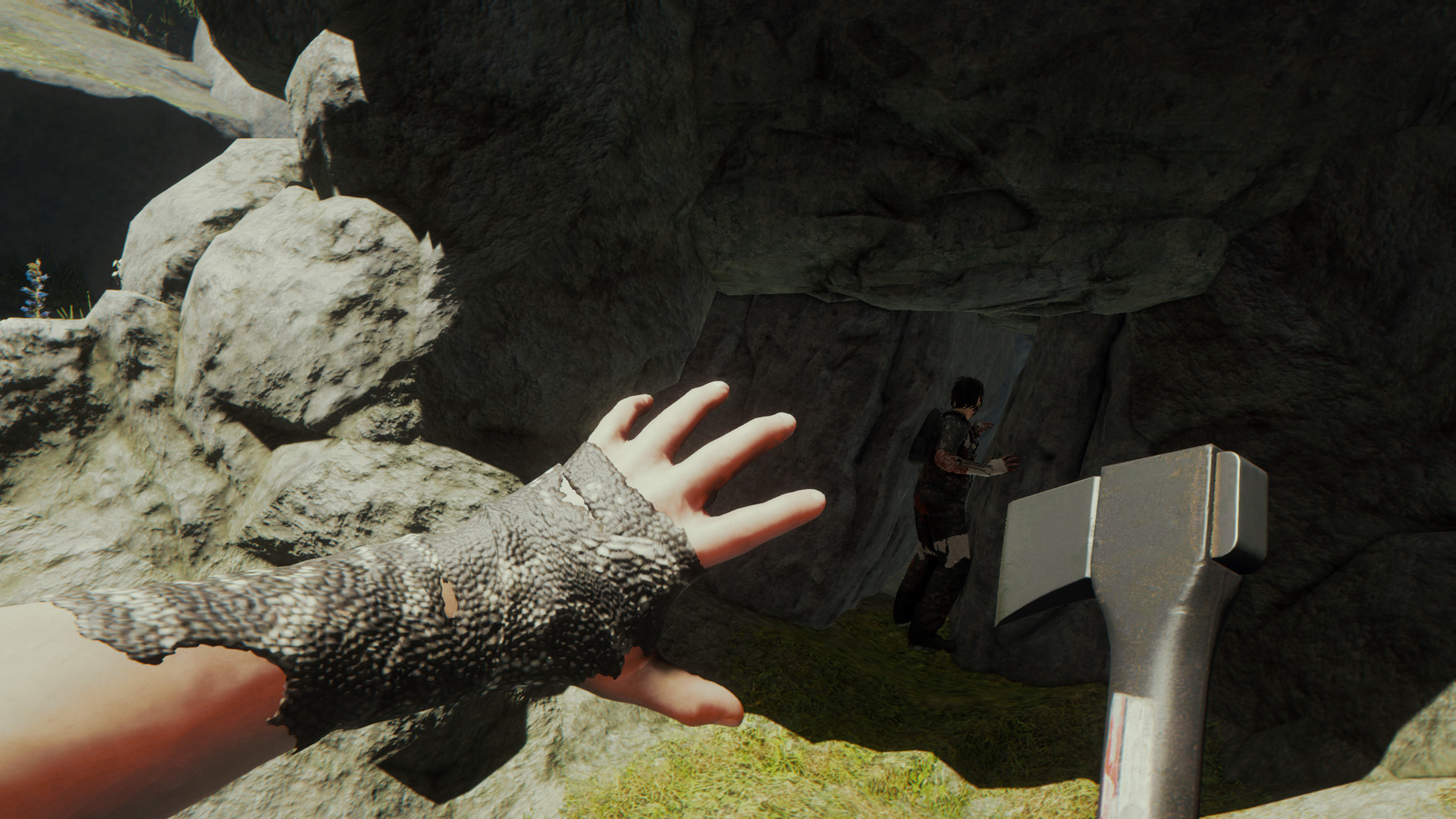
S-GAME's Phantom Blade Zero, which launched on PC and PS5 on October 28, gets a fix for video playback at high resolutions, the specific issue behind reports of stuttering cutscenes and menu video on Steam Deck and Steam Frame. NCSoft's newly launched MMO AION 2 had a crash tied to clicking the audio icon inside the party info panel; that crash is now resolved. Endnight Games' survival title The Forest no longer crashes when players cycle through its multiplayer options screen, a bug that had been tripping up co-op sessions.
- Aliens: Fireteam Elite 2 no longer hangs on its intro cutscene when the video is allowed to play fully instead of being skipped.
- Age of Empires: Definitive Edition's arrow-key crash in text input fields is fixed, alongside a separate crash in Catharage's multiplayer and a text-to-speech issue in Overwatch.
- Dark Souls II: Scholar of the First Sin is now playable on Steam Frame.
- One Piece: Pirate Warriors 3's controller mapping is fixed when Steam Input is enabled.
- Wild Assault's launch crash regression is resolved, and Among Us 3D's microphone support now works on devices other than Steam Deck.
None of this touches the stable Proton branch most Deck owners run by default. It is scoped to Proton Experimental, which Valve uses as a staging ground before changes graduate to a numbered stable release. That matters for Phantom Blade Zero in particular: the game launched day-and-date on PC and PS5 on October 28 with full Steam controller support listed on its store page, and a video-playback bug undercutting that on Steam Deck is the kind of regression Valve tends to patch through Experimental quickly rather than hold for the next scheduled stable release.
How to switch your Steam Deck to Proton Experimental
If you have never used a non-default Proton version before, the setup takes under a minute and does not require Desktop Mode:
- From Gaming Mode, press the Steam button and open Settings, then go to System.
- Under Compatibility Tools, make sure "Enable Steam Play for all other titles" is switched on, and set the default tool from the dropdown to Proton Experimental.
- Restart Steam if it was already running, so the client picks up the new default.
Proton Experimental updates itself automatically from this point forward, which is how the November 10 fixes reach your Deck without a manual download. If you are on a Steam Deck still showing an older build, opening the Steam overlay and checking for updates, or rebooting the device, will usually pull the new version down within a few minutes.
Forcing Proton Experimental for one game instead of your whole library
Setting Proton Experimental as the system default changes it for every non-native title, which is fine for most people, but if you would rather leave your current compatibility tool alone and only switch the three affected games, do it per-title instead:
- Highlight the game in your Library, press the three-dot menu button, and choose Properties.
- Open the Compatibility tab and check "Force the use of a specific Steam Play compatibility tool."
- Select Proton Experimental from the list and close the properties window. The game will use it the next time it launches.
This is the safer route if a different title in your library is already running well on an older Proton version and you do not want to risk a regression by switching everything at once.

Confirming you actually got the fix
Because Proton Experimental updates silently in the background, it is easy to assume you are on the latest build when you are not. Check Steam's own download history (in the Steam overlay or Desktop Mode's Steam menu), where a Proton Experimental update will appear as a normal content update for "Proton - Experimental" rather than for any individual game. If Phantom Blade Zero's cutscenes are still stuttering after you have confirmed the update installed, try fully quitting and relaunching Steam once more, since a Proton switch only takes effect on a game's next cold launch.
It is also worth checking Steam's per-game "Compatibility" tab to make sure nothing had previously forced an older Proton version on these three titles specifically, since a per-game override takes priority over whatever you set as the system default. If AION 2 is still crashing when you open the party info panel's audio icon, verify you are actually running the MMO through Proton rather than a native Linux build; NCSoft's launch build targets Windows only, so Proton is the only way to play it on SteamOS regardless of which version is active.
The Forest fix is narrower and easier to confirm: open the multiplayer menu and cycle repeatedly through its connection options. Before November 10, that action reliably crashed the game on Steam Deck within a few cycles; after the update, it should hold up without issue.
What this means for Steam Frame and Steam Machine owners
Valve's changelog ties this release to Proton 11.0-2 across all three of its current hardware lines, including the standalone Steam Frame headset and the living-room Steam Machine, not just Steam Deck. The Dark Souls II: Scholar of the First Sin fix specifically calls out Steam Frame compatibility, a reminder that Valve is still actively patching Proton for titles on its newest device rather than treating it as feature-complete at launch. Owners of either should see the same automatic update behavior described above, with no separate opt-in required.
A stable Proton 11.0-3 release candidate is already being tested, which typically means fixes that prove solid in the Experimental branch for a few weeks get folded into a future numbered release. For now, anyone hitting these specific bugs in Phantom Blade Zero, AION 2 or The Forest has a fix available today, as long as Proton Experimental is switched on.
Official links
Lena tests the hardware that games run on, from handheld thermals to controller latency. If a spec sheet is doing something suspicious, she has already opened the device.