How to Get Final Fantasy Resonance Ready on PC and Steam Deck Before October 22
Final Fantasy Resonance is Steam Deck and Steam Machine Verified ahead of its Oct. 22 launch. Here is every PC spec, controller note and demo-save tip to know first.

Final Fantasy Resonance launches October 22, and Square Enix has already done the unusual legwork of certifying its Steam build for handhelds before a single player has installed the full game. If you plan to play Square Enix and LANCARSE's HD-2D reimagining of the Kingdom of Grandshelt on PC, Steam Deck or a Steam Machine, here is exactly what to check, download and configure before launch day.
A Launch Date You Can Build a Checklist Around
The game arrives October 22 on Steam, PlayStation 5, Xbox Series X|S, Nintendo Switch and Nintendo Switch 2, with pre-orders already open across every storefront. It is the first HD-2D entry carrying the mainline Final Fantasy name, rebuilding the opening story arc of the mobile game Final Fantasy Brave Exvius into a full console-quality RPG with turn-based battles, airships, espers and chocobos intact. Because the Steam page lists a 15GB install and Denuvo DRM that needs an internet connection for its first-time setup, the smartest prep is boring but effective: pre-load when Steam makes it available, confirm your account can reach the activation servers once, and get that step out of the way before October 22 rather than during a lunch break.
What Your PC Actually Needs
Square Enix's own Steam listing splits requirements into two clear tiers rather than the usual vague minimum/recommended guesswork:
- Minimum (targets 1080p at 30fps on the Low preset): Windows 11 64-bit, an AMD Ryzen 3 2300X or Intel Core i3-8100, 8GB of RAM, and a GPU no weaker than an AMD Radeon RX 6400, Intel Arc A580 or Nvidia GeForce GTX 1650, with DirectX 12 and 15GB of free storage.
- Recommended (targets 1080p at 60fps on the Highest preset): the same 8GB of RAM and DirectX 12 requirement, but a Ryzen 5 2500X or Core i3-8100 processor and a step up to an AMD Radeon RX 5500 XT, Intel Arc A580 or GeForce GTX 1650 on the graphics side.
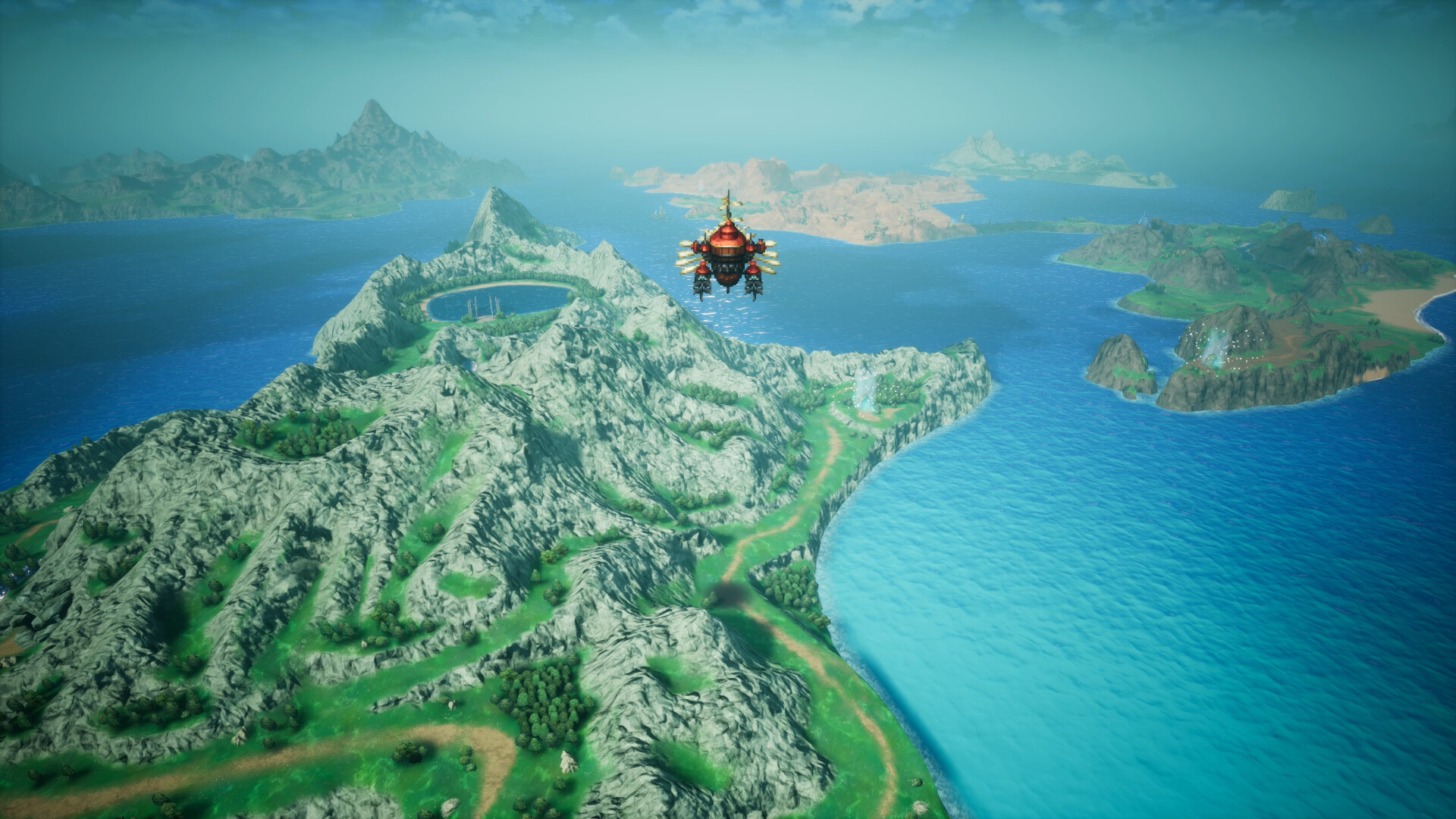
Those are modest numbers for a 2026 release, which tracks with an HD-2D art style that leans on painted backgrounds and sprite work rather than dense real-time geometry. A six- or seven-year-old mid-range card should comfortably clear the recommended tier, and the 8GB memory floor on both ends means this is one of the rare current releases where RAM upgrades aren't the bottleneck to worry about.
Controller Support Is Deeper Than the Specs Suggest
The Steam page lists full controller support, Steam Input API support and dedicated DualSense Controller Support as store features rather than footnotes, which matters more for a turn-based RPG than it might for a shooter. Expect proper haptic and adaptive trigger behavior if you're on a DualSense, correct button glyphs if you're on a Deck or a Steam Machine's own pad, and a keyboard-only option for anyone who'd rather navigate menus without a controller at all. None of that requires setup on your end; Valve's and Square Enix's own testing is why the glyphs and default bindings already line up out of the box.
Already Verified for Steam Deck and Steam Machine
This is the detail worth building a guide around: Square Enix had Valve certify the Steam build weeks ahead of release rather than leaving it untested at launch. Checking the game's own Steam page confirms full Steam Deck Verified status and Steam Machine Verified status, meaning the default controller configuration is fully functional, the button glyphs match the hardware, on-screen text stays legible, and the default settings run at a performant frame rate out of the box. The listing also carries a generic SteamOS "Playable" rating for other handhelds running Valve's OS, which is one notch below full verification and usually just reflects that Valve hasn't run the complete four-point test on every third-party device.
Two caveats from Valve's own test notes are worth knowing before you dock or undock: first-time setup requires an active internet connection for the Denuvo check, matching the PC requirement above, and external controllers aren't automatically recognized as the primary input — you'll need to switch to one manually from the Steam Deck's Quick Access menu if you want to play docked with a gamepad instead of the built-in controls.
Carrying Your Demo Save Into the Full Game
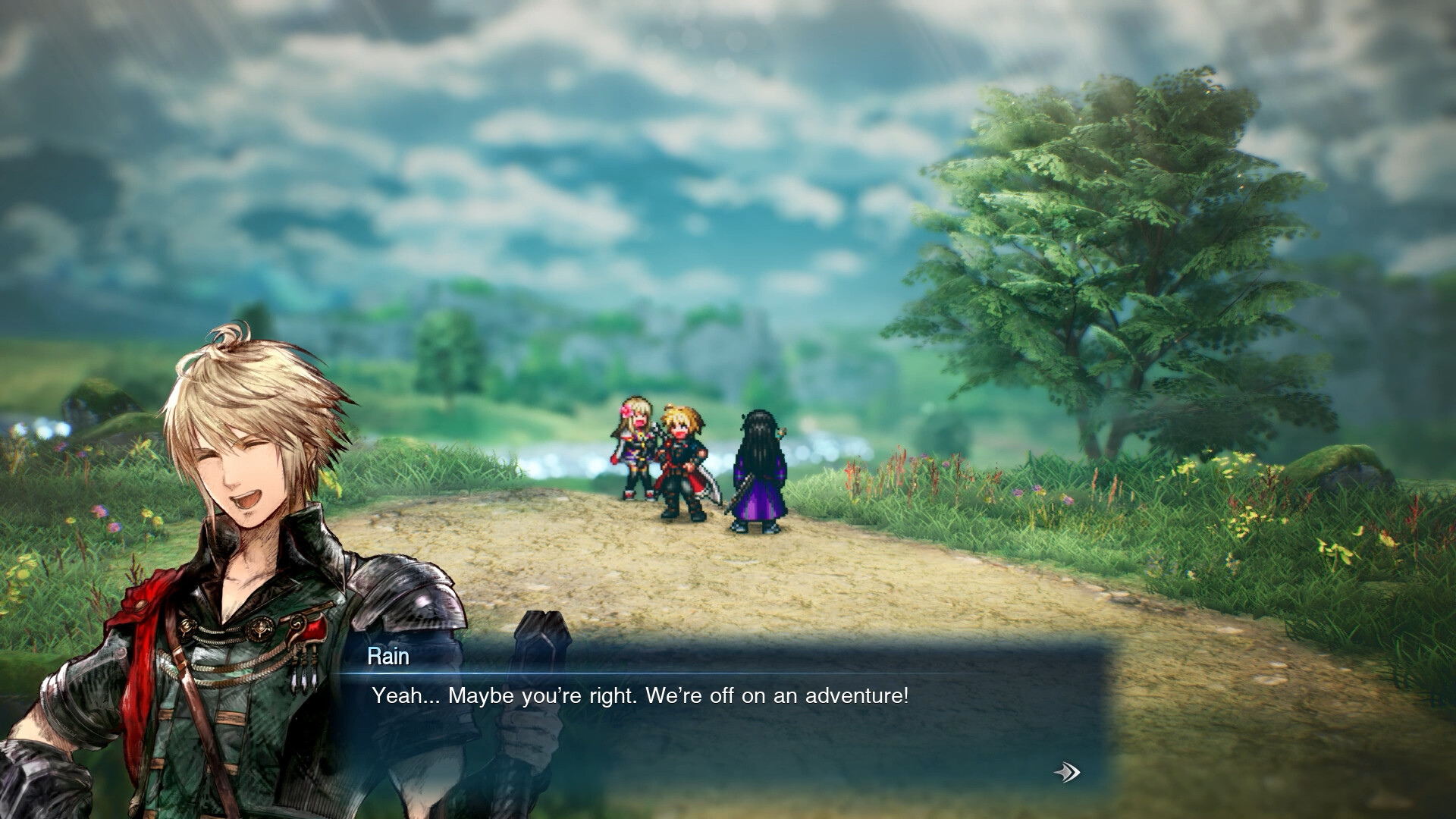
If you already played the free demo that Square Enix released in September, you don't need to start from zero. The demo covers the opening through the end of the first chapter, roughly three to five hours set in the Kingdom of Grandshelt, and its save data carries directly into the full release on every platform it's available for, PC included. The demo is a separate download from the full game's Steam page, so if you haven't tried it yet, grabbing it before October 22 both lets you confirm your PC or Deck handles it well and gives you a head start on launch day instead of a fresh character select screen.
Worth noting for Steam Deck owners specifically: because the demo and full game are listed as separate Steam apps, each one gets its own independent Deck Verified check. Running the demo smoothly isn't a guarantee the full build performs identically, though a title built on the same engine and assets rarely diverges much between the two.
A Short Day-One Checklist
- Pre-load the 15GB install once Steam opens it, rather than queuing it the morning of October 22.
- Keep your connection active for the first launch so the Denuvo activation and any day-one patch can complete without interruption.
- On Steam Deck, leave the controller on default unless you specifically want an external pad, since switching requires the Quick Access menu rather than happening automatically.
- If you played the demo, don't delete it until you've confirmed your save carried over — Square Enix's own demo announcement states the transfer happens automatically, but it's worth checking before you uninstall anything.
- Budget storage for day-one patches on top of the base 15GB; neither Steam requirement tier accounts for post-launch updates.
None of this requires exotic tweaking or third-party tools. Final Fantasy Resonance's modest system requirements and pre-verified handheld support mean the real preparation is logistical rather than technical: pre-load early, confirm your connection works once, and decide now whether your demo save is worth protecting. For anything that changes between now and October 22, Square Enix's own Final Fantasy Resonance site and the Steam store page remain the two places to check first.
Official links
Lena tests the hardware that games run on, from handheld thermals to controller latency. If a spec sheet is doing something suspicious, she has already opened the device.