How to Get World of Warcraft: Forever Running Right on Launch Day
World of Warcraft: Forever launched today with ray-traced lighting that raised the GPU bar. Here's how to check your card and fix launch-day stutter.

World of Warcraft: Forever went live worldwide today, November 4, giving players a permanent return to the original continents of Azeroth alongside a rebuilt lighting engine Blizzard showed off at BlizzCon 2026. The catch: that new look quietly raised the game's minimum GPU bar, and beta testers have spent the past seven weeks reporting graphics cards pinned at 100% usage in zones that used to barely register a load. Here's how to tell if your PC qualifies, and the exact settings to change if it's struggling on day one.

Does Your GPU Even Qualify?
Before touching any slider, check whether your graphics card is still supported at all. In its official GPU requirements notice, Blizzard set a hard architecture floor: a GPU built on AMD Graphics Core Next 1 (2012), NVIDIA Maxwell (2014), or Intel Skylake (2015) or newer. Anything older is cut off, even if it technically ran Retail WoW until now.
That line falls in an odd place. Blizzard confirms the AMD Radeon HD 7850 (2012), NVIDIA GeForce GTX 900-series and GTX 750/750 Ti (2014), and Intel HD Graphics 530 (2015) still work. But the AMD Radeon HD 6950 (2010), NVIDIA GeForce GTX 760, 770 and 780 (2014), and Intel HD Graphics 6000 (2015) do not, despite being from the same era as several supported cards. Blizzard's own explanation: "it's important to note that these GPUs are still well below the minimum requirements for the game," and the new visuals depend on RGBA16F UAV support in compute shaders, a capability that only became common around 2012.
To check your own card on Windows, open Settings > System > Display > Advanced display, or open Device Manager and expand Display adapters. Either will show the exact model, which you can then match against Blizzard's architecture list.
What's Actually Changed in Azeroth's Lighting
The GPU floor moved because Forever's art team rebuilt how light works across the original world. At BlizzCon 2026's "Evolving a Timeless World" panel, Blizzard described a proprietary ray tracer, separate from Microsoft's DXR pipeline, that recalculates Azeroth's lighting rather than relying on the old baked ambient lighting from 2004. The practical result in-game: volumetric fog with visible light shafts, much longer draw distances, new water that reflects the sky and moon, and terrain shadows from mountains and trees that shift as the in-game sun moves.
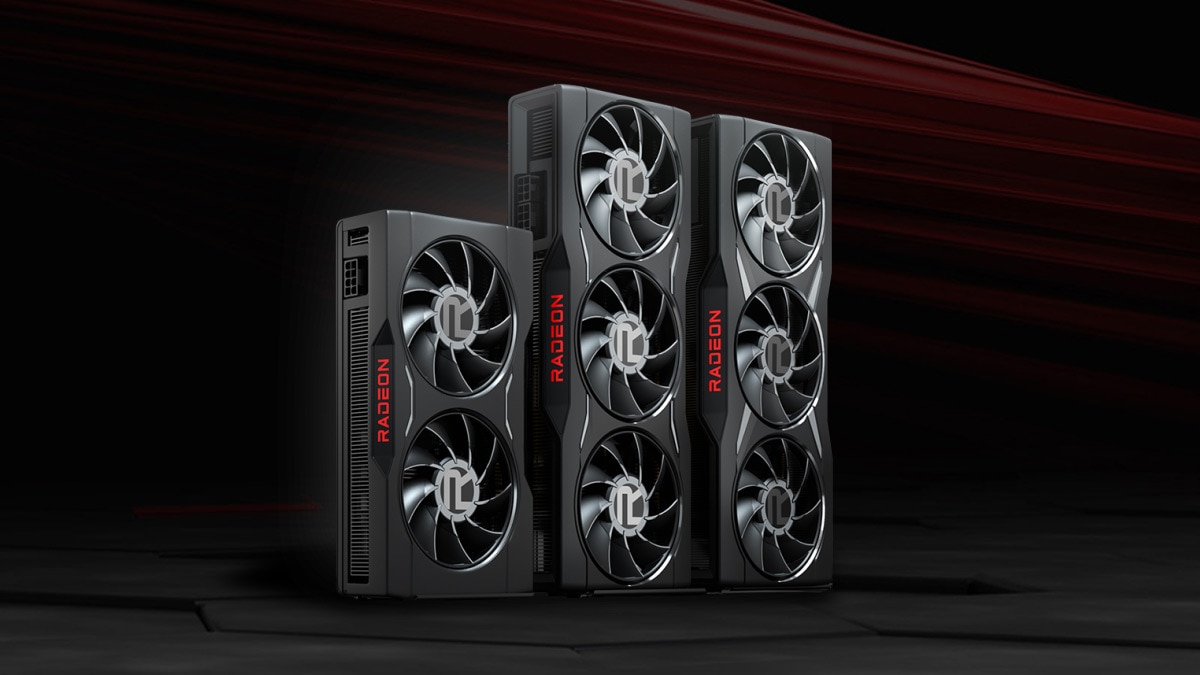
Blizzard's recommended tier for the new lighting is an NVIDIA GeForce RTX 40-series, AMD Radeon RX 7000-series, or Intel Arc B-series card with 8GB of VRAM. The stated minimum tier is an NVIDIA GeForce GTX 10-series or AMD RDNA 1 card with 4GB of VRAM — notably, neither of those has dedicated ray-tracing hardware, which is why the new global illumination runs through general-purpose compute shaders instead of RT cores, and why it taxes older GPUs so heavily.

The Settings Fix for Launch-Day GPU Spikes
That compute-shader workload is exactly what's showing up in beta performance reports. In an official forum thread on the regression, a player running a GeForce GTX 1080 and Core i7-7700 at 1440p found GPU usage sitting at 98-100% in Forever even in empty zones, against 50-70% in Retail at a comparable preset. The fix that worked for them was dropping Secondary Lighting down to Fair, which brought usage back to roughly 60-75%, then switching off SSAO, disabling Optional GPU Features, and turning Ray Tracing off entirely.
High-end hardware isn't exempt, either. A reply in the same thread from an owner of an RTX 4090 and Ryzen 9950X3D reported roughly 40-45% lower frame rates than Retail with matching settings, except with Secondary Lighting left on "Good" rather than its highest setting. The lesson for launch day: don't assume your card is simply overkill. Start with Secondary Lighting one or two notches below maximum, and watch GPU usage in your overlay of choice before deciding whether to push settings back up.
- Open Options > Graphics and find the Secondary Lighting dropdown first — it's the single biggest lever on GPU load in Forever.
- Turn off SSAO if you're on a GTX 10-series, RX 5000-series, or older card.
- Disable Optional GPU Features, which adds roughly 10% extra GPU load in Forever specifically, according to beta reports.
- Leave Ray Tracing off on anything below an RTX 40-series, RX 7000-series, or Arc B-series card.
A Known Bug: Ray-Traced Shadows Stuck on "Unsupported"
If you own a current-generation card and Ray Traced Shadows won't turn on at all, that's not your hardware's fault. A separate forum report from the beta documents an RTX 4090 on native Windows 11 where every Ray Traced Shadows quality level — Fair, Good, and High — showed "Unsupported for graphics related reasons." The game's own diagnostic log reported no ray-tracing capability at all, while the same PC running Classic Anniversary correctly detected full DXR 1.1 support and ran ray-traced shadows normally. Other players on both RTX 40- and 50-series cards reported the identical false negative.
In other words, Forever's capability check for ray-traced shadows appears to be misreading hardware that every other version of WoW on the same machine detects correctly. There's no official fix yet, so if your GPU clearly meets the recommended tier but the shadow option is greyed out, treat it as a beta-era bug worth watching for a hotfix rather than something to troubleshoot on your end.
Launch-Day Checklist
- Confirm your GPU's architecture first, using Advanced display settings or Device Manager, against Blizzard's AMD GCN1 / NVIDIA Maxwell / Intel Skylake cutoff.
- On GTX 10-series, RDNA 1, or similarly aging hardware, start with Secondary Lighting on Fair, SSAO off, Optional GPU Features off, and Ray Tracing off.
- On RTX 40-series, RX 7000-series, or Arc B-series cards, start with Secondary Lighting on Good rather than its maximum setting and adjust from there.
- If Ray Traced Shadows shows "Unsupported" on hardware that should support it, it's a known detection bug, not a sign your GPU has failed Blizzard's requirements.
- World of Warcraft runs through Battle.net rather than Steam, so use the game's built-in frame-rate counter or your GPU vendor's overlay to track performance instead of a Steam overlay.
Forever is brand new today, and Blizzard has a long history of tuning graphics performance hard in the weeks after a major content launch. Treat these settings as a starting point for launch day, not a permanent configuration — check Blizzard's patch notes over the next few weeks for fixes to both the GPU usage spikes and the ray-traced shadows detection bug.
Official links
Lena tests the hardware that games run on, from handheld thermals to controller latency. If a spec sheet is doing something suspicious, she has already opened the device.