How to Get Gears of War: E-Day Running Its Best on PC and Handhelds
Gears of War: E-Day requires a ray-tracing GPU just to launch. Here is how to match your rig to its spec tiers, tune DLSS or FSR, and see where handhelds stand.

Sixteen days after Gears of War: E-Day shipped on PC and Xbox Series X|S, the single hardest setting in the options menu isn't a slider at all. It's a wall: if your graphics card lacks dedicated ray-tracing hardware, the game will not launch, full stop. The Coalition built its prequel to the original 2006 trilogy entirely around Unreal Engine 5's hardware Lumen, and that choice reshapes everything from minimum specs to how the game runs on Valve's expanding family of handhelds. Here's how to match your setup to the right tier, what each upscaler actually does, and where E-Day currently stands on Steam Deck, Steam Machine and Steam Frame.

Why Ray Tracing Isn't Optional Here
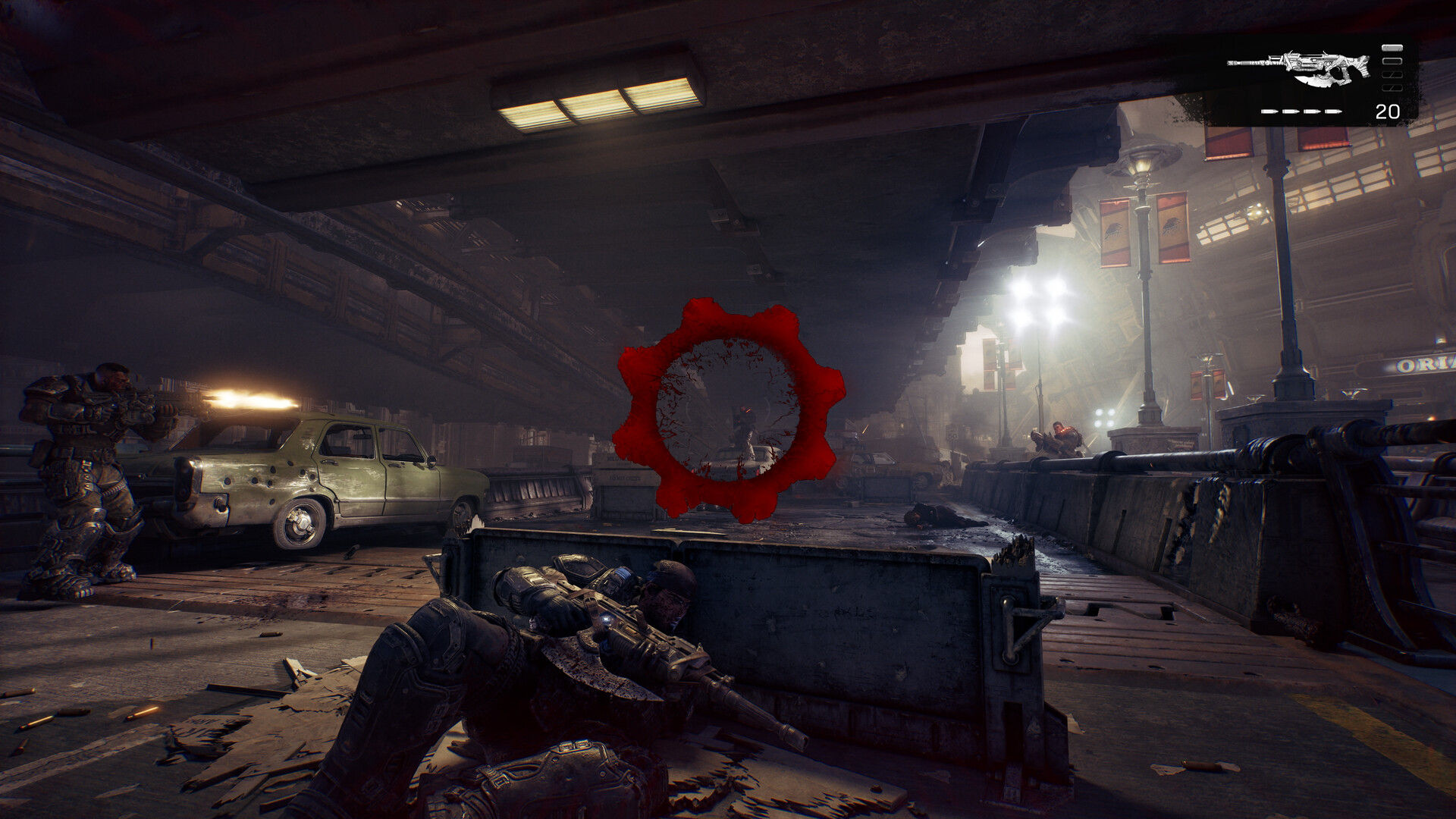
Most PC releases treat ray tracing as an optional slider for players with headroom to spare. E-Day doesn't. According to its Steam store page, a "Hardware Ray Tracing capable GPU is required" at every tier, including the minimum spec. That's because the game leans on Unreal Engine 5's hardware-accelerated Lumen for ray-traced reflections and MegaLights for ray-traced soft shadows, rather than offering a baked-lighting fallback path the way most UE5 titles do. Cards without dedicated ray-tracing cores, including several older mid-range GPUs that can otherwise run modern games, simply won't boot it.
The payoff, per NVIDIA's own breakdown of the partnership, is that every GeForce RTX GPU's RT cores are put to direct use rather than sitting idle, and the campaign supports native HDR10 output alongside the ray-traced lighting.
Matching Your Rig to the Right Tier
The final, shipped requirements on Steam break down into two official tiers:
- Minimum (1080p, Medium preset): Ryzen 5 2600X / Intel i7-6850K / i5-10400, 12GB RAM, an RTX 5050, RTX 2060, Radeon RX 6600 or RX 9060, DirectX 12, and a 115GB SSD. Steam specifically calls out that this must be a solid-state drive, not a hard disk.
- Recommended (1440p, High preset): Ryzen 5 5600 / Intel i5-11600K, 16GB RAM, an RTX 5060, RTX 3060 Ti, Radeon RX 6700 XT or RX 9060 XT, and the same 115GB SSD footprint, running on Windows 11 25H2 or newer.
Notice both tiers land on the same storage figure. There's no smaller "low-spec" install option, so budget the full 115GB before you start the download regardless of which GPU you're pairing it with.
Setting Up DLSS 4.5, FSR and Frame Generation
Because upscaling is baked into even the minimum-spec target, your first stop in the graphics menu should be the upscaler dropdown rather than individual quality sliders. NVIDIA owners get DLSS 4.5 with Dynamic Multi Frame Generation and Super Resolution at launch, plus NVIDIA Reflex to keep input latency down when frame generation is multiplying your real frame rate. AMD and Intel cards fall back to FSR and XeSS upscaling, and Unreal Engine's own Temporal Super Resolution covers anything else. In practice:
- On a minimum-spec GPU, leave upscaling on Performance or Balanced and expect to lean on it to hit 60fps at 1080p, exactly as Steam's listed target assumes.
- On a recommended-tier card, Quality mode upscaling at 1440p is where the image-quality trade-off starts to disappear.
- Frame generation helps most once your base (pre-generated) frame rate is already above roughly 50-60fps; turning it on at a much lower base rate will mostly add input lag without the smoothness payoff.
The options menu also includes a built-in performance benchmark you can run before jumping into the campaign or multiplayer, which is the fastest way to confirm your chosen preset actually holds up on your specific hardware rather than guessing from the tier chart alone.
Faster First Boot: Shader Delivery and Install Tips
E-Day ships with what The Coalition calls Advanced Shader Delivery: precompiled shaders bundled into the download itself, rather than compiled on your machine the first time you launch. The intent is to cut down on the shader-compilation stutter that's plagued other recent Unreal Engine 5 releases during their opening hour. It also means the initial install will take longer to decompress than the raw file size suggests, so don't assume a stall on first launch means something's wrong.
The game also uses NVIDIA's RTX Mega Geometry on supported cards, which speeds up how quickly the ray-tracing acceleration structures for Unreal Engine 5's Nanite geometry get built and reduces the CPU overhead of updating them every frame. If you're CPU-limited rather than GPU-limited on a recommended-tier build, this is one of the bigger invisible wins in your frame time, even though there's no toggle for it in the settings menu.
Steam Deck, Steam Machine and Steam Frame: Where Handhelds Stand
Valve's own compatibility tool, checked today against E-Day's current build, gives a clear verdict across its hardware lineup, and it tracks directly from the ray-tracing requirement above:
- Steam Deck: rated Unsupported, specifically flagged for graphics performance. The Deck's RDNA 2 APU doesn't carry the dedicated ray-tracing hardware E-Day's minimum spec requires, so this isn't a settings problem you can tune your way around.
- SteamOS handhelds generally (ROG Xbox Ally, Legion Go and similar devices running SteamOS rather than Windows): rated Playable, with Valve confirming the game starts up correctly, though singleplayer still needs an active internet connection.
- Steam Machine, Valve's living-room console: rated Verified, with a fully functional default controller configuration and a default settings profile Valve itself calls performant out of the box.
- Steam Frame: rated Unsupported, but for a different reason than the Deck — its listed blocker is anti-cheat configuration rather than graphics horsepower.
The takeaway for handheld players: a Windows-based handheld with a newer RDNA 3 or RDNA 4-class iGPU, like current ROG Xbox Ally models, is your realistic portable option for E-Day right now. The original Steam Deck's older GPU rules it out entirely, no matter how far you drop the resolution scale.
The Short Version
If you're building or buying around this one game, prioritize a ray-tracing-capable GPU with enough headroom for its FSR, DLSS or XeSS upscaler before worrying about raw core count, and go in expecting a strict 115GB SSD install no matter which tier you're targeting. On desktop and the recommended tier and up, E-Day is shaping up to be one of the more forward-looking showcases for what mandatory hardware ray tracing actually buys a shooter. On older or integrated hardware, including the original Steam Deck, it's simply not going to boot, and no amount of settings tweaking changes that.
Official links
Lena tests the hardware that games run on, from handheld thermals to controller latency. If a spec sheet is doing something suspicious, she has already opened the device.