How to Get Your PC Ready for Ace Combat 8: Wings of Theve's Launch
Ace Combat 8 demands Windows 11, a ray-tracing GPU and 150GB of SSD space. Here's how to configure your PC before Bandai Namco's October 2 launch.
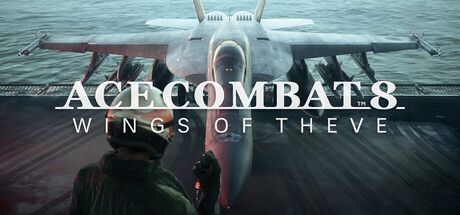
ACE COMBAT 8: Wings of Theve has been flyable in Deluxe Edition early access since September 28, and the full release lands on PlayStation 5, Xbox Series X|S and Steam on October 2. Developer Bandai Namco Aces built the game in Unreal Engine 5 around dynamic, multi-layered cloudscapes, and that ambition shows up directly in the PC system requirements posted on the game's Steam store page. Unlike most of this year's releases, Ace Combat 8 will not boot at all on hardware that falls short of its baseline, so it is worth checking your rig against the official numbers before the servers go live.
Why This Launch Demands a Clean Install Check
The headline requirement is Windows 11. There is no Windows 10 fallback listed anywhere in the Steam or Bandai Namco Entertainment specifications, which makes Ace Combat 8 one of the first mainstream console-and-PC blockbusters this year to drop last-generation OS support outright. The game also requires a 64-bit processor, DirectX 12 with Shader Model 6.6 or higher, and, critically, a graphics card with hardware-accelerated ray tracing support. That last point rules out most pre-2019 GPUs regardless of how much VRAM they carry, since the engine leans on ray tracing for its cloud lighting and reflective cockpit glass even at the lowest preset.
If your machine is still running Windows 10, budget time to update before early access ends and the full population of pilots logs in for launch day matches in ACE COMBAT ONLINE, the series' first persistent multiplayer lobby.
Minimum vs. Recommended: The Actual Numbers
Bandai Namco Aces publishes two tiers, both targeting 1080p with upscaling enabled rather than native resolution:
- Minimum (1080p upscaled, 30fps, Low settings): Intel Core i7-10700K or AMD Ryzen 5 3600X, 16GB RAM, Nvidia GeForce RTX 2060 (6GB) or AMD Radeon RX 6600 XT (8GB).
- Recommended (1080p upscaled, 60fps, Medium settings): Intel Core i7-12700K or AMD Ryzen 5 5600X, 32GB RAM, Nvidia GeForce RTX 3070 (8GB) or AMD Radeon RX 6800 (16GB).
Both tiers list Windows 11, DirectX 12 and a 64-bit OS as hard requirements, and both explicitly warn that frame rate can still dip in graphics-intensive scenes even once you clear the baseline. Notably, Bandai Namco Aces has not published a specification for native, non-upscaled resolutions or for a locked 60fps at High or Ultra settings, so treat the recommended tier as a performance floor rather than a guarantee of a smooth campaign at every setting.

Clear 150GB of SSD Space Before You Install
Storage is the requirement most players underestimate. The current Steam listing calls for an SSD with 150GB of free space on both the minimum and recommended tiers, and an SSD is mandatory, not merely suggested; Bandai Namco Aces does not list a hard-drive-compatible configuration at all. Streaming the cloudscapes and carrier interiors without stutter depends on fast storage, so running the game from a mechanical drive is not a supported path even if you have the capacity. Before you queue the download, confirm your boot or game drive actually has that space free rather than just free space in total across multiple volumes, since Steam installs to a single library folder by default.
The game also ships with Denuvo Anti-Tamper, capped at five activations per day across your systems. That is a generous limit for normal play, but it is worth knowing about if you plan to reinstall Windows or swap a motherboard more than a handful of times in a 24-hour window during launch week.
Settings Worth Adjusting on Launch Day
With ray tracing mandatory rather than optional, the meaningful performance knobs are elsewhere in the options menu:
- Upscaling target resolution. Both official performance tiers are quoted at 1080p with upscaling active, so on a 1440p or 4K display, start by setting your render scale to match the tested target before chasing higher native resolutions.
- Cloud and weather density. The multi-layered cloudscapes that Bandai Namco Aces highlights as the game's signature visual feature are also its heaviest GPU cost; dropping cloud quality a notch typically recovers more frame rate than any other single setting in flight combat games built this way.
- Shadow and reflection quality. Cockpit canopy reflections and ground shadow detail scale independently of the mandatory ray tracing baseline in most Unreal Engine 5 titles, so lowering them first preserves the lighting fidelity that ray tracing is doing the real work on.
- Background app and driver hygiene. Update to your GPU vendor's latest driver branch and close overlay software before launch day; with 16-32GB of RAM required just to hit the advertised targets, background Chrome tabs and recording software eat into the same budget.
HDR and Controller Support Are Switched On by Default
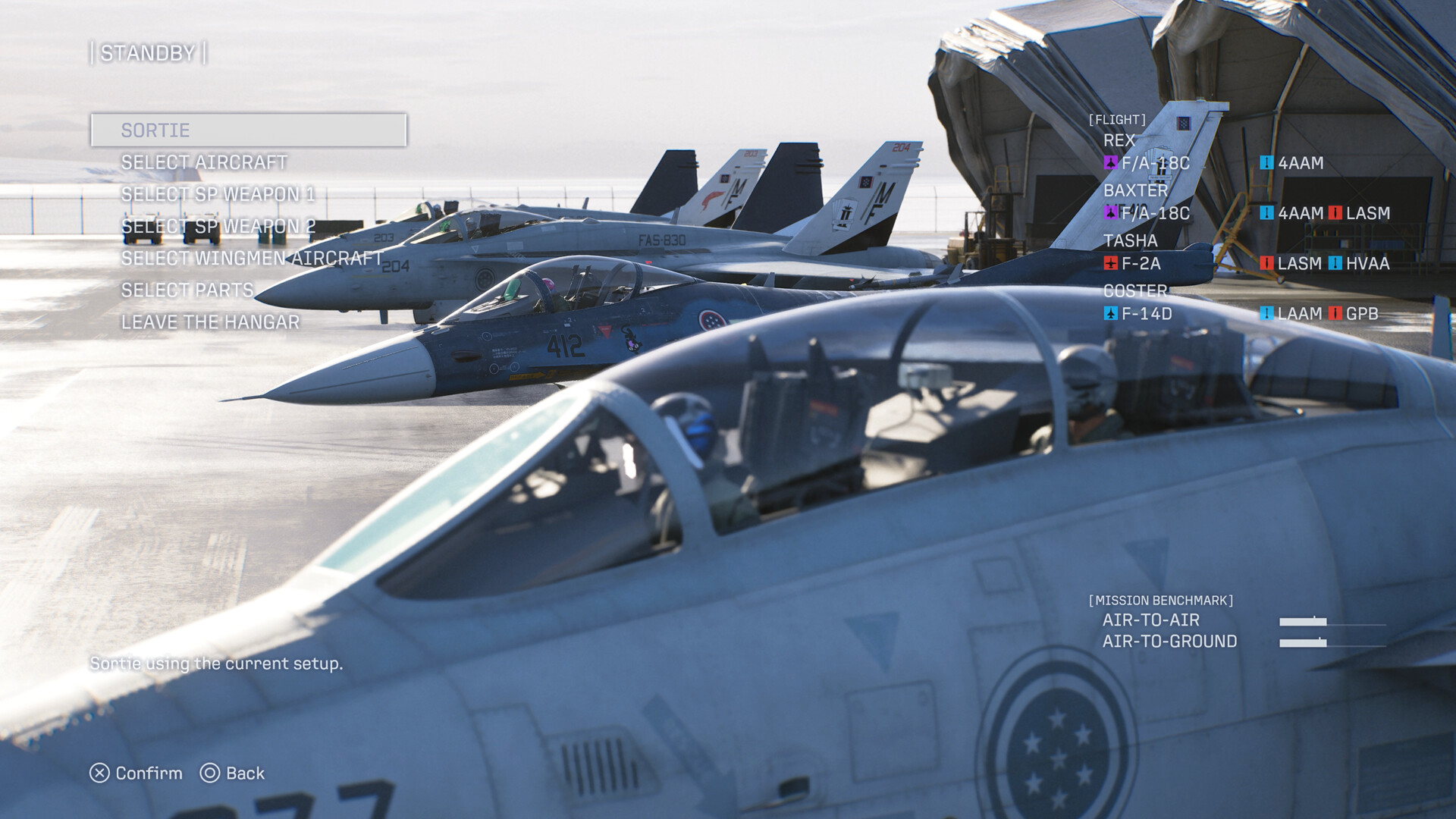
The Steam listing confirms HDR availability alongside full controller support, including dedicated DualShock and DualSense feature support for PlayStation controllers used on PC. If your monitor supports HDR10, enable it in Windows display settings first, then in-game, since Windows-level HDR has to be active before most Unreal Engine 5 titles will expose the in-game toggle. Achievements, Steam Cloud saves and cross-platform multiplayer are also listed as supported, so progress and unlocks should carry between a desktop and a Steam Deck-class handheld, hardware permitting, once you are past the ray tracing requirement.
Bandai Namco Aces has not detailed a specific upscaling brand, such as DLSS or FSR, in its public specifications; the listed "upscaled" performance targets describe the result rather than naming the underlying technology, so treat in-game upscaling options as something to confirm once you are in the settings menu rather than something to assume ahead of time.
Getting in Before Launch Day Traffic
Early access is already live for Deluxe Edition owners and runs through October 1, with the standard edition unlocking for everyone on October 2. If you are planning to jump into ACE COMBAT ONLINE's shared air base the moment the full population arrives, use the next day to confirm your Windows 11 install is current, free up the full 150GB on an SSD, and update your graphics driver rather than troubleshooting any of it after the servers fill up.
Official links
Lena tests the hardware that games run on, from handheld thermals to controller latency. If a spec sheet is doing something suspicious, she has already opened the device.