How to Pick the Right NVIDIA RTX Spark Laptop and Tune Its DLSS 5 Settings
RTX Spark laptops from ASUS, Dell and Lenovo are shipping now with DLSS 5 built in. Here's how to pick a configuration and tune it for smooth frame rates.
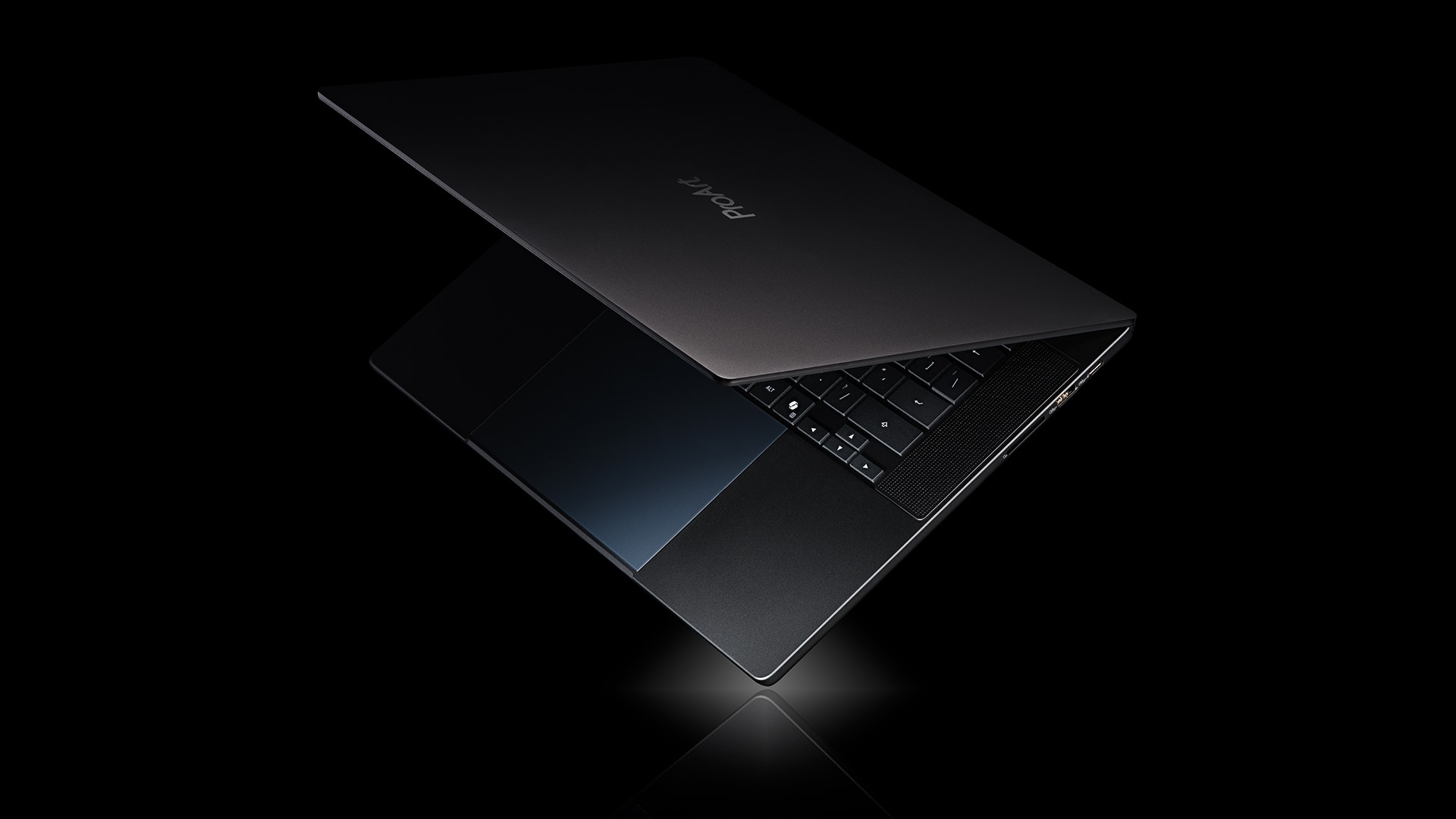
NVIDIA's RTX Spark laptops started reaching buyers on October 16, giving PC gamers the first wave of Arm-based Windows machines built around a chip that pairs a Blackwell RTX GPU with NVIDIA's own Grace CPU. ASUS, Dell, HP, Lenovo, Microsoft and MSI all have models shipping now, and every one of them launches with DLSS 5 baked in rather than patched in later. That combination of new silicon and a new upscaler makes RTX Spark a genuinely different buying decision from a normal gaming laptop, and the settings menu works a little differently too. Here's how to pick a configuration that fits what you actually play, and how to get DLSS 5 tuned correctly once the laptop is in front of you.
What RTX Spark Changes Under the Hood
RTX Spark is built around what NVIDIA calls a superchip: a Blackwell RTX GPU with up to 6,144 CUDA cores and fifth-generation Tensor Cores, linked over NVLink-C2C to an Arm-based Grace CPU with up to 20 cores, developed with MediaTek. The two halves share a single pool of LPDDR5X memory, configured as high as 128GB on the top laptop tier, instead of splitting system RAM from dedicated video memory the way a conventional laptop does. NVIDIA's own RTX Spark product page pitches the laptops as running as thin as 14mm while staying close to a laptop RTX 5070 in gaming performance.
That unified memory pool is the detail that matters most when you're shopping. A game, your browser tabs, Windows itself and the GPU's frame buffer all draw from the same 32GB, 64GB or 128GB allotment depending on configuration, so a lower-memory RTX Spark laptop can feel tighter in practice than a traditional laptop with the same number on the spec sheet.
Choosing a Configuration That Fits Your Games
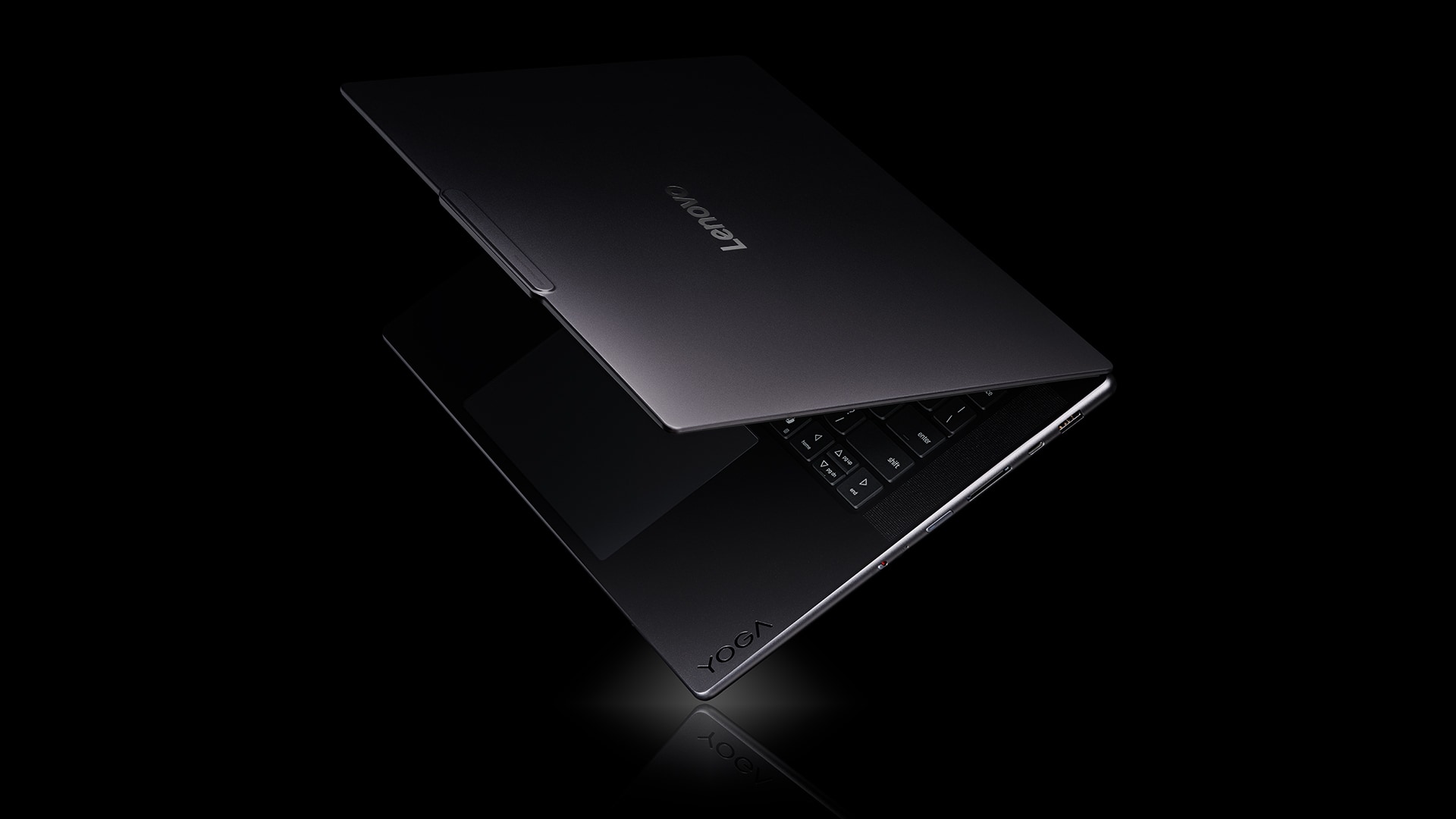
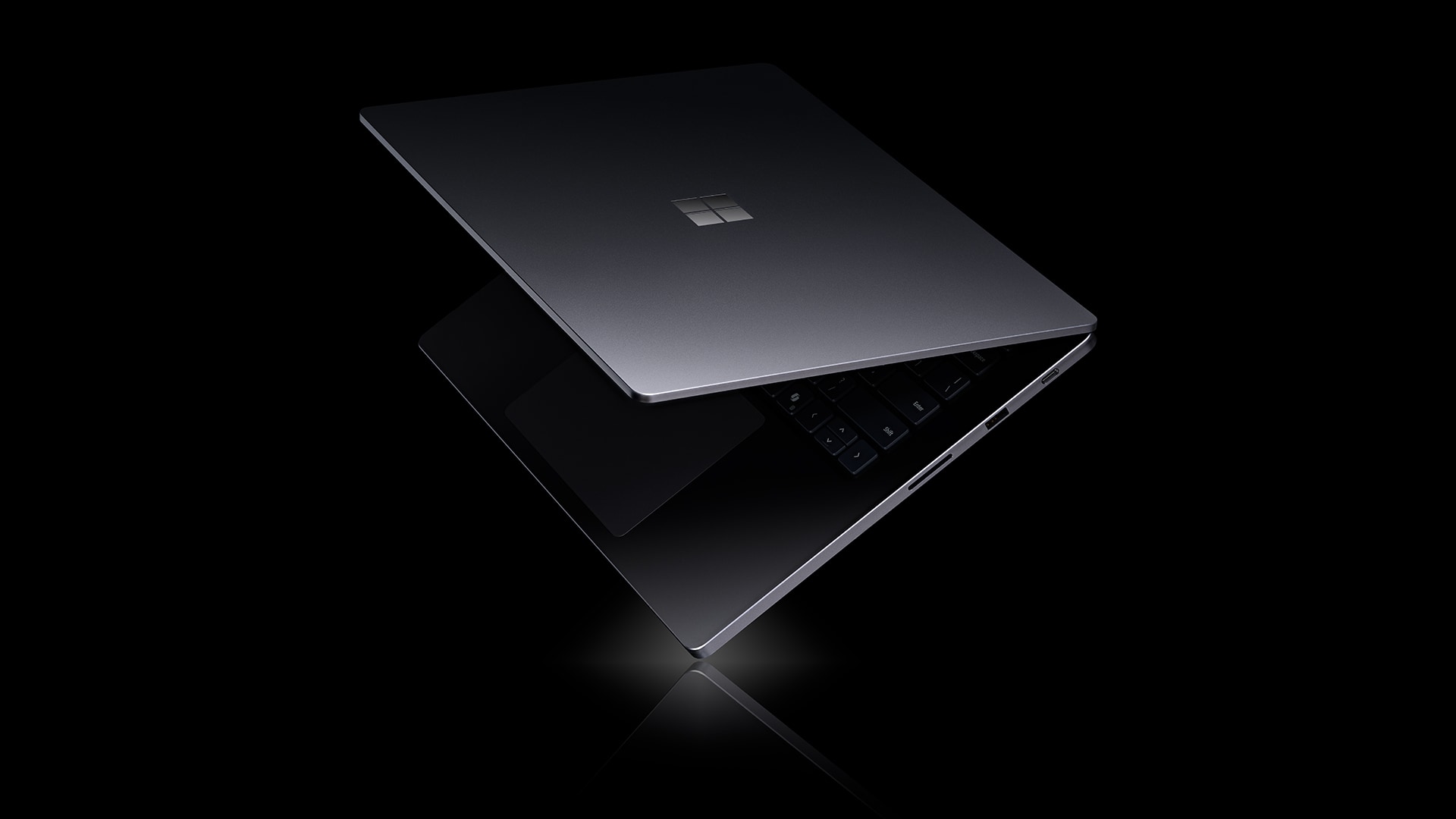
Six laptops are shipping at launch: the ASUS ProArt P16, Dell XPS 16, HP OmniBook Ultra 16, Lenovo Yoga Pro 9n, Microsoft Surface Laptop Ultra and MSI Prestige N16 Flip AI+, with Acer and Gigabyte models to follow. They differ mainly in display, chassis and memory tier rather than GPU core count, so the buying decision comes down to how much unified memory you need.
- 32GB or 64GB configurations are the right call if you mostly play esports and live-service titles like Counter-Strike 2, Fortnite or Marvel Rivals, all of which NVIDIA lists as RTX Spark day-one titles with light memory demands.
- 128GB configurations, available on laptops like the ASUS ProArt P16 and Lenovo Yoga Pro 9n, make more sense if you plan to run heavier single-player games alongside creative or AI workloads, since Windows and background apps eat into the same shared pool that's rendering your game.
- Check storage separately from memory. These are creator-leaning laptops first, so some configurations prioritize a bigger OLED panel or battery over SSD space; buy the larger drive if you plan to keep more than a handful of modern games installed.
Turning On DLSS 5 Correctly
DLSS 5 ships standard on every RTX Spark laptop and bundles four pieces NVIDIA now treats as one suite: Super Resolution, Ray Reconstruction, Dynamic Multi Frame Generation and 3D-Guided Neural Rendering. They are not all useful in every game, so don't just flip every toggle to its highest setting.
- Start with Super Resolution on Quality rather than Performance or Ultra Performance. RTX Spark's GPU is closer to a laptop RTX 5070 than a flagship desktop card, and Quality mode gives it the best balance of sharpness and frame rate at the 1440p-class resolutions these laptop panels typically run.
- Enable Ray Reconstruction only in games that use ray tracing or path tracing, such as Cyberpunk 2077 or DOOM: The Dark Ages. It replaces multiple denoisers with one AI model and does nothing for games without ray-traced lighting.
- Add Dynamic Multi Frame Generation last, and only once your base frame rate is already stable. Frame generation works by inserting AI-generated frames between rendered ones, so a choppy starting frame rate will still feel inconsistent no matter how high the final number climbs. Turn it on, then turn on NVIDIA Reflex alongside it to keep input latency in check.
- Turn on 3D-Guided Neural Rendering only in supported titles. NVIDIA's day-one list for this feature is short, led by NBA 2K27, with Hogwarts Legacy adding support on November 5.
Games Worth Testing First
NVIDIA's RTX Spark launch list mixes anti-cheat-protected live-service games with bigger single-player titles, and it's a useful checklist for putting a new laptop through its paces. Day-one support includes Cyberpunk 2077, Gears of War: E-Day, The Witcher 3: Wild Hunt — Remastered, DOOM: The Dark Ages, World of Warcraft and NBA 2K27, alongside live-service staples like ARC Raiders, Rocket League, RUST and THE FINALS. Hogwarts Legacy follows with DLSS 5 support on November 5, and NVIDIA has also named Borderlands 4 and Where Winds Meet as upcoming additions, without exact dates yet.
“This is the new PC.”Jensen Huang, Founder and CEO, NVIDIA
If a game you care about isn't on that list yet, it's worth checking whether its anti-cheat system has been cleared for RTX Spark's Arm architecture before buying for it specifically. Several major anti-cheat providers are still rolling out support in stages: BattleEye, Easy Anti-Cheat and Vanguard are active at launch, while EA's Javelin Anticheat isn't scheduled until early 2027.
What to Expect From Early Reviews
Hands-on coverage so far is consistent on one point: RTX Spark leans on DLSS to hit its headline frame rates rather than brute GPU power alone. With Multi Frame Generation enabled, outlets have measured well over 100 FPS in demanding ray-traced games, though latency in fast-paced titles hasn't matched a discrete desktop GPU running the same settings. That lines up with how NVIDIA positions the chip: closer to a mainstream gaming laptop GPU than a high-end one, made faster through software rather than raw silicon.
Pricing also varies more than usual between partners. Early listings for 32GB configurations start well under $2,000, while fully loaded 128GB models with the larger OLED panels run several times that, so match the memory tier to your actual workload rather than defaulting to the top configuration.
The Bottom Line
RTX Spark is a new kind of laptop platform rather than a faster version of an old one, and the settings menu reflects that: DLSS 5's four features are genuinely optional and situational rather than a single quality slider. Pick a memory tier based on what you actually run alongside your games, set Super Resolution to Quality as your baseline, and layer in Ray Reconstruction and frame generation only where the game supports them. NVIDIA has published its own running list of RTX Spark-supported games and updates it as more titles add day-one or day-later support, so it's worth bookmarking before your next buying decision.
Official links
Lena tests the hardware that games run on, from handheld thermals to controller latency. If a spec sheet is doing something suspicious, she has already opened the device.