How to Play Kingdom Rush 6: Genesis's Classic Mode, Tower by Tower
Kingdom Rush 6: Genesis shipped with a built-in Classic Mode. Here is how to select it per stage, which towers and heroes you get, and how it changes the run.
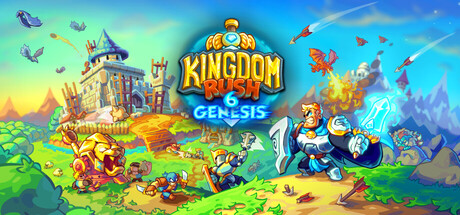
Kingdom Rush 6: Genesis launched worldwide on Steam, the App Store and Google Play on September 24, and tucked inside the campaign is a mode built specifically for players who remember the original 2011 release. Classic Mode strips Genesis back to four tower families, two spells and a single hero, and Ironhide Game Studio shipped it live at launch rather than holding it back for a later update. Ironhide first revealed the mode on July 28, the 15th anniversary of the original Kingdom Rush, and confirmed it would ship day one rather than arrive as post-launch content. Here is exactly how to find it, what changes when you turn it on, and how to make the most of a run.

What Classic Mode Actually Changes
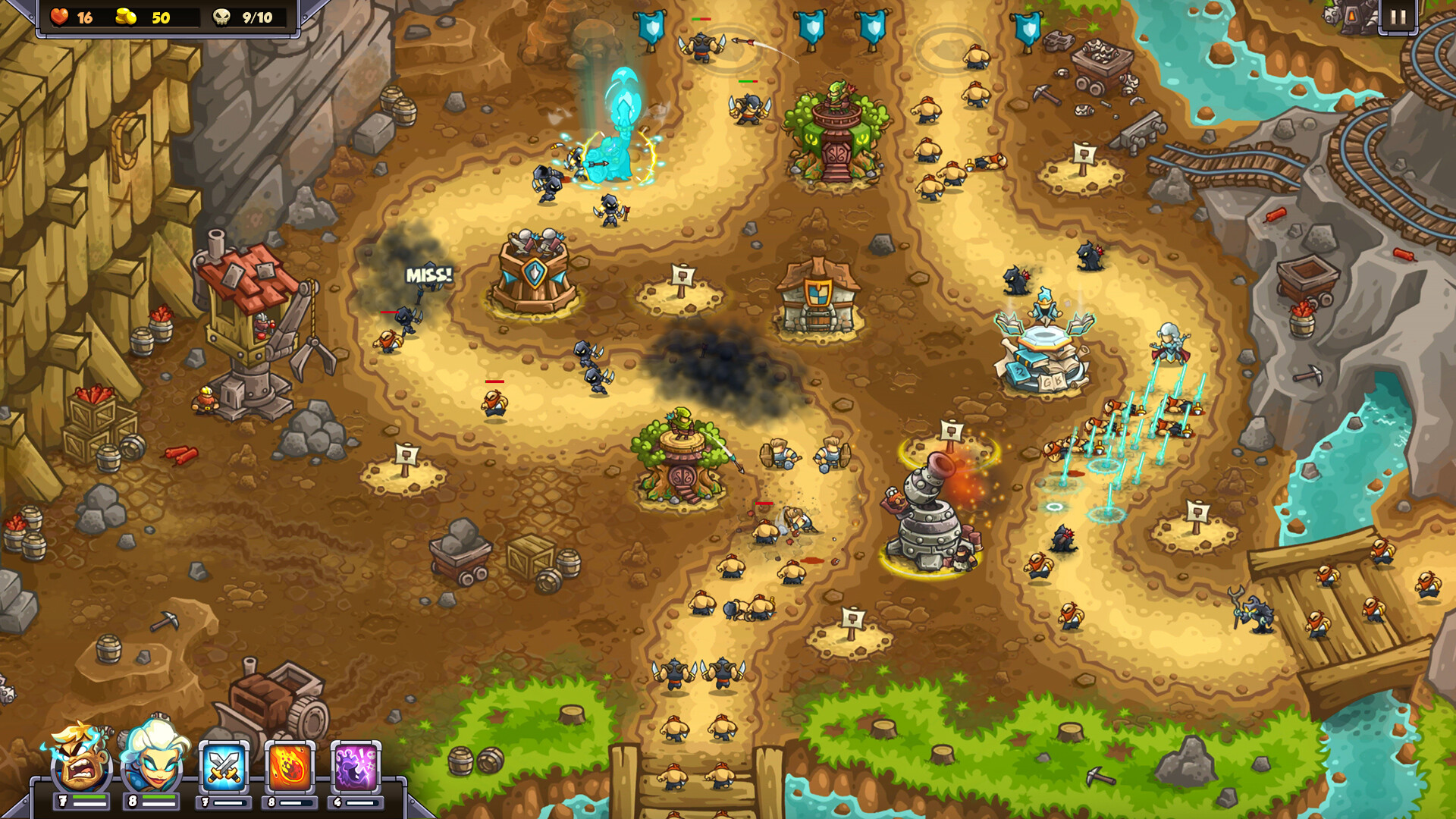
Classic Mode is not a difficulty slider. It is a full ruleset swap that applies to any of the campaign's 18 stages. Turn it on and you lose access to Genesis's new towers entirely; you are limited to the four original families, the two original spells, and one hero instead of the four you can normally field. Ironhide describes the goal as letting new players "discover the strategic foundations that helped establish the series" while giving longtime fans the exact loadout they grew up with, just rebuilt with Genesis's engine and visuals.
The one change from 2011 is hero choice: rather than locking you to a single fixed hero, Classic Mode lets you bring any hero from Genesis's full roster of 12 into a classic run, provided you only bring one. According to Ironhide's official Classic Mode announcement, that includes returning names like Gerald, Malik, Bolin and Ignus alongside newer additions built for Genesis.
How to Select It on Any Stage
Classic Mode is not a separate campaign or a save-file toggle. It is one of five game modes you choose from a per-stage menu before you press start, alongside Iron Challenge, Blitz Challenge, Hero Party and Spell Rush. That means you can run the same stage in Classic Mode today and switch back to the standard Genesis loadout tomorrow without losing any progress; the mode selection resets every time you replay a level.
- Iron Challenge: one elite wave, one life total.
- Blitz Challenge: three waves with faster enemies and more gold, three lives.
- Hero Party: four heroes, no spells.
- Spell Rush: no heroes, faster spells, three lives.
- Classic Mode: one hero, the four original tower families, Rain of Fire and Reinforcements only.
If a stage looks like it only offers the standard Genesis loadout, back out to the stage-select map and check the mode picker again; all five options are meant to be available on every one of the 18 stages once you have reached them in the main campaign. Those 18 stages span three landscapes, so a Classic Mode run against the game's later factions plays very differently from an early one, even with the same four tower families on offer.
The Four Classic Tower Lines and Their Specialists
Ironhide rebuilt every classic tower from scratch for Genesis rather than reusing 2011 assets, but kept the upgrade paths identical to what longtime players remember. Each of the four families still branches into two Level 4 specialists partway up its upgrade tree, and picking the right one still defines how a Classic Mode run plays out:
- Archer Towers (Archer Tower > Marksmen Tower > Sharpshooter Tower) branch into the Rangers Hideout or the Musketeer Garrison.
- Barracks (Militia Barracks > Footmen Barracks > Knights Barracks) branch into the Holy Order of Paladins or the Barbarian Hall.
- Mage Towers (Mage Tower > Adept Tower > Wizard Tower) branch into the Arcane Wizard or the Sorcerer Mage.
- Artillery (Dwarven Bombardier > Dwarven Artillery > Dwarven Howitzer) branch into the Tesla x104 or Big Bertha.
Because Classic Mode locks you out of Genesis's newer tower types entirely, chokepoint placement matters more than it does in a standard run; you cannot lean on a new mechanic to bail out a bad early build. Building at least one of each family before committing gold to specialists gives you the widest coverage against Genesis's mixed enemy factions before you commit to a final Level 4 loadout.
“Genesis is our chance to go back to where it all started, while creating something completely new for both longtime Kingdom Rush players and people discovering the series for the first time.”Patricia Mazzei, Community Manager, Ironhide Game Studio
Picking a Hero for a Classic Run
Since Classic Mode allows any hero rather than locking you to one, the single-hero restriction is really a build decision instead of a fixed rule. A tanky melee hero can hold a chokepoint while your four tower families come online, while a ranged or spellcasting hero pairs better on stages with long, open paths where Rain of Fire and Reinforcements need time to recharge between waves. Because you will not have a second hero or a third spell to fall back on, it is worth testing a stage in the standard Genesis mode first to learn its enemy composition before committing to a Classic Mode attempt. Returning names like Gerald and Malik play close to how veterans remember them, but newer heroes built specifically for Genesis, such as Ignus, bring abilities that never existed alongside the original four tower families, which can make them worth a try even in a mode built around nostalgia.
Fixing Day-One Performance and Resolution Issues
Ironhide's official known issues page covers a handful of launch-week problems worth knowing about before you start a run of any kind. If the game runs slowly, open Options, go to page 5, and switch the FPS setting to 30 and/or disable VSYNC; Genesis auto-detects your display and can pick a configuration your hardware cannot sustain. If the game reads your resolution incorrectly, delete the settings.lua and global.lua files from the game's save folder, relaunch, and hold Alt (Option on Mac) during the splash screen to bring up manual display configuration. Keybindings can also be customized from tab four of the in-stage settings menu, though that customization does not yet extend to the main menu or map screens. Ironhide also flagged a launch-day Steam bug where a missing executable and CD key prevented some players from starting the game at all; the studio says a restart of the Steam client resolves it now that the fix is live server-side.
Where Classic Mode Fits
Classic Mode is ultimately the most restrictive of Genesis's five per-stage modes, but it is also the one built purely for nostalgia rather than an extra layer of difficulty. Iron Challenge and Blitz Challenge test execution under pressure, Hero Party and Spell Rush strip away one entire system at a time, and Classic Mode strips away almost everything Genesis added and hands you the 2011 toolkit instead. Ironhide has not said whether the studio plans to expand Classic Mode to future stages beyond the 18 already in the base campaign, so for now it is worth playing through while every stage still has it available at launch.
Official links
- Ironhide: Classic Mode Comes to Kingdom Rush 6: Genesisironhidegames.com
- Ironhide: Kingdom Rush Genesis is Out Nowironhidegames.com
- Ironhide: Known Issues & Workaroundsironhidegames.com
- Kingdom Rush 6: Genesis on Steamstore.steampowered.com
- Ironhide Game Studio: Kingdom Rush 6: Genesisironhidegames.com
- Wikipedia: Kingdom Rushen.wikipedia.org
Sam writes about small studios and the games they ship against the odds, and turns the hardest parts of them into guides that get to the point.