How to Turn On AMD FSR 4.1 Upscaling on Your Radeon RX 6000 GPU
AMD's Adrenalin 26.10.1 driver brings FSR 4.1's AI upscaling to Radeon RX 6000 GPUs and Ryzen AI chips, a year ahead of schedule. Here's how to enable it.
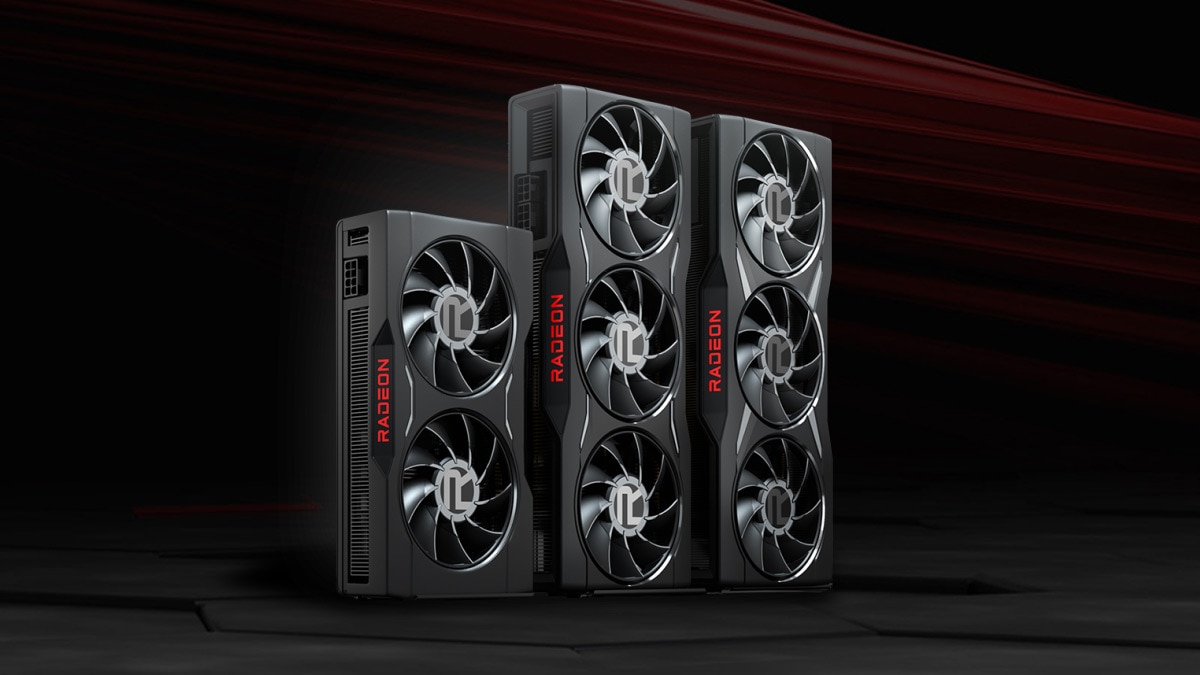
AMD has pulled one of its own roadmap targets forward by roughly a year. FSR 4.1, the AI-driven upscaling model that debuted as an RX 9000-only feature earlier this year, is now available on Radeon RX 6000 series graphics cards and on Ryzen AI 9 and Ryzen AI Max laptop and handheld chips, via the AMD Software: Adrenalin Edition 26.10.1 driver. AMD's own release notes, last updated October 20, list the expanded hardware support under "New Features" alongside four newly supported games.
For owners of older Radeon cards who assumed FSR 4's machine-learning upscaling was locked to the newest silicon, that is a meaningful change rather than a minor driver bump. Here is exactly what shipped, how to turn it on, and which known issues are worth watching before diving in.
What Changed in Driver 26.10.1
AMD's release notes for Adrenalin 26.10.1 list "AMD FSR Upscaling 4.1 support" for five hardware lines: Radeon RX 6000 series graphics cards, Ryzen AI Max 300 series processors, Ryzen AI Max 400 series processors, Ryzen AI 9 300 series processors, and Ryzen AI 9 400 series processors. That means FSR 4.1's AI-based upscaling model, which previously ran only on RDNA 4-based RX 9000 cards, now extends down through AMD's entire current Radeon desktop lineup and into the Ryzen AI chips found in recent gaming handhelds and laptops.
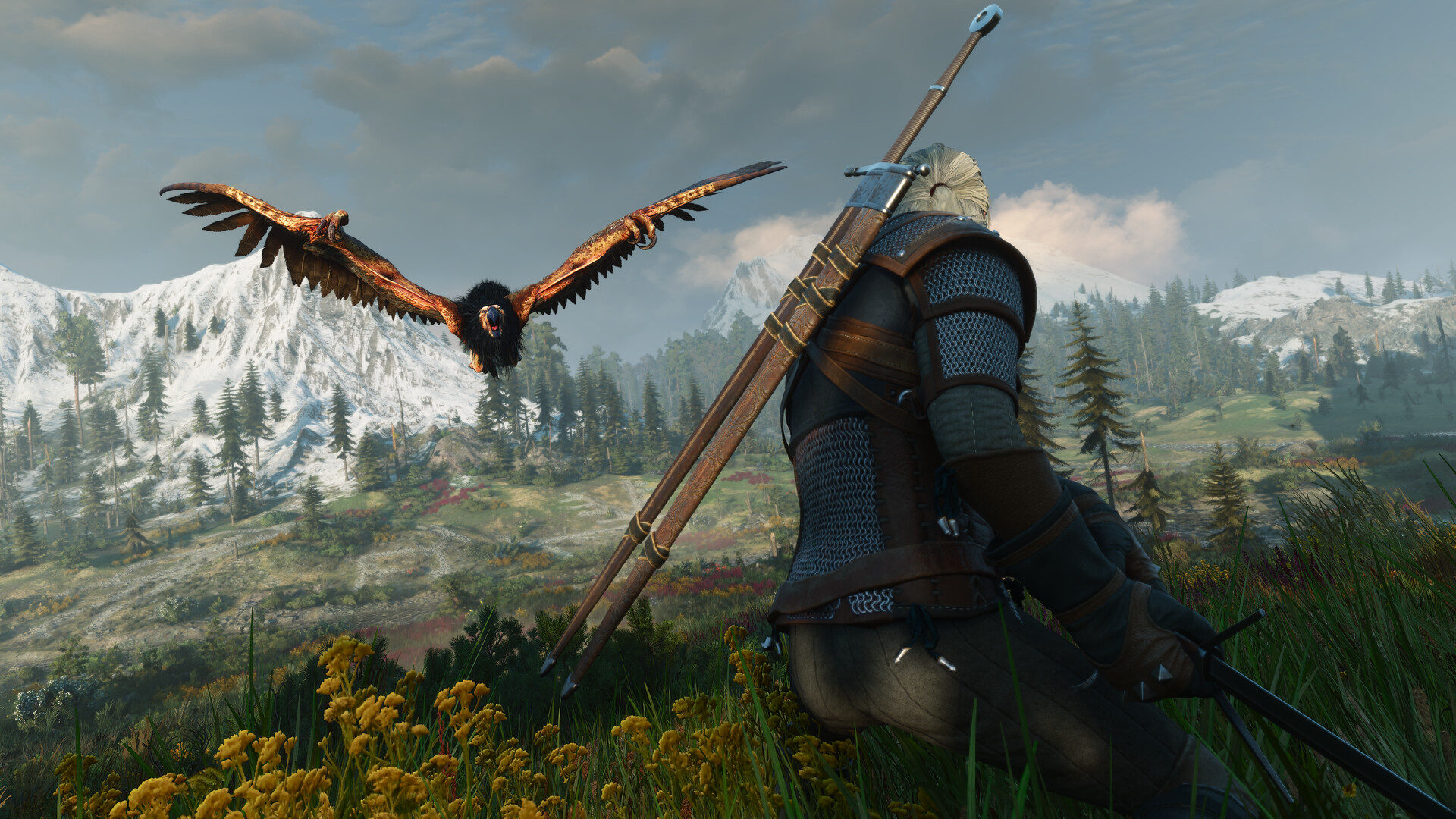
The same driver adds "New Game Support" for FSR 4.1 in four titles: Call of Duty: Modern Warfare 4, STAR WARS: Galactic Racer, FINAL FANTASY RESONANCE, and The Witcher 3: Wild Hunt — Remastered. It also folds in a fix for stuttering in Modern Warfare 4 specifically "on Radeon RX 6000 series graphics products and above," which suggests AMD tuned this release with RX 6000 owners in mind rather than treating the expansion as an afterthought.
How to Turn On FSR 4.1 on an RX 6000 Card
Getting FSR 4.1 running starts with the driver itself, since the feature doesn't exist on anything older than 26.10.1:
- Open AMD Software: Adrenalin Edition, go to the gear icon, then Updates, and install 26.10.1 or newer. A fresh install of the latest AMD Software package from AMD's own site works just as well if the in-app updater hasn't caught up yet.
- Confirm the card or chip is actually on the supported list. Desktop RX 6000 cards qualify across the board, as do Ryzen AI 9 300/400 series and Ryzen AI Max 300/400 series processors; older Ryzen AI chips and RX 5000-and-below GPUs are not part of this rollout.
- Launch one of the newly supported games, open its in-game graphics or upscaling menu, and look for an FSR option with a version selector. Where a title exposes FSR 4.1 directly, that in-game toggle is the one to use, since it lets the game apply its own quality presets rather than relying on a driver-level override.
- For games that don't expose a version number, open AMD Software's Gaming tab, select the game's profile (or Global Graphics for a default across every title), and enable AMD FSR there, picking a Quality, Balanced or Performance preset to taste.
- Relaunch the game after any driver update. AMD's own notes elsewhere in this release reference display and overlay issues that are more easily avoided with a clean restart after installing.
Why This Counts as an Early Win for RX 6000 Owners
FSR 4's pitch has always been that its AI model produces cleaner upscaled detail and steadier image stability than the classic, non-machine-learning FSR 3.1 that most Radeon cards have relied on. Until this driver, that advantage was walled off behind RDNA 4 hardware, leaving RX 6000 owners on the older algorithm regardless of how recent their card was. Pulling the newer model down to RX 6000 — and to Ryzen AI silicon that isn't a discrete GPU at all — expands FSR 4.1's addressable hardware well beyond what AMD had previously committed to for 2026.
That matters most on the four games the driver explicitly supports today, since those are the only titles currently wired up to accept the newer model on this expanded hardware set. Anyone running an RX 6000 card in The Witcher 3: Wild Hunt — Remastered or FINAL FANTASY RESONANCE gets a direct image-quality upgrade at no cost beyond installing the driver, without needing to upgrade a graphics card to get it.
Known Issues to Check Before You Enable It
AMD's release notes list several open issues alongside the FSR 4.1 expansion, and most of them currently point at RX 9000 series cards rather than RX 6000:
- Death Stranding 2: On the Beach can intermittently hang with AMD FSR enabled on RX 9000 cards; AMD's workaround is to disable FSR in that game until a fix lands.
- Cyberpunk 2077 can crash or trigger a driver timeout on some RX 9000 cards when FSR Upscaling, Radeon Anti-Lag and in-game frame generation are all active during video playback on a secondary display; disabling in-game frame generation avoids it.
- Toggling overlays or switching apps while in-game AMD FSR Frame Generation is active can cause a system crash or hang on RX 9000 cards; enabling V-Sync is the listed workaround.
- FINAL FANTASY RESONANCE can trigger an intermittent system shutdown specifically on Ryzen AI Max PRO 400 series processors, worth flagging for anyone running that chip in a handheld or thin laptop.
None of those four are logged against RX 6000 desktop cards in this release, but they're worth bookmarking anyway: FSR 4.1 is the same AI model across every supported chip, so a fix or a fresh bug on RX 9000 is a reasonable preview of what RX 6000 owners might see as AMD keeps tuning the rollout.
What to Watch Next
AMD hasn't published a broader roadmap for which additional games or GPU generations get FSR 4.1 next, and the four titles added in 26.10.1 are the only ones confirmed so far on this expanded hardware. Given that AMD moved this support up by roughly a year ahead of its own prior timeline, it's reasonable to expect the list of both supported games and supported hardware to keep growing with future Adrenalin releases — but until AMD's release notes confirm a specific title or chip, treat anything beyond this driver as unannounced.
For now, the practical takeaway for RX 6000 owners is straightforward: install 26.10.1, check the in-game FSR menu in any of the four newly listed titles, and compare it against whatever upscaling mode you were using before. It's a free image-quality upgrade that didn't require a new graphics card to unlock.
Official links
Lena tests the hardware that games run on, from handheld thermals to controller latency. If a spec sheet is doing something suspicious, she has already opened the device.