How to Turn On HDR and VRR on SteamOS 3.10 for the ROG Xbox Ally X20
Valve's SteamOS 3.10 Preview brings native HDR and brightness control to the ROG Xbox Ally X20, plus VRR fixes. Here's exactly how to turn it on safely.

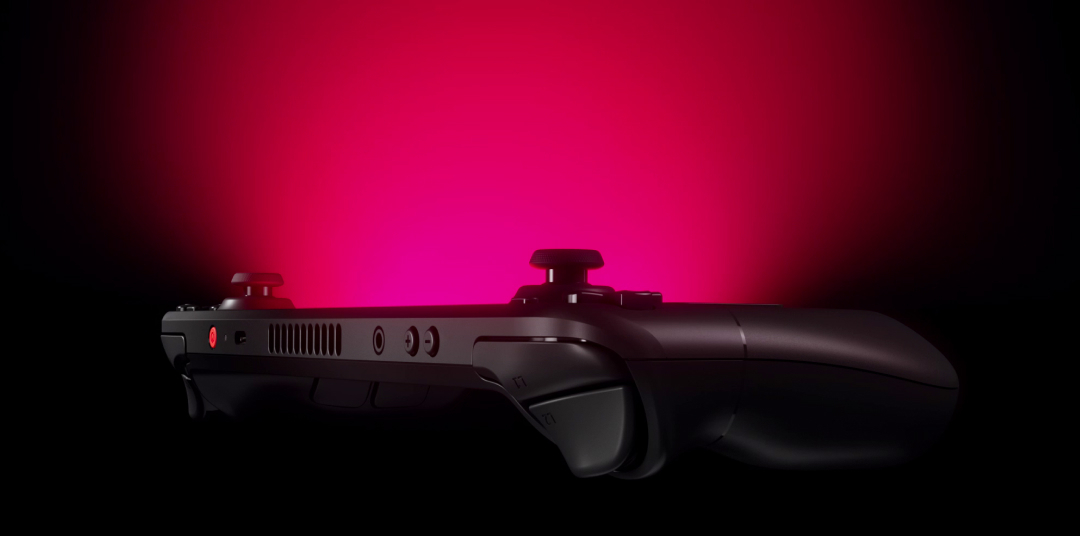
Valve pushed SteamOS 3.10 into the Preview channel on November 13, and buried in the changelog is a first: native support for a non-Valve handheld's screen. The ASUS ROG Xbox Ally X20, the OLED handheld ASUS and Xbox launched together last month, now gets HDR and brightness adjustment recognized directly when it boots into SteamOS instead of Windows. Three days later, on November 16, Valve shipped SteamOS 3.10.1 to patch two regressions the first build introduced, including one that broke the Forza Horizon series outright.
If you own an Ally X20, a Steam Deck, or any AMD-powered rig running SteamOS on a dock or TV, here is exactly what changed, how to switch on the new display options, and why you should grab the follow-up patch before you do.
What SteamOS 3.10 actually changes
The headline Game Mode changes are display-focused. Valve's own patch notes list "added support for ASUS ROG Xbox Ally X20 HDR and brightness adjustment," alongside a batch of VRR refinements: better frame timing when a framerate limiter is active, less screen flicker when VRR is enabled while browsing the Steam UI or sitting idle, and cursor movement that now tracks a game's real framerate above 30fps instead of spiking the panel to its maximum refresh rate. On the AMD side, SteamOS 3.10 adds HDMI 2.1 VRR, FRL and ALLM support for docked play. NVIDIA graphics users get mesh shader support on Turing-generation cards and newer, plus a fix for rendering corruption in Shadow of the Tomb Raider and The Surge 2.
There's a smaller fix in the same build worth knowing about: scaling that caused overexposure in HDR titles like Control has been corrected, and a flicker-and-stale-frame bug affecting games such as UBOAT and The Fruit of Grisaia in Game Mode is gone. Desktop Mode also moves from KDE Plasma 6.7.3 to 6.8.2, and the whole build rebases onto the Linux 7.3 kernel.
Why the Ally X20 gets special treatment
SteamOS has run on third-party AMD handhelds in an unofficial capacity for a while, but it has generally treated their screens as generic panels rather than reading their specific HDR and brightness capabilities. The Ally X20 is different because of its hardware: a 7.4-inch ROG Nebula HDR OLED display paired with an AMD Ryzen AI Z2 Extreme chip, the same class of silicon Valve has been tuning SteamOS around since the Steam Deck OLED. ASUS and Xbox built the Ally X20 to ship with Windows 11 and a full-screen Xbox experience, priced from $1,299 standalone or $2,499 in a bundle with ROG's XREAL AR glasses. SteamOS 3.10 is the first build where Valve's own display pipeline recognizes that panel well enough to expose proper HDR and brightness controls when the device is running SteamOS instead.
How to switch to the Preview channel
None of this ships on the Stable channel yet, so you'll need to opt in. Valve's own release notes put it simply: you can opt into this in Settings > System > System Update Channel. On a Steam Deck or an Ally X20 running SteamOS, the steps are:
- Open Settings from the Quick Access menu (the gear icon, or the Steam button on an Ally controller).
- Select System.
- Choose System Update Channel and switch it from Stable to Preview.
- Back out to the System menu and select Check for Updates.
- Let the download finish and reboot when prompted.
Valve flags Preview builds as early code that "may contain unexpected bugs or stability issues," and asks anyone who hits a problem to file it on the public SteamOS issue tracker rather than assume it's unique to their unit.

Turning on HDR, brightness and VRR
Once you're updated, the new options live where SteamOS has always kept display settings: open Settings again and go to Display. On an Ally X20, that menu now surfaces an HDR toggle and a brightness slider tied directly to its OLED panel, rather than leaving the device on whatever default Windows had set. The VRR improvements Valve listed apply more broadly: any SteamOS device, Deck or Ally X20, docked over HDMI 2.1 or DisplayPort to a VRR-capable monitor or TV should now show less flicker when you're navigating the Steam UI with VRR active, and the on-screen cursor should stop needlessly jumping the panel to max refresh rate when you're just browsing your library.
Patch to 3.10.1 before you rely on it
Don't stop at 3.10.0. Valve's 3.10.1 notes, posted November 16, describe it as fixing "a 3.10 regression causing launch failures with titles such as the Forza Horizon series" and "a 3.10 regression causing certain displays to show an 'invalid signal' error." Both are described explicitly as problems the first Preview build introduced, not pre-existing issues, so anyone who grabbed 3.10.0 in its first few days was more likely to run into them. The System Update Channel step above will pull 3.10.1 automatically if you're updating today; there's no separate toggle needed.
Valve also notes a known issue still open in 3.10: displays may stay blank when connected to a Dell G3223Q monitor over the new HDMI 2.1 VRR path. If you're docking to that specific model, it's worth holding off or keeping a non-VRR cable on hand.
Should you switch now?
If you're an Ally X20 owner who specifically wants SteamOS to stop guessing at your screen's HDR range, or you dock a Steam Deck to a VRR television and have been annoyed by UI flicker, 3.10.1 is a reasonable Preview build to try, especially now that the two most disruptive regressions are already patched. If Forza Horizon or a VRR display is central to how you use your device day to day, it's still a Preview channel, and Valve's own language about possible instability is the right level of caution to take at face value. Switching back to Stable later is the same menu, just in reverse.
Base Steam Deck LCD owners won't see much change here beyond the general stability work: the HDR entry in this changelog is scoped to the Ally X20's OLED panel and the Steam Deck OLED's existing HDR support, not the LCD model's screen, which has never supported HDR. Anyone still on the original Steam Deck will mostly benefit from the VRR cursor and flicker fixes when docked externally, plus whatever falls out of the Plasma 6.8.2 bump in Desktop Mode, rather than anything tied to the handheld's own display.
Official links
Lena tests the hardware that games run on, from handheld thermals to controller latency. If a spec sheet is doing something suspicious, she has already opened the device.