How to Turn On NVIDIA's DLSS 5 Neural Rendering in Hogwarts Legacy and War Thunder
NVIDIA's DLSS 5 neural rendering is live in Hogwarts Legacy and War Thunder, with Where Winds Meet next. Here is the driver and settings you need.
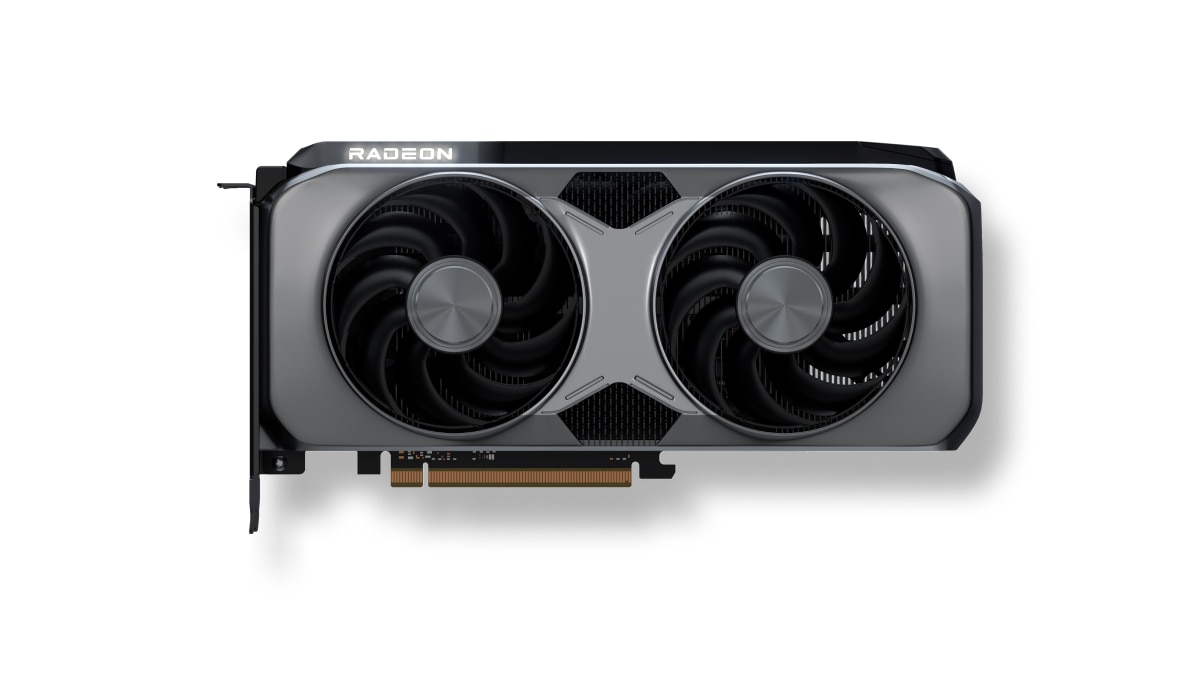
GeForce RTX 50 Series owners got a quiet but significant upgrade this month, and it is easy to miss if you are not watching NVIDIA's driver notes closely. DLSS 5 with 3D-Guided Neural Rendering, the AI feature that reworks a game's final rendered frame instead of just upscaling resolution, is now live in two very different PC games and lands in a third in two days. Here is exactly which driver to install and which setting to flip in each one.
What 3D-Guided Neural Rendering Actually Changes
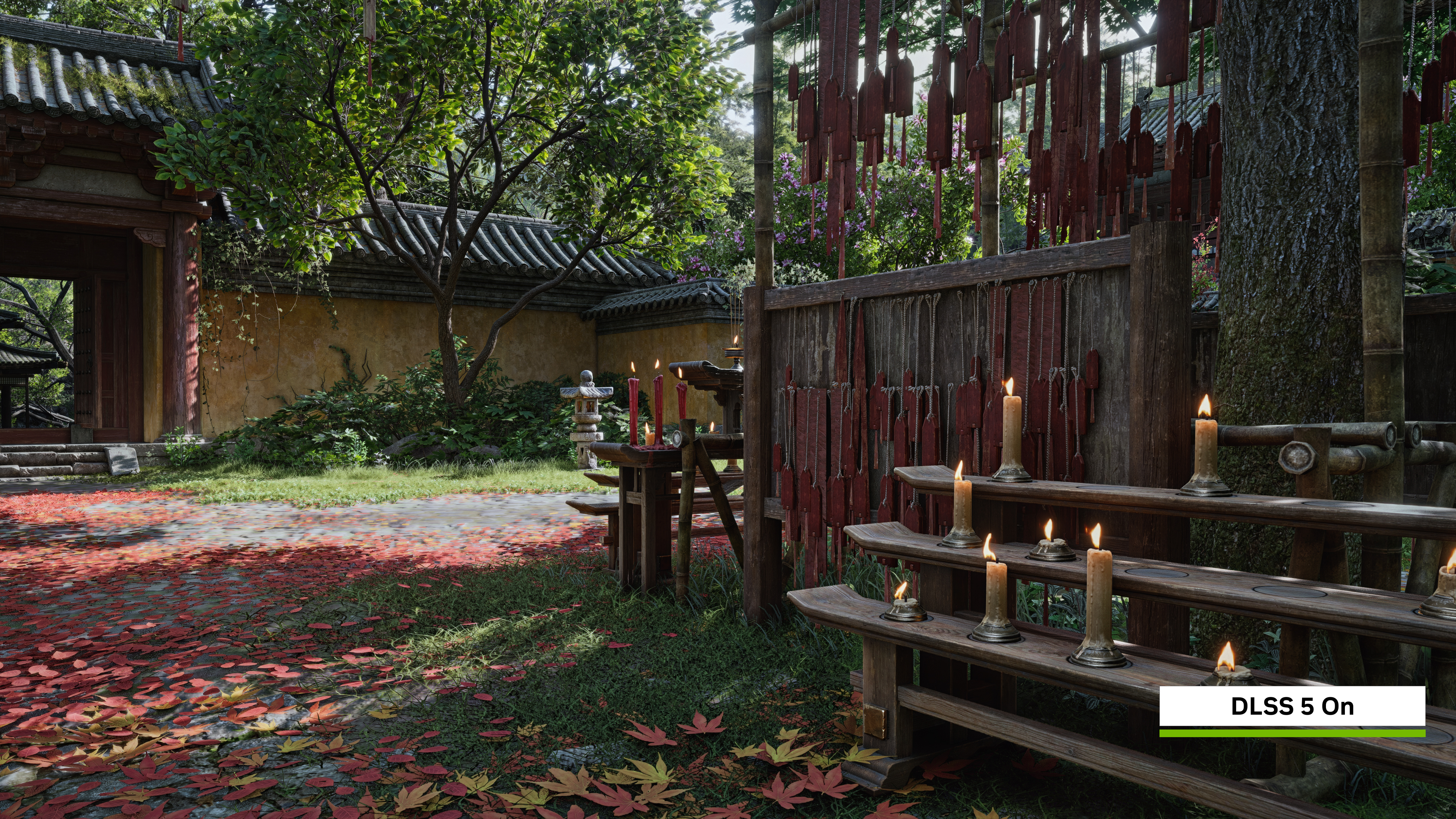
DLSS 5's neural rendering stage sits at the very end of the pipeline. It takes the frame your GPU already rendered, including the engine's own color, lighting and motion data, and uses an AI model to add detail that real-time lighting budgets usually force developers to cut: subsurface scattering in skin, light passing through hair and foliage, and contact shadows that respond to the scene's actual global illumination. Geometry, character proportions and art direction are left alone; the model enhances materials and light rather than redrawing the scene from scratch, and it runs deterministically so the same input frame always produces the same output.
It works as a simple on/off toggle for players, and it runs independently of DLSS Super Resolution, Multi Frame Generation and Ray Reconstruction, so you can mix it with whichever of those you already use. The feature is exclusive to GeForce RTX 50 Series desktop and laptop GPUs, RTX Spark PCs and GeForce NOW Ultimate streaming, and it runs locally at up to 4K using the cards' Tensor Cores.
Step One: Install the Right Driver
None of this works without a current driver. NVIDIA's GeForce Game Ready 621.14 WHQL driver, released November 4, is the minimum needed to enable DLSS 5 neural rendering in Hogwarts Legacy and War Thunder. NVIDIA followed it a week later with the 621.24 WHQL driver, which adds day-one optimizations for Warhammer 40,000: Dawn of War IV and extends DLSS 5 support to Where Winds Meet ahead of that game's own update. Grab the newer 621.24 build from the GeForce driver downloads page or through the NVIDIA app so you are covered for all three games at once.
Turning It On in Hogwarts Legacy
Hogwarts Legacy is the only one of the three where DLSS 5 is available right now, and it is also the most straightforward to enable. Avalanche Software pushed the supporting patch alongside NVIDIA's November 5 update, and the toggle lives directly in the game's graphics menu rather than being buried in a config file.
- Update the game through Steam, the Epic Games Store or your launcher of choice, and confirm your driver is 621.14 or newer.
- Open the in-game graphics options and switch on Neural Rendering.
- Set DLSS Super Resolution under "Upscale Type" for the sharpest base image.
- Turn on DLSS Multi Frame Generation under "Frame Generation" if your card supports it, and pair it with NVIDIA Reflex under "Low Latency Mode" to keep input feel tight.
- If you also run the game's ray-traced effects, enable DLSS Ray Reconstruction for the most accurate lighting input to the neural rendering model.
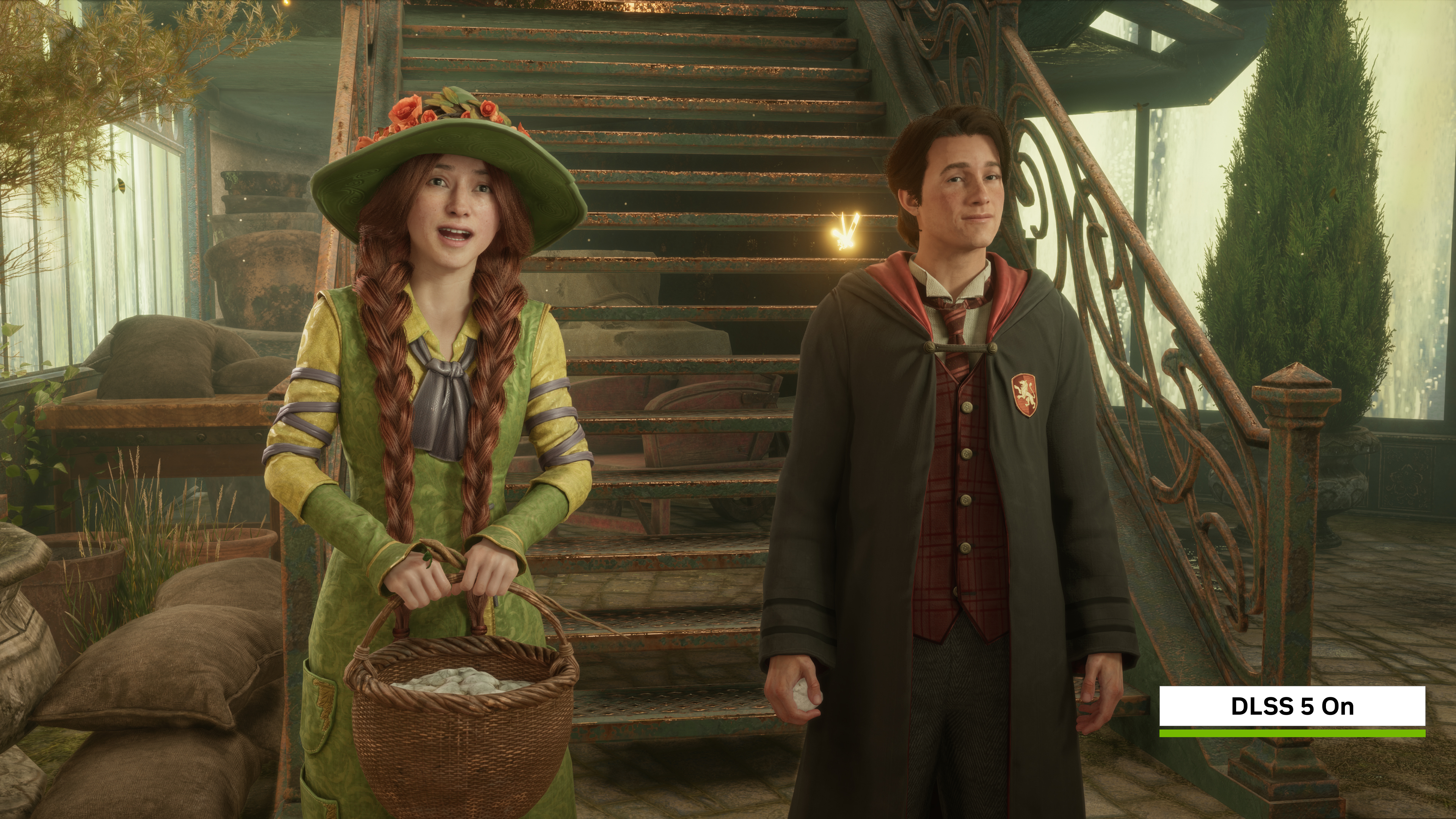
NVIDIA's own comparisons lean on Hogwarts Castle's stonework and the Great Hall's candlelight to show the difference, and the studio built this pass to be noticeably more restrained than the tech's original reveal trailer, focused on materials and light rather than faces.
What Changes in War Thunder's Eagle's Shadow Update
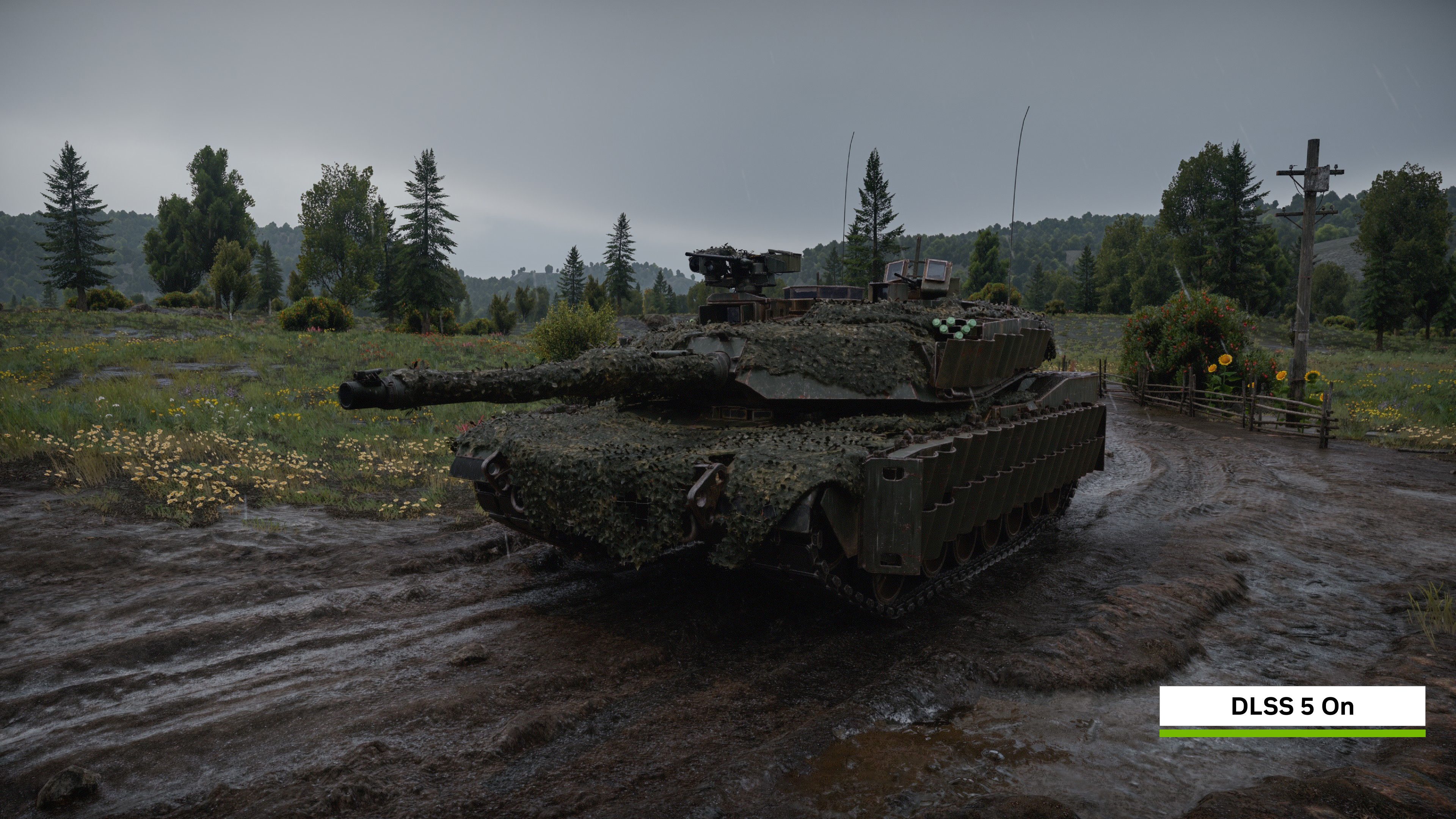
Gaijin shipped DLSS 5 support inside War Thunder's Eagle's Shadow major update, which went live November 12 alongside new vehicles including the F-15EX and the Leopard 2A8. The free-to-play vehicular combat sim is available on Steam, and NVIDIA says it pairs DLSS 5 with Ray Reconstruction and up to 6X Multi Frame Generation to push 4K framerates as high as 400 FPS on an RTX 5090, even with path tracing enabled on the Ultra preset. The War Thunder implementation runs on an October 2026 neural rendering model that NVIDIA describes as twice as fast as the version that debuted in Hogwarts Legacy, so expect a smaller performance cost for a similar lift in reflections, shadow detail and microcontrast on tanks, aircraft and ships. The option sits alongside War Thunder's existing DLSS settings in its graphics menu; if you already use DLSS Super Resolution there, Neural Rendering appears as an additional checkbox once the update and driver are both in place.
Where Winds Meet Joins the List on November 23
NetEase's open-world wuxia action game becomes the third DLSS 5 title when its own update arrives November 23. It is the first of the three to support the feature from a non-Western studio, and NVIDIA has flagged it as one of the earliest large open-world titles to carry 3D-Guided Neural Rendering across sprawling outdoor environments rather than the more contained spaces of Hogwarts Legacy or War Thunder's vehicle-focused maps. The same 621.24 driver that readies Dawn of War IV already contains the groundwork for this update, so RTX 50 Series owners do not need a separate driver release when the game patch lands.
“We're excited for players to jump back into the game and experience it in a new way.”Jose Villeta, Director of Software Engineering, Avalanche Software
Is It Worth Turning On?
If you already own an RTX 50 Series card, there is little reason not to try it. The toggle costs nothing to flip off again, it does not alter art direction or character models, and it stacks cleanly with upscaling and frame generation settings most RTX owners already run. The bigger question is whether you will even notice it: NVIDIA's own November pass on Hogwarts Legacy is deliberately subtle, aimed at lighting and material fidelity rather than the dramatic before-and-after shots from the technology's original reveal. Players chasing maximum framerate in a competitive vehicular shooter like War Thunder may prefer to leave it off and rely on Multi Frame Generation alone, while anyone exploring Where Winds Meet's open world for its scenery is exactly the audience NVIDIA built this update for. Either way, the only prerequisite is hardware you already need for DLSS 5 generally: an RTX 50 Series GPU, laptop or Spark system, and a driver no older than 621.14.
Official links
- NVIDIA GeForce: DLSS 5 arrives in Hogwarts Legacy, War Thunder and Where Winds Meetnvidia.com
- NVIDIA: DLSS 5 with 3D-Guided Neural Rendering explainednvidia.com
- NVIDIA GeForce driver downloadsnvidia.com
- War Thunder: Meet the Eagle's Shadow Major Updatewarthunder.com
- Hogwarts Legacy official sitehogwartslegacy.com
- War Thunder on Steamstore.steampowered.com
Lena tests the hardware that games run on, from handheld thermals to controller latency. If a spec sheet is doing something suspicious, she has already opened the device.