How to Unlock Dispatch's New Commentary Tracks and Storyboard Mode
AdHoc Studio's one-year Dispatch update adds 16+ hours of cast and crew commentary plus a full storyboard mode. Here is exactly how to turn both on.
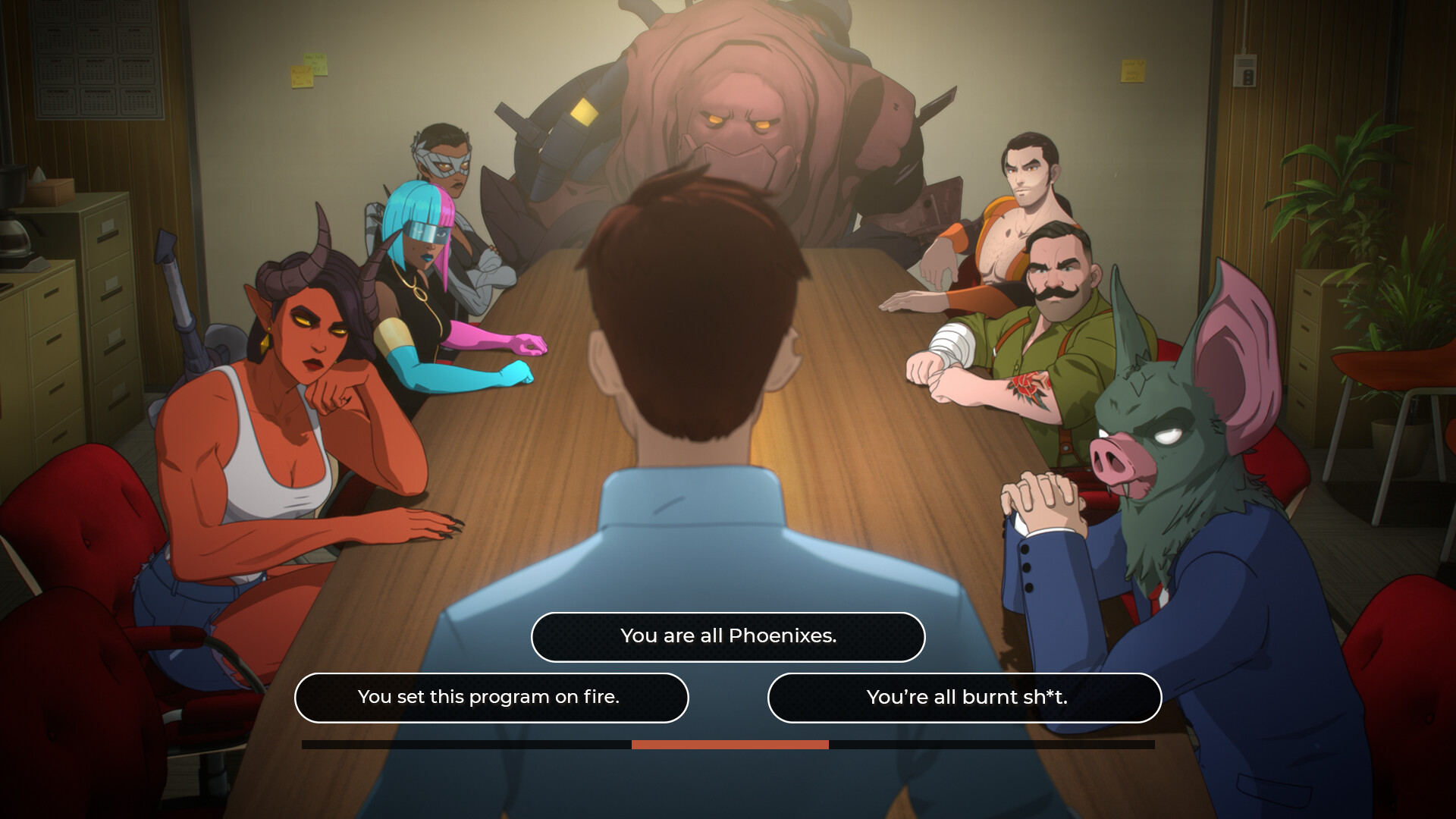
AdHoc Studio marked Dispatch's first anniversary on October 22 by shipping the biggest free update the superhero workplace comedy has gotten since its final episode landed last November. Patch v1.0.19512 doesn't add a new episode. Instead it bolts two genuinely substantial behind-the-scenes modes onto the existing eight episodes: a cast-and-crew commentary track and a full storyboard playback mode. Both are hidden behind a one-time unlock rather than a toggle every player already has, so here's exactly what you need to own, where to find the switches, and how to get the most out of a second playthrough.
What AdHoc Studio Actually Shipped
The headline feature is Commentary Mode, which layers more than 16 hours of unscripted audio over every episode. There are two separate tracks rather than one combined feed: a Cast track with actors including Aaron Paul, Laura Bailey and Travis Willingham talking through scenes in character voice and out of it, and a Crew track featuring the writers, directors and designers explaining why specific jokes, boss fights and relationship beats were built the way they were. The second new feature, Storyboard Mode, swaps the finished cinematics for AdHoc's original storyboard animatics, letting you watch how a scene was blocked out before it was ever animated or voiced.
Both modes shipped alongside the Digital Deluxe Edition Upgrade on Steam, PlayStation 5, Xbox Series X|S, Nintendo Switch and the Epic Games Store, so there's no platform where you're stuck waiting.
Getting the Deluxe Edition Upgrade
If you already bought the Digital Deluxe Edition when Dispatch launched, you already own Commentary Mode and Storyboard Mode; nothing further to purchase. Everyone else needs the upgrade DLC:
- On Steam, open the Dispatch store page, scroll to the Digital Deluxe Edition Upgrade listing and buy it directly; it's currently discounted 20% off its $10.99 list price.
- On Xbox, the same upgrade is live in the Microsoft Store at the same discounted price.
- On PlayStation 5, buy the upgrade from the game's PS Store page; it unlocks instantly against your existing save.
- On Nintendo Switch, the upgrade doesn't appear automatically inside the game. You need to go to the Nintendo eShop separately, find the Dispatch Deluxe Edition DLC pack and download it before the new settings options will show up.
The $10.99 upgrade isn't just the two modes. It also hands over the 100-plus-page Art of Dispatch digital artbook and all four digital comics that originally shipped only with the pricier Deluxe Edition at launch.
Turning On Commentary Mode
Once you own it, Commentary Mode lives in the game's Settings menu, not in a separate main-menu tile. From there you pick which of the two tracks you want to hear, Cast or Crew, and start or resume an episode as normal. You can't blend both tracks into one playthrough; switching between Cast and Crew requires going back into Settings and reselecting before you start the next scene. Worth noting if you're playing in a language other than English: the commentary audio itself is English-only with no subtitle option, though the base game's story dialogue keeps subtitles in whatever language you've already selected.
The Cast track isn't just the three leads. Alongside Aaron Paul (Robert Robertson, aka Mecha Man), Laura Bailey (Courtney, aka Invisigal) and Travis Willingham (Phenomaman), AdHoc recorded additional cast members talking through scenes they weren't necessarily in together, comparing notes on how a line read differently once it was animated. The Crew track swaps that out for the people who built the game around them: writers walking through early drafts of a scene that got cut or rewritten, designers explaining why a particular dispatch call was balanced the way it was, and directors describing choices that didn't survive playtesting. It's a genuinely different listen from the Cast track rather than a lower-energy version of it, so it's worth running through at least one episode on each before deciding which to prioritize for a full replay.
How Your Choices Change the Commentary
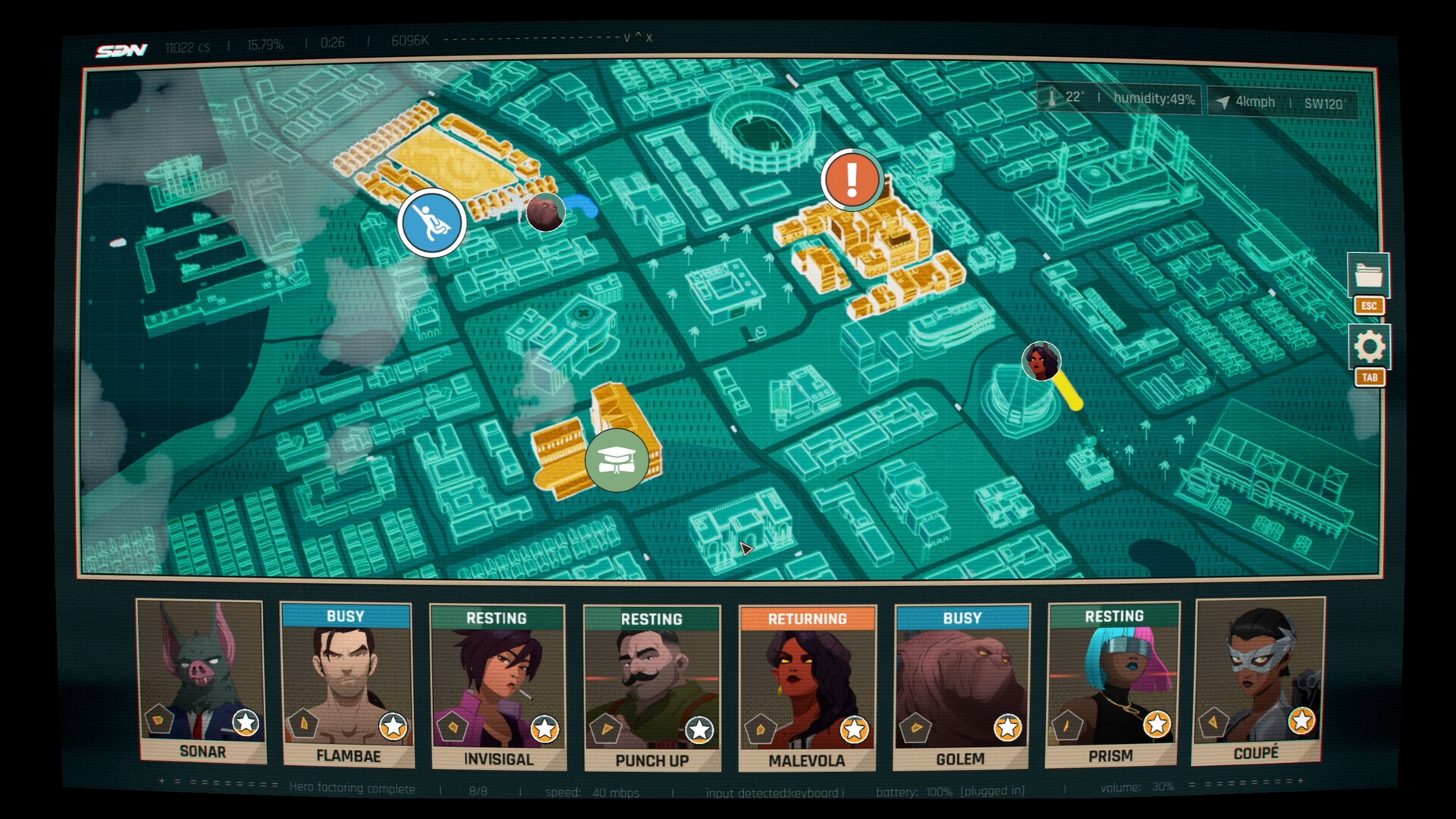
This is the detail most people miss on a first run. Commentary in Dispatch isn't a static narration track laid over a fixed cut; it's tied to the specific dialogue choices and dispatch decisions you make in that playthrough, the same branching system that drives the main story. Pick a different line in the breakroom or send a different hero to a call, and the commentary that plays over that scene changes with it. AdHoc built the two tracks this way on purpose, and if you want to hear everything the cast and crew recorded, a single clean run isn't enough.
“Dispatch was only possible because of folks who believed in it enough to show up and do their best work.”Nick Herman, Co-Creative Director on Dispatch and COO of AdHoc Studio
Practically, that means the fastest way to hear the bulk of the 16-plus hours of commentary is to replay specific episodes with different choices rather than sitting through all eight twice end to end. Chapter select lets you jump straight back into any episode you've already cleared, so target the scenes with the biggest branches first.
Turning On Storyboard Mode
Storyboard Mode sits in the same Settings menu as the commentary toggle, and it's far more flexible about when you can flip it. Unlike the commentary track, you can switch Storyboard Mode on or off mid-scene without restarting the episode, instantly swapping the finished cinematic for the original animatic and back again. It also runs independently of Commentary Mode: you can watch the storyboards in silence with the game's normal voiced dialogue and full subtitle support, or stack both modes together and get the behind-the-scenes narration over the unfinished art at the same time.
Worth Knowing Before You Jump In
A few things to plan around. The commentary and storyboard content only covers the eight released episodes; there's no new story content in this patch. The physical Digital Deluxe Edition arriving on PS5, Xbox Series X and Switch 2 later this quarter will include both modes out of the box, so if you're waiting for a disc release you won't need to buy the digital upgrade separately. And if you're coming back after a long break, update to v1.0.19512 first; the Settings-menu options for both modes won't appear on older game versions even if you already own the Deluxe content on your account. One more wrinkle for anyone pricing this out across stores: the 20% discount on the $10.99 upgrade is explicitly called out as a Steam and Xbox promotion in AdHoc's own notes, so don't assume the PS5 or Switch price will match without checking the storefront first.
For everything else AdHoc added around the anniversary, including the mobile version due December 9 on iOS and Android, see the studio's own anniversary rundown and the full v1.0.19512 patch notes.
Official links
Sam writes about small studios and the games they ship against the odds, and turns the hardest parts of them into guides that get to the point.