How to Get Graveyard Keeper 2 Running Smoothly on PC and Steam Deck
Graveyard Keeper 2 just earned Steam Deck Verified status and its sixth patch. Here's how to configure PC settings and handheld performance now.

Three weeks after launch, Graveyard Keeper 2 has quietly cleared one of the biggest hurdles a management sim can face on Valve's handheld: it is now rated Steam Deck Verified, Valve's top compatibility tier, confirmed directly on the game's Steam store page. That badge, combined with a sixth round of PC patching, makes this a good moment to sort out exactly how to run Lazy Bear Games' zombie-powered sequel well, whether you're on a desktop, a laptop or a handheld.
Why a 2D graveyard sim needs a settings guide at all
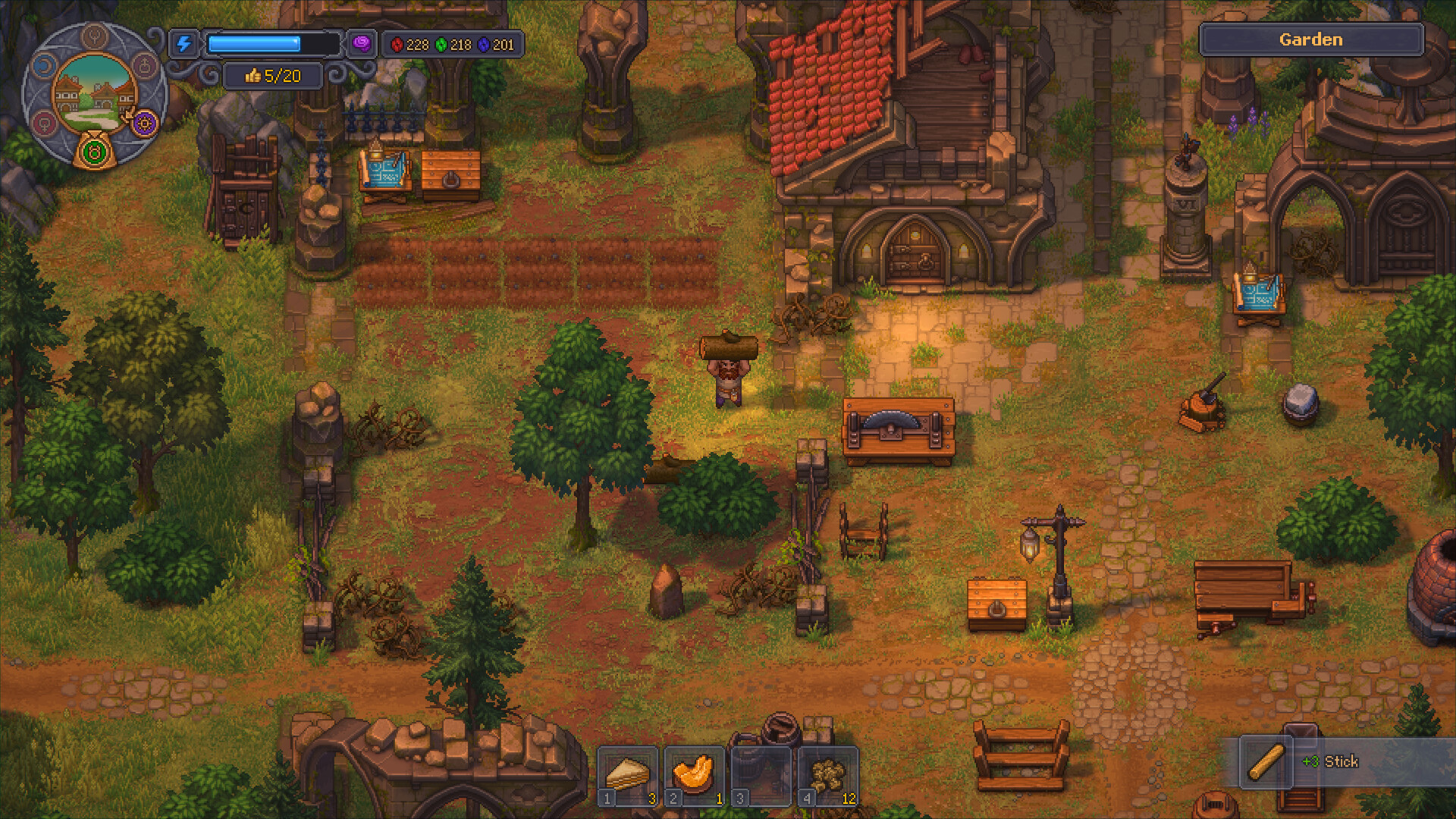
Graveyard Keeper 2 looks, on the surface, like the kind of pixel-art management game that should run on almost anything. The official requirements on Steam say otherwise. The minimum spec calls for an Intel Core i3 (13th generation) or equivalent, 6 GB of RAM and a GeForce GTX 1650, while the recommended spec jumps to an i5 (13th generation) and a GeForce RTX 3060 with 8 GB of RAM. That's a noticeably steeper ask than the original Graveyard Keeper, and it comes down to the sequel's heavier simulation load: dozens of zombie workers pathing between stations, town-wide crop and conveyor automation, and a much larger map than the first game's single graveyard.
Lazy Bear Games and publisher tinyBuild have not published a graphics-API breakdown, but the specs sheet alone explains why players on older hardware have reported stutter in the busier parts of town once a save accumulates a large zombie workforce.
Desktop and laptop: what you can actually adjust
Unlike most modern releases, Graveyard Keeper 2 does not ship with a deep graphics options menu, upscaling toggles or ray-tracing settings to tune. Players who have gone looking for DLSS or FSR support have come up empty; the options are limited to a single overall quality slider running from Lowest to High, plus the usual resolution, V-Sync and window-mode choices. If your rig sits closer to the minimum spec than the recommended one, dropping that single slider down a notch or two is the most effective lever you have, especially once your town's population and zombie count grow in the midgame.
Because there is no fine-grained control, the practical fix for stutter on modest hardware is less about chasing individual settings and more about giving the simulation headroom: closing background applications, keeping a GPU driver current, and expecting the heaviest frame drops to show up specifically when many zombies are active on screen at once, since that's what the specs jump is really budgeting for.
Steam Deck and other handhelds
The Verified badge means Valve's own testing found the default controller layout fully functional, on-screen text legible, and the default configuration performant on Steam Deck without any manual tinkering. In practice, that default experience is still happiest with the in-game quality slider set to Low and, if you want to protect battery life on a long play session, a frame-rate cap around 40 FPS rather than chasing a locked 60. That combination keeps the Deck's APU comfortably under load during the town-management scenes where the zombie count spikes, without sacrificing the readability the Verified test specifically checks for.
Because the options menu doesn't expose resolution scaling beyond the basics, there's no separate "handheld mode" to switch on. The settings that help on a Legion Go or ROG Ally are the same ones that help on a desktop laptop running on battery: lower the single quality slider and cap your frame rate below the display's maximum.
What the last few patches actually fixed
Since launch on September 22, Lazy Bear Games has shipped updates 1.005 through 1.009, and the 1.009 changelog is the most relevant one for anyone chasing smooth performance. It fixes a crash that could occur while loading a save, a freeze that happened when assigning a zombie to a station if its previous worker was no longer valid, and an error pop-up tied to gardener zombies harvesting crops that no longer existed. Earlier updates in the same run cleaned up a string of similar issues: 1.008 fixed an infinite load screen tied to conveyor logic, and 1.007 and 1.006 closed out duplication exploits and quest-blocking bugs that could leave a save in a bad state.
None of these are traditional "performance patches" in the frame-rate sense, but several of the fixed bugs were exactly the kind that make a game feel unstable on lower-end hardware or after long play sessions: saves that hung on loading, zombies that got stuck and kept re-triggering pathing logic, and stations that threw repeated error pop-ups. Clearing those out has a real effect on how smoothly a long-running town actually plays.
What Lazy Bear Games says is coming next
A week after launch, the studio published a post titled "Plans for the future" on the game's Steam page, acknowledging that several mechanics had become repetitive chores and laying out a list of rebalancing work still to come. Among the changes Lazy Bear Games has committed to: increasing the number of gears zombies generate for conveyor belts, letting zombie-helpers restart crafts automatically at kilns, furnaces and compost heaps, making already-built workstations movable, and reworking the panic-reduction system. None of this is live yet, so treat it as a roadmap rather than something to configure around today.
For players deciding whether to jump in now or wait, that roadmap is useful context: the core simulation runs well under the current settings and patch level, but several of the grindier systems that strain a save's performance over a long game are explicitly flagged for rework. Checking the developer's own game page periodically is the simplest way to track which of those changes have actually shipped.
The short version
- Minimum: Core i3 (13th gen) or equivalent, 6 GB RAM, GTX 1650. Recommended: Core i5 (13th gen), 8 GB RAM, RTX 3060.
- Only one graphics setting exists (Lowest to High); there's no DLSS or FSR to toggle.
- Steam Deck is now Verified; Low quality with a 40 FPS cap is the best balance of smoothness and battery life.
- Update 1.009 fixed several crash, freeze and stuck-zombie bugs that were hurting stability on long saves.
- Bigger rebalancing of grindy systems is planned but not yet live, per the developer's own roadmap post.
Official links
Lena tests the hardware that games run on, from handheld thermals to controller latency. If a spec sheet is doing something suspicious, she has already opened the device.