How to Get Stupid Never Dies Ready on PC and PS5 Before Its October 21 Launch
GPTRACK50's zombie action RPG launches October 21 on PC and PS5. Here's how to check your specs, try the free demo and pick the right edition.

Davy is the weakest zombie in his own dungeon, and GPTRACK50 wants players spending launch week pushing him from a shambling joke into a shapeshifting powerhouse. Stupid Never Dies, the Osaka studio's single-player action RPG about devouring monsters to steal their abilities, launches worldwide on PC and PlayStation 5 on October 21, with Japan following on October 22. Here is what to check, download and decide before that window opens.
When It Actually Unlocks
The PlayStation Store listing sets the PS5 unlock at 10:00 PM UTC on October 21, and Steam's regional rollout lines up with that window for most of the Americas and Europe. Anyone who buys the Glorious Idiot Edition gets Advance Access starting at 10:00 PM UTC on October 19, a full 48 hours early, through the Steam store page. That head start, plus the time-zone gap with Japan's October 22 date, means friends playing on different platforms or regions could be out of sync for a day or two.
GPTRACK50 president Hiroyuki Kobayashi framed the launch as a milestone for the studio. "Stupid Never Dies is an ambitious action game that introduces a number of original gameplay systems, and working with a publisher as experienced as Sega has been invaluable," he said of the co-publishing deal that brought Sega on to handle worldwide distribution.
Match Your PC to the Right Tier
Stupid Never Dies is a Windows 11-only release at launch, with no Mac or native Linux build listed, so Steam Deck and Linux players should plan on Proton rather than official support. The requirements on its Steam page split cleanly into two tiers:
- Minimum: Intel Core i5-8500 or AMD Ryzen 5 3500, 16 GB of RAM, an Nvidia GTX 1070 (8 GB) / RTX 3050 (8 GB) or AMD Radeon RX 580 (8 GB), DirectX 12, and 22 GB of free storage.
- Recommended: a six-core, twelve-thread CPU such as the Intel Core i5-11600K or Ryzen 5 5600X, 16 GB of RAM, an RTX 3060 (8 GB) or Radeon RX 6600 (8 GB), and the same 22 GB of storage.
Notice that RAM doesn't change between tiers, only the CPU and GPU do, so the fastest way to tell whether your rig clears the recommended bar is checking your graphics card against that 8 GB VRAM floor. The 22 GB install is modest by current action-RPG standards, so storage shouldn't be the bottleneck for most players.
“Stupid Never Dies is an ambitious action game that introduces a number of original gameplay systems, and working with a publisher as experienced as Sega has been invaluable.”Hiroyuki Kobayashi, President of GPTRACK50
Know the Build System Before You Dive
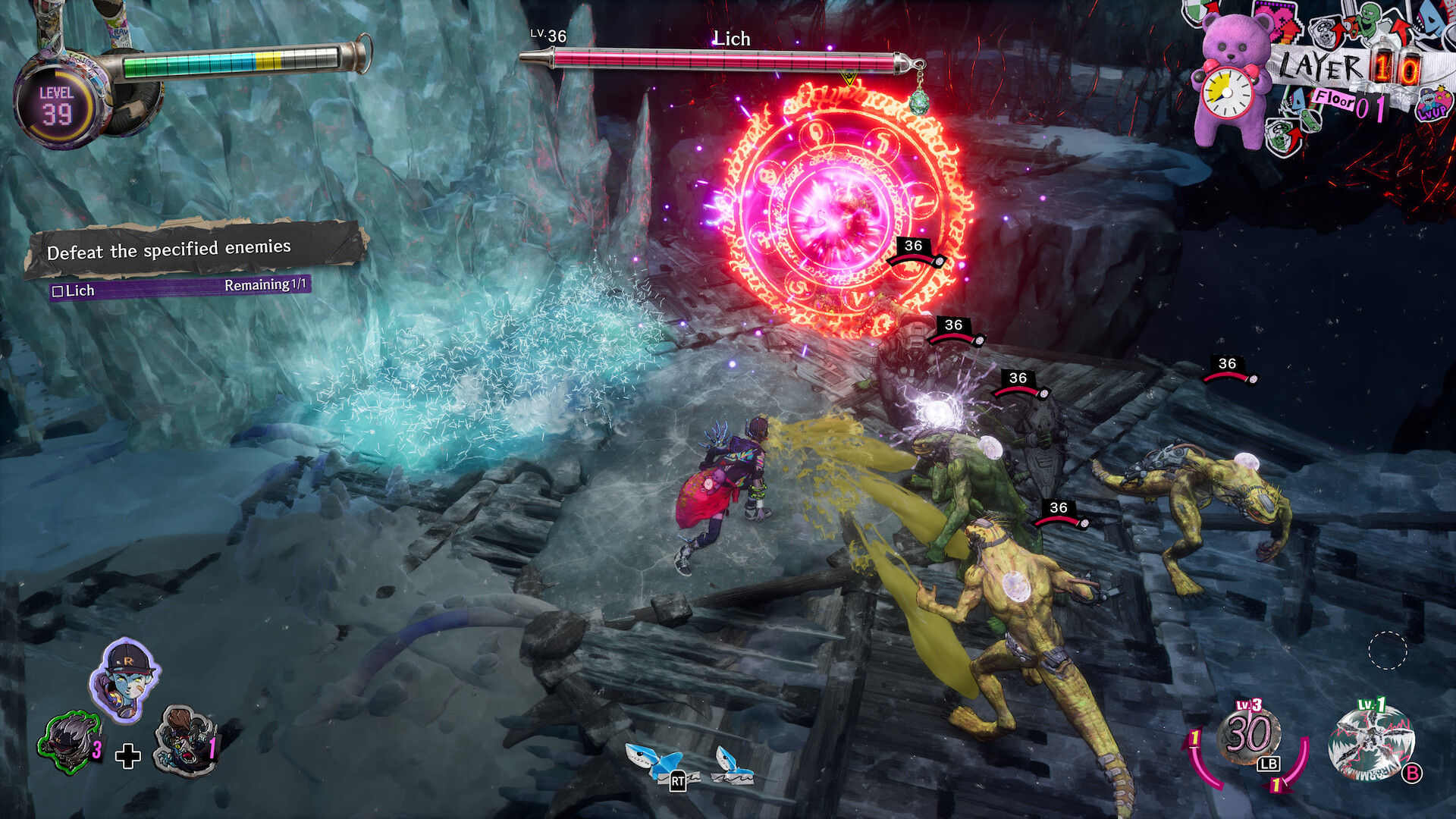
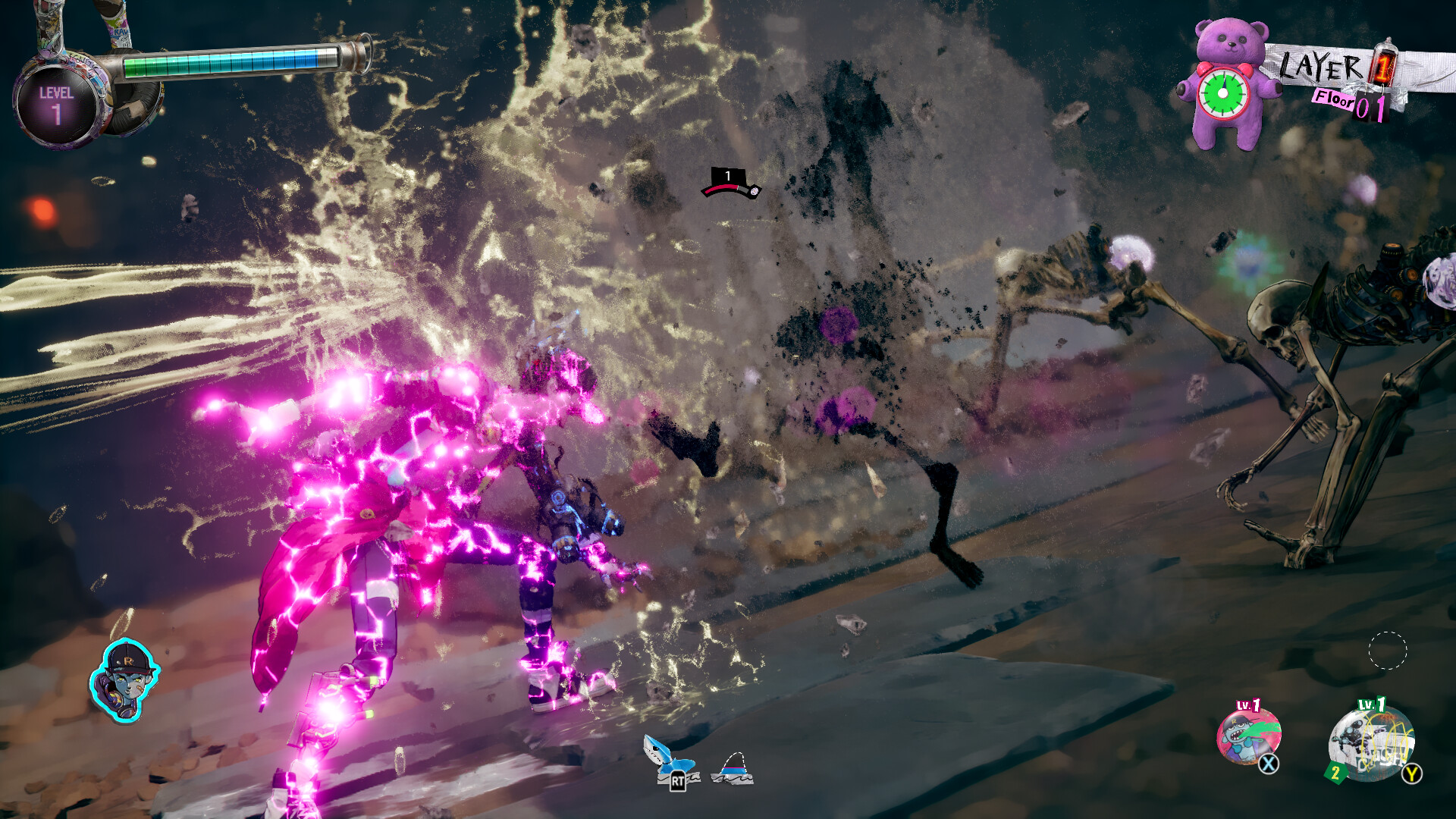
Stupid Never Dies structures its dungeon runs around two linked systems, and understanding them before launch makes the first few hours far less confusing. Defeating an elite monster lets Davy consume its core and temporarily transform into one of 11 Styles, including Werewolf, Harpy, Golem and Vampire, each changing his moveset and stats for a limited time. Separately, Overtech gear lets players permanently swap out parts of Davy's body for equipment that boosts stats and unlocks new active and passive skills, so a run's build comes from stacking those permanent swaps rather than finding traditional weapon drops.
That means the usual action-RPG habit of hoarding gear for later doesn't really apply here: Overtech parts are meant to be slotted and experimented with immediately, and a run-based structure means builds reset between dives rather than carrying across the whole campaign. Players coming from Soulslike or roguelite backgrounds should expect something closer to the latter, with growth measured in how fast Davy can snowball within a single dungeon push rather than through a persistent skill tree.
Play the Demo Before You Decide on an Edition
GPTRACK50 and Sega put a free "First Bite" demo on both Steam and the PlayStation Store, and progress from it carries over into the full game at launch, so there's no real downside to starting there first. It's the fastest way to judge whether Davy's body-swapping combat, built around consuming elite monsters and wearing their Overtech parts, clicks before spending anything.
From there the edition choice is straightforward. The $49.99 standard edition is just the base game. The $59.99 Glorious Idiot Edition bundles in the TickTock Teddies: Nonsense Overload Pack, a cosmetic and audio DLC that swaps in remixed music cues and visual gags tied to Davy's "Big Head," "Chirp Chirp," "Festival," "Romantic" and "Splash" teddy bears. None of it affects combat balance, so skip it if you only care about the core campaign, and grab it if you want the Advance Access window along with the extras.
What PS5 Owners Get That PC Players Don't
The PlayStation Store listing confirms PS5 Pro enhancements and DualSense wireless controller support, meaning adaptive triggers and haptic feedback are tied to Davy's combat and transformation states on Sony's hardware. PC players using a DualSense over USB or Bluetooth may still get some of that through Steam's own controller support, but the PS5 version is the one built around it from the ground up. Both versions ship with the same single-player campaign and no online requirement, so neither platform is locked out of content, only out of that specific controller feedback.
The listing also flags accessibility options worth knowing about going in: adjustable text size, custom volume controls, adjustable difficulty, a keyboard-only control option, and subtitle options are all present, along with camera comfort settings for players sensitive to fast transformation effects. None of those require the Deluxe edition or any unlock; they're available from the first boot on either platform.
Settings Worth Checking on Day One
Because Stupid Never Dies leans on fast transformations and readable hit feedback rather than open-world scale, prioritize frame rate over resolution if your hardware forces a choice: the combat systems Kobayashi's team built around devouring and mimicking monsters depend on clean animation reads. On PC, start at the recommended settings tier and step down shadow and reflection quality first if you're short of the 8 GB VRAM target, since those tend to cost the most for the least visual payoff in dungeon crawlers built around bright, flat environments. On PS5, there's no manual graphics-mode toggle mentioned on the store listing, so expect the Pro enhancement to apply automatically rather than through a settings menu choice.
Whichever platform you land on, the practical prep is simple: confirm your GPU clears the 8 GB VRAM minimum, grab the First Bite demo to test the controls, and decide on Advance Access only if the cosmetic DLC actually appeals to you. Everything else about Davy's dungeon dive starts the moment the servers for your region flip over.
Official links
Sam writes about small studios and the games they ship against the odds, and turns the hardest parts of them into guides that get to the point.