How to Get Your PC and Steam Deck Ready for Castlevania: Belmont's Curse
Castlevania: Belmont's Curse arrives October 15 with surprisingly steep PC specs. Here's how to configure settings on desktop, laptop and handhelds.

Konami's new 2D Castlevania launches on PS5, Xbox Series X|S, Xbox PC and Steam on October 15, with a Nintendo Switch version arriving the same day according to the game's official site. Castlevania: Belmont's Curse casts Rose Belmont, daughter of series hero Trevor Belmont, into a quest set 23 years after the NES classic Castlevania III: Dracula's Curse. It is built by Evil Empire, the studio behind years of post-launch work on Dead Cells, with Dead Cells creator Motion Twin credited as an advisory studio on the project. Before launch day, here is what the official Steam listing says your PC actually needs, how the frame rate target breaks down by platform, and what players planning to run it on a handheld should expect from a game that has not been rated for Steam Deck yet.
Why a 2D whip-and-platform game needs a GTX 1650
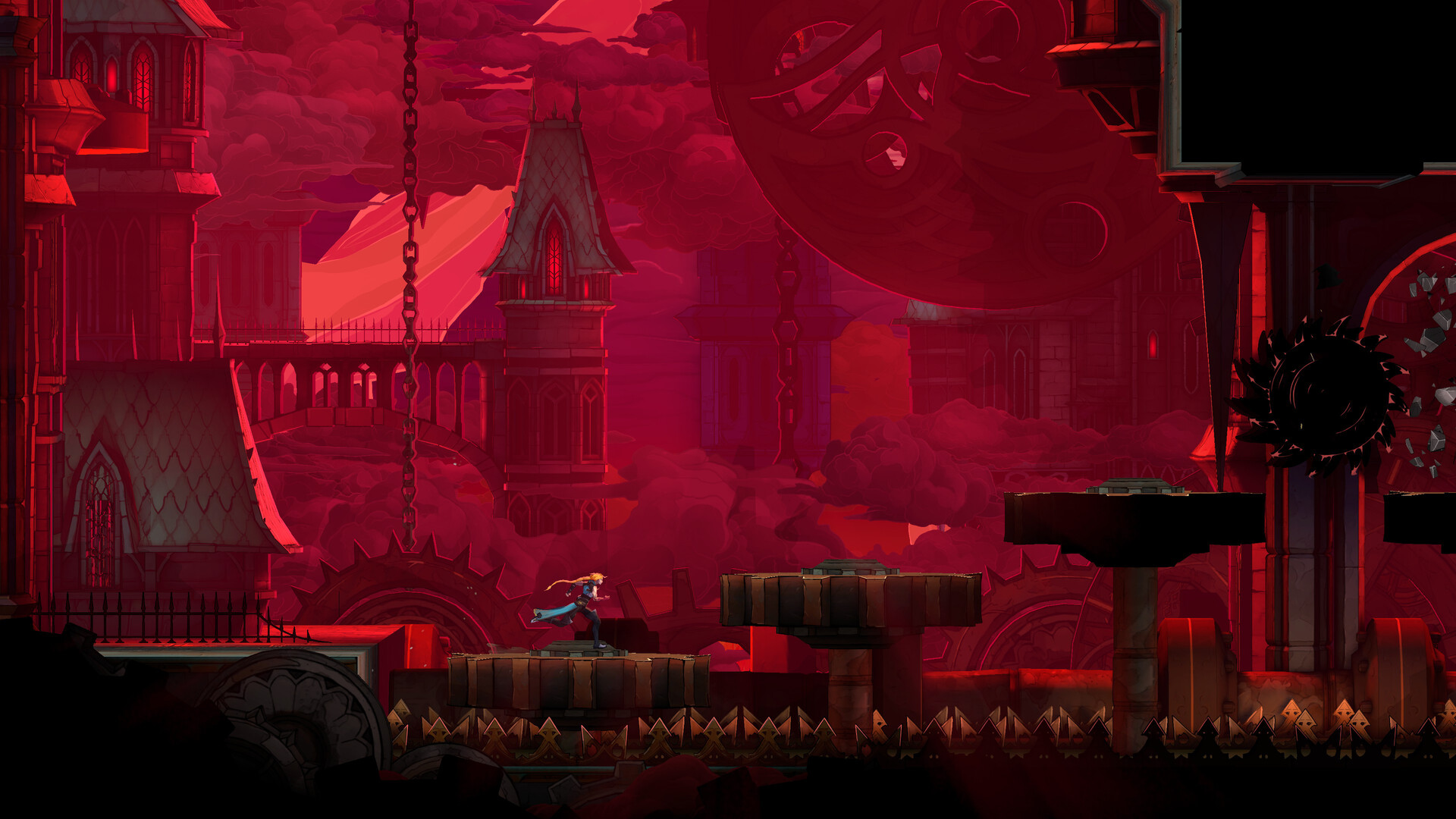
The Steam store page lists a minimum GPU of an Nvidia GeForce GTX 1650, which is a higher bar than most side-scrolling action games ask for. Konami's official site does not break down the rendering pipeline, but the pairing of a dedicated GPU requirement with a hard Windows 11 minimum points to real-time lighting and particle work layered over the hand-animated sprites, rather than a flat retro renderer. Players running older GTX 10-series cards or integrated graphics should plan on dropping resolution or effects settings once the options menu is available, since the listed minimum is a floor, not a suggestion.
The full minimum specification is a 64-bit Windows 11 install, an Intel Core i5-8400 processor, 16GB of RAM, that GTX 1650, DirectX 11 and 10GB of free storage. Recommended specs keep the same OS, RAM and storage figures but step the CPU up to a Core i5-10400 and the GPU to an RTX 3060. Notably, RAM does not change between the two tiers, which suggests the game is more GPU- and CPU-bound than memory-hungry, good news for anyone who already meets the processor and graphics bars but is sitting at exactly 16GB.
Confirm your frame rate target before you touch a settings menu
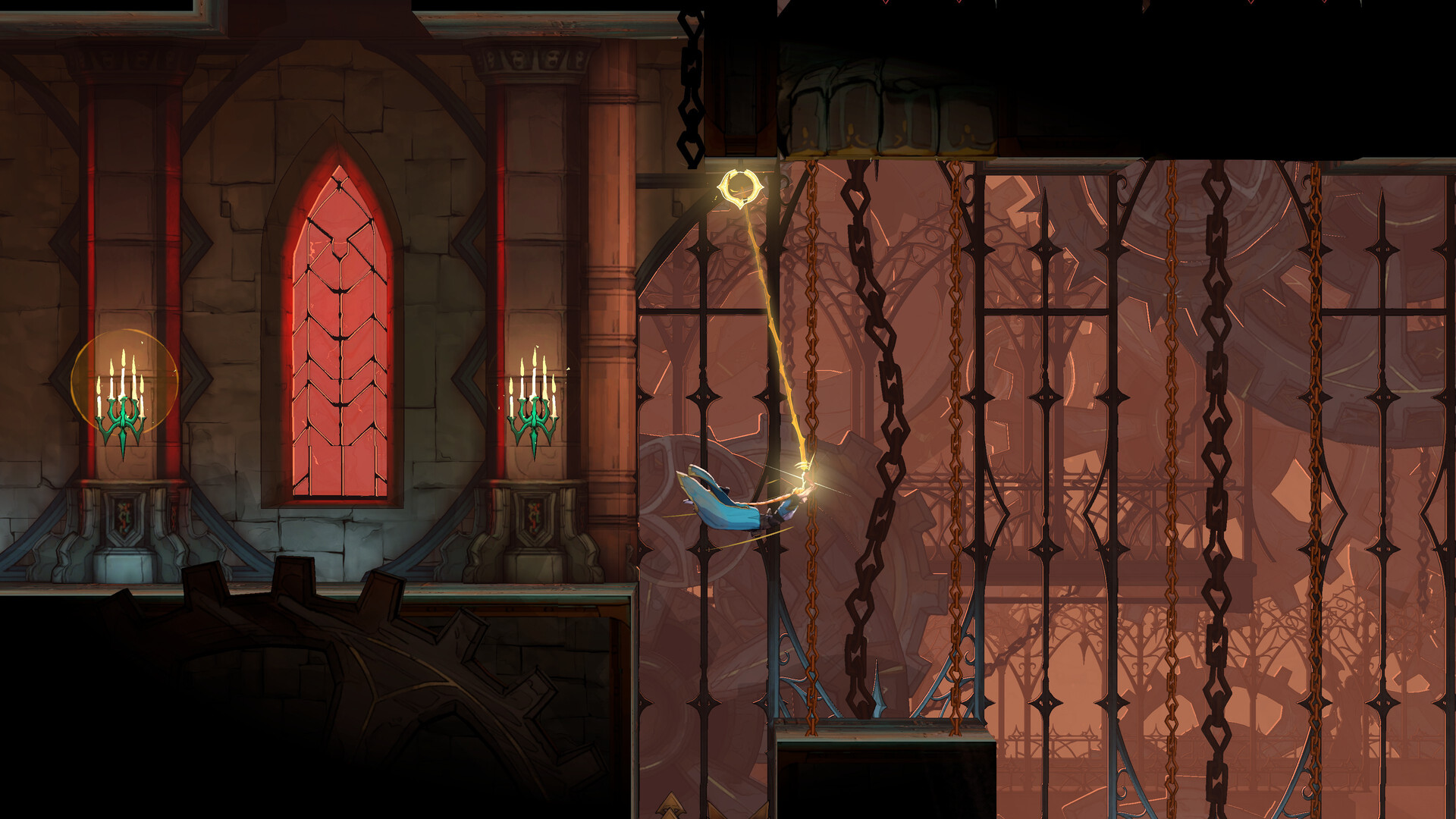
Konami's official product page states the game targets 60fps on PS5, Xbox Series X|S and PC, while the Nintendo Switch version is capped at 30fps. That 60fps target on PC is meaningful context for settings tuning: if your hardware sits closer to the minimum spec, the practical goal on launch day should be holding a stable 60fps rather than chasing higher resolutions or a potential uncapped frame rate option, since the developers clearly built encounter pacing and whip-swing timing around that number on console-equivalent hardware.
Storage planning is worth doing now rather than on launch morning. Konami's own site lists an 8GB download for the standard edition and 10GB for the Midnight Edition, which adds a digital art and sound gallery plus cosmetic items, while Steam's own listing already shows 10GB as the baseline PC figure. Treat 10GB as the number to clear, add headroom for a day-one patch, and you will not be caught short either way.
Play the demo first to benchmark your own PC
Konami already shipped a free Castlevania: Belmont's Curse Demo on October 1, covering the game's opening chapter, and progress from it is confirmed to carry over into the full release. That makes the demo the single best tool for tuning settings ahead of launch: install it, play the same corridor or boss fight at a few different presets, and settle on a configuration before the full 10GB download lands on your drive. The PC demo needs roughly 4GB of space, well under the full game's footprint, so there is no reason to skip this step if you are at all unsure whether your rig clears the recommended tier.
Use the demo window to test more than raw frame rate. Whip-swing traversal and tight boss timing windows mean input lag matters as much as average fps here, so it is worth toggling vsync and any frame-cap option on and off during the demo to see which combination feels most responsive on your specific monitor, rather than assuming the highest frame-rate number is automatically the best feel.
Because the demo uses the same engine and asset pipeline as the launch build, any stutter or frame pacing issue you see now is highly likely to reappear in the full game unless a day-one patch addresses it. Report problems through Steam's built-in feedback or Konami's support channels rather than assuming the retail version will quietly fix itself.
What handheld players should check for at launch
Castlevania: Belmont's Curse has no Steam Deck compatibility rating yet; Valve's "still learning" placeholder currently sits on the store page because the game has not been on sale long enough for Valve's automated and manual testing to produce a verdict. That is normal for any pre-release title and is not a red flag on its own. What is worth noting is pedigree: Evil Empire's own The Rogue Prince of Persia is Steam Deck Verified, and Dead Cells itself has long run cleanly on Deck, so there is reasonable precedent for a 2D Evil Empire title to behave well on handheld hardware once Valve rates it.
Until a rating appears, handheld owners on Steam Deck, ROG Ally, Legion Go or similar devices should treat the GTX 1650-class minimum spec as the realistic baseline for a stable 30-40fps on battery power, and should expect to lower resolution scaling or disable any optional effects layers first if frame pacing feels uneven. Docked play on external power, where the APU can run at a higher sustained wattage, will be the more reliable way to approach the game's native 60fps target on this class of hardware.
A pre-launch checklist
- Update to Windows 11 if you are still on Windows 10; it is the hard minimum, not just the recommended OS.
- Confirm your GPU driver is current, since a new Nvidia or AMD driver often lands alongside notable Steam launches.
- Clear at least 10GB of free space, and more if you plan to buy the Midnight Edition or expect day-one patches.
- Install the free demo now and settle on your graphics preset before the full game unlocks.
- Handheld players should plan around 30-40fps on battery and treat docked, mains-powered play as the path to the game's 60fps target.
With requirements this specific and a demo already live, Castlevania: Belmont's Curse is one of the easier October releases to prepare for ahead of time rather than troubleshoot after the fact.
Official links
Lena tests the hardware that games run on, from handheld thermals to controller latency. If a spec sheet is doing something suspicious, she has already opened the device.