How to Get Your PC Ready for Call of Duty: Modern Warfare 4's October 23 Launch
Modern Warfare 4's final PC specs add a ray-tracing-only third tier, mandatory TPM 2.0 and a new Benchmark Tool. Here's what to check before October 23.
Call of Duty: Modern Warfare 4 launches worldwide on October 23, arriving on Xbox on PC, Battle.net and Steam, and Activision used a dedicated PC-focused post on the Call of Duty blog to lock in the final specifications after months of beta testing. The numbers shifted since those beta builds circulated this summer: minimum RAM dropped from 12GB to 8GB, but required storage climbed to a hefty 115GB. Here's exactly what your rig needs, what the new PC-exclusive features actually do, and which upscaler suits your graphics card.
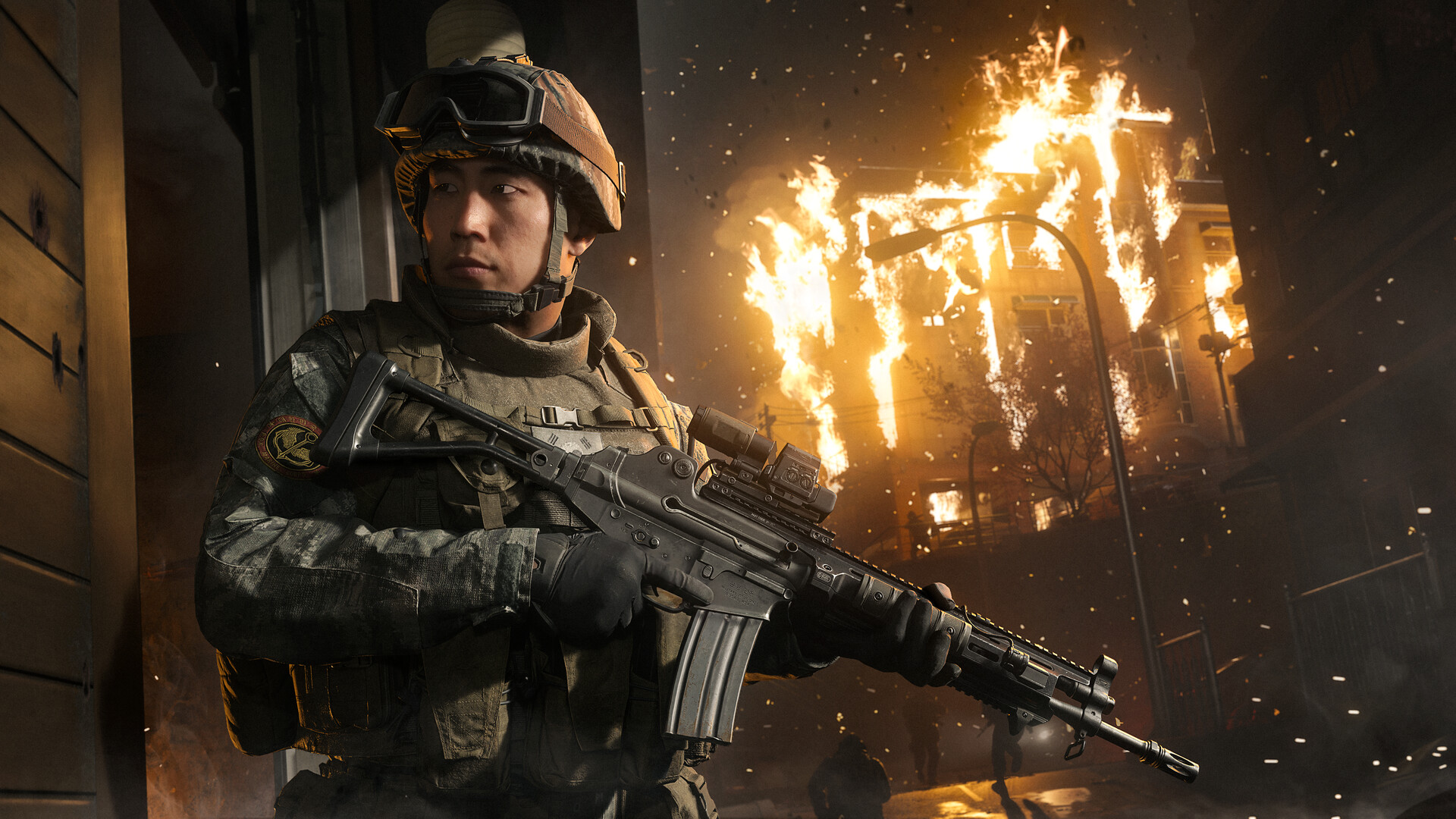
The Three Official PC Tiers
PC lead developer Beenox, working in close partnership with Infinity Ward, split Modern Warfare 4 into three configurations rather than the usual two, because ray tracing now has its own hardware floor entirely separate from standard play.
- Minimum (Windows 10 64-bit): AMD Ryzen 5 1400 or Intel Core i5-6600, 8GB RAM, and a 3GB-VRAM GPU such as the Radeon RX 470, GeForce GTX 970/1060 or Arc A580.
- Recommended for 90 FPS multiplayer on High settings (Windows 11): Ryzen 5 3600 or Core i7-8700K, 16GB RAM, and an 8GB-VRAM card like the Radeon RX 6600 XT, GeForce RTX 3060 Ti or Arc B580.
- Ray Tracing, for Ultra settings with high-quality ray tracing at 4K upscaled (Windows 11): Ryzen 7 3700X or Core i7-10700K, 32GB RAM, and a 16GB-VRAM card such as the Radeon RX 9070 XT or GeForce RTX 5070 Ti.
Every tier asks for the same 115GB of free SSD space, so the jump between configurations is almost entirely about CPU, RAM and GPU headroom rather than storage. Activision also says the game scales across more than 800 individual settings covering graphics, gameplay, input devices and interface, and that it auto-configures a baseline the first time it detects your hardware.
What RICOCHET Demands From Your BIOS
None of those specs matter if your BIOS isn't configured correctly first. Modern Warfare 4 requires both TPM 2.0 and Secure Boot enabled to play at all, the hardware-backed half of RICOCHET's multi-layered anti-cheat system, which Activision pairs with server-side detection and account security measures including two-factor authentication and email verification. If you built your own PC or haven't touched BIOS settings in years, check Windows 11's Settings > Privacy & Security > Windows Security > Device Security to confirm both are active before preload finishes; Activision's own TPM support page walks through enabling it on most motherboards. Intel Arc owners have one extra step: Resizable BAR must be enabled in BIOS, or performance drops noticeably below the posted numbers. Only AMD and Intel processors with AVX instruction support are compatible at all, which rules out some older budget chips even if their core count otherwise looks sufficient on paper.
New Visual and Input Tech Worth Turning On
A handful of the PC-side additions are worth hunting down in the settings menu once you're in. Enhanced FOV, exclusive to PC, uses physically accurate lens effects to widen your awareness near the edges of an ultrawide or standard monitor without distorting the center of the frame, letting players who prefer a tighter core FOV keep peripheral visibility anyway. HDR10+ support adjusts contrast and lighting to your screen's actual brightness in real time rather than relying on manual sliders. Weapon Bloom has also changed under the hood: instead of randomizing where bullets land within a spread radius, shots now fire based on the weapon's actual barrel position, which Infinity Ward says makes aiming more intuitive in both hipfire and aimed-down-sights stances. Depth of Field is now split into separate World and Weapon sliders, and sub-frame mouse polling adds extra precision for competitive aiming on supported peripherals.

Picking an Upscaler and the Right Driver
PC players get a choice of three upscaling and frame-generation technologies at launch: NVIDIA DLSS 4.5, AMD FSR Redstone and Intel XeSS 3, alongside the older Filmic SMAA T2X as a non-AI fallback. Activision is pointing players toward specific driver builds rather than "whatever is newest": AMD Adrenalin 26.7.1, Intel 32.0.101.8974, and NVIDIA 616.56, with an Advanced Shader Delivery-compatible NVIDIA driver scheduled to land October 21, two days before launch. Installing that driver the moment it's live is worth doing before you queue the 115GB download, since a fresh driver install right after a huge patch usually means rebuilding shader cache twice instead of once. Ray tracing itself covers reflections, shadows and lighting across Campaign, Multiplayer and DMZ, but it's gated behind that third hardware tier for a reason: the Ultra ray-traced preset targets a 16GB-VRAM card, double the 8GB that satisfies the Recommended tier for everything else.
Preloading, Shader Delivery and the Benchmark Tool
Preloading opened October 15 at 9AM PT for anyone who pre-purchased on Steam, Battle.net or the Xbox PC app, and mandatory day-one updates will eat into that 115GB further, so don't treat the preload size as the final footprint. Activision is also leaning on a feature called Advanced Shader Delivery, which precompiles shaders ahead of time across supported PC platforms so the game launches faster after install or a live update; it only works if you have the Xbox PC app installed, regardless of which storefront you actually bought the game on. Updates no longer force a restart the moment they land, either — expect the prompt to appear between matches instead of mid-session. Once you're in, run the built-in Benchmark Tool before touching a single graphics slider. It simulates a multiplayer sequence and reports average frame rate alongside live CPU, GPU, ping and input-latency numbers, broken down zone by zone, then suggests setting changes based on where your system actually bottlenecks rather than generic presets.
Handhelds and Steam Deck: What Won't Work
If you were hoping to play Modern Warfare 4 on a Steam Deck, the TPM 2.0 and Secure Boot requirement is the giveaway: RICOCHET's kernel-level driver has not run under Proton or SteamOS for any recent Call of Duty release, and nothing in this launch's requirements suggests that's changing. Windows-based handhelds are a different story. An ROG Ally, Legion Go or similar device running Windows 11 can enable TPM and Secure Boot in BIOS exactly like a desktop, and the minimum tier's 3GB-VRAM bar is low enough that most current handheld APUs clear it — though expect frame rates well below the 90 FPS recommended-tier target at native handheld resolutions, and budget storage carefully, since 115GB is a serious bite out of a typical handheld's internal SSD. For anything beyond the basics, Activision says it will keep posting platform-specific updates on the Call of Duty blog through launch and beyond, which is the most reliable place to check before committing to a pre-launch BIOS overhaul.
Official links
Lena tests the hardware that games run on, from handheld thermals to controller latency. If a spec sheet is doing something suspicious, she has already opened the device.


