How to Get Your PC Ready for Gears of War: E-Day's October 6 Launch
Official specs, DLSS 4.5, NVIDIA Reflex and Advanced Shader Delivery: a practical PC settings guide for Gears of War: E-Day ahead of its October 6 launch.

Gears of War: E-Day enters full launch on October 6, and Xbox Game Studios and developer The Coalition have spent the past several months tuning the PC version alongside an exclusive technical partnership with NVIDIA. Players already in Early Access through the Premium Edition are testing the settings menu now, and the studio has published enough of its system requirements and PC feature list to put together a real, verified checklist before the rest of the player base jumps in.
Unlike most Unreal Engine 5 shooters that quietly tolerate a software fallback, E-Day's own listing on Steam is explicit: a hardware ray tracing capable GPU is required just to launch the game, not an optional toggle buried in a menu. That single line changes how you should read the rest of the spec sheet, so it is worth working through deliberately rather than assuming a GPU that ran the last Gears game will carry this one.

The real minimum and recommended specs
According to the official Steam listing, the minimum tier calls for a 64-bit install of Windows 10 version 22H2, a six-core CPU such as an AMD Ryzen 5 2600X, Intel Core i7-6850K or Intel Core i5-10400, and 12GB of RAM. On the graphics side, the floor is an NVIDIA GeForce RTX 2060 or RTX 5050, an AMD Radeon RX 6600 or RX 9060, or an Intel Arc A580 — every one of them a ray-tracing-capable card, which confirms that software-only rendering paths were dropped for this entry.
- Recommended CPU: AMD Ryzen 5 5600 or Intel Core i5-11600K
- Recommended GPU: NVIDIA GeForce RTX 5060 or RTX 3060 Ti, AMD Radeon RX 6700 XT or RX 9060 XT, or Intel Arc B580
- Recommended RAM: 16GB, on Windows 11 64-bit (25H2 or newer)
- Storage: an SSD is mandatory on both tiers, with 115GB of free space listed on Steam
DirectX 12 is required outright, and Steam notes a broadband connection even for the single-player campaign, since the game ties into Xbox Game Pass entitlement checks and ongoing updates. If your rig sits right at the minimum GPU line, plan on leaning hard on upscaling rather than native resolution — which is exactly the area The Coalition and NVIDIA focused their joint work on.
Turn on DLSS 4.5, Reflex, FSR or XeSS before you touch anything else
The headline PC feature is NVIDIA DLSS 4.5, which ships in E-Day from day one with both DLSS Super Resolution and Dynamic Multi Frame Generation, alongside NVIDIA Reflex for reduced input latency. The two technologies are designed to be used together: Super Resolution recovers the frame rate a ray-traced scene costs you, and Multi Frame Generation multiplies it further, while Reflex keeps the added frames from adding noticeable input lag, which matters in Versus PvP specifically.
If you're not on an RTX card, the game still supports AMD FSR, Intel XeSS and Unreal Engine's own TSR, so there's a genuine upscaling option for Radeon and Arc owners rather than a DLSS-only showcase. NVIDIA's own breakdown of the RTX feature set confirms Reflex and DLSS Super Resolution are both live in the current build, not reserved for a post-launch patch. The practical order of operations for your first session: open the graphics menu, set your preferred upscaler to Quality or Balanced rather than Performance, enable Reflex if your GPU supports it, and only then start adjusting individual sliders like shadow quality or foliage density.
Mike Perzel, Rendering Lead at The Coalition, discussed the collaboration directly in the studio's own feature on the partnership, framing the NVIDIA work as central to how the PC build was engineered from the earliest stages of development rather than bolted on afterward.
“Partnering with NVIDIA gives us the opportunity to further enhance that world for PC players with the performance, responsiveness, and visual fidelity PC players expect.”Mike Perzel, Rendering Lead, The Coalition
Advanced Shader Delivery: the setting that kills launch-day stutter
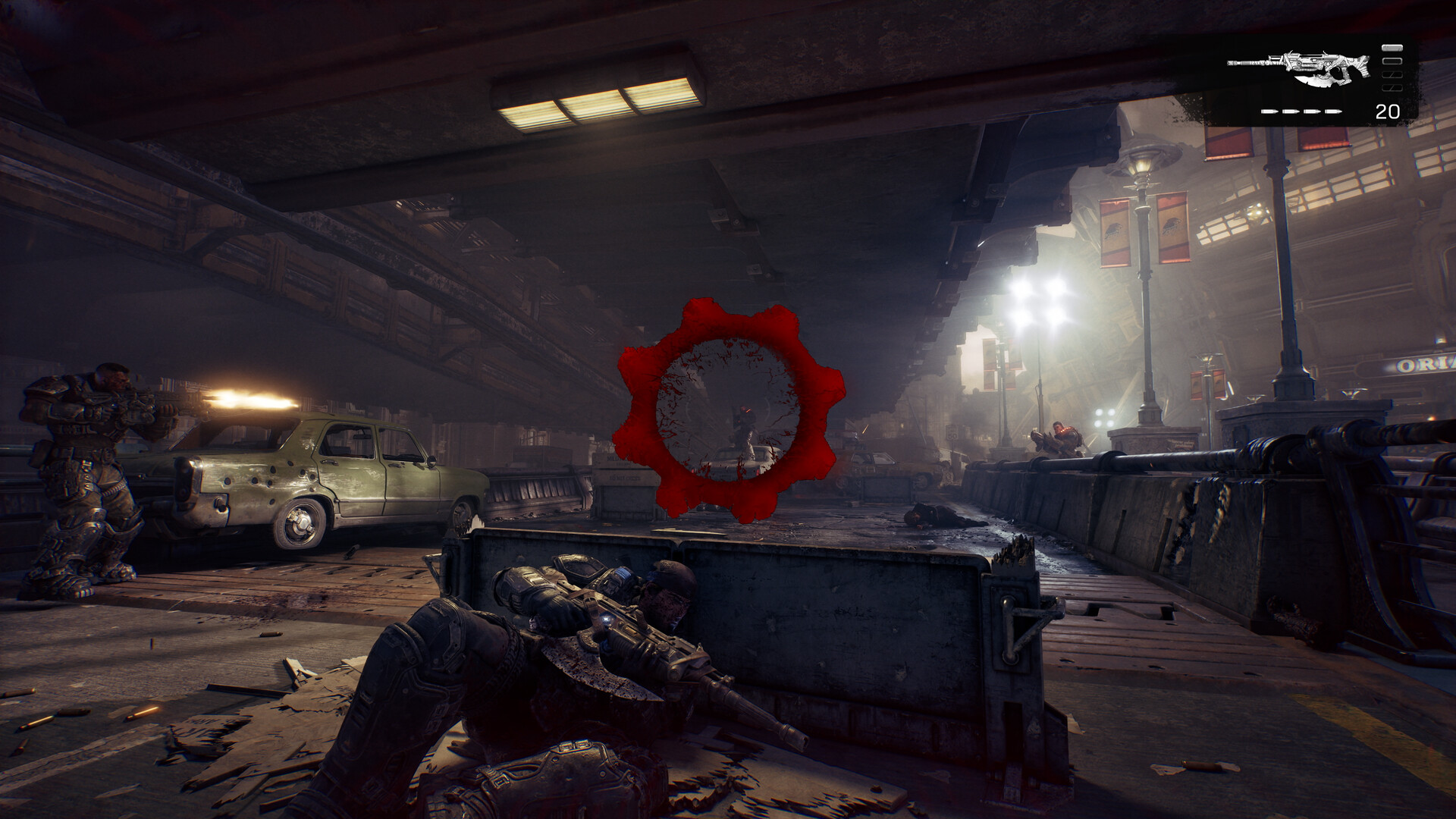
The feature most players will never see in a menu but will absolutely feel is Advanced Shader Delivery, or ASD. It precompiles the game's shaders and delivers them alongside the install through the Microsoft Store and Xbox PC app, which is what eliminates the first-run shader compilation stutter that has plagued recent Unreal Engine 5 releases on PC. There's nothing to toggle here — if you installed through the Xbox PC app or Microsoft Store rather than Steam, you're already getting it — but it does mean your first fifteen minutes in a new area should feel noticeably smoother than a typical UE5 launch.
Because ASD is currently tied to those two storefronts, with the developers saying broader storefront support is expanding over time, Steam players should expect the normal shader-cache warm-up on their first run in each major area instead. If you're choosing between versions and stutter is your top priority, that's the deciding factor.
Display, HDR and ultrawide settings worth checking first
E-Day's PC build targets 4K resolution at up to 60FPS on capable hardware, alongside full HDR10 support, ultrawide monitor support for both gameplay and menus, and independent keyboard/mouse and controller remapping. If you're running a 21:9 or 32:9 display, check the aspect ratio setting before your first campaign mission rather than after — menus render correctly in ultrawide, so a cropped or letterboxed image usually means the setting defaulted to a fixed ratio rather than your native one.
HDR10 should be enabled through Windows display settings first, then confirmed inside the game's own HDR calibration screen; skipping the in-game calibration step is the most common reason HDR looks washed out or oversaturated in UE5 titles generally, and E-Day doesn't skip that step for you automatically.
What this means heading into October 6
Early Access through the Premium Edition opened October 1, giving players up to five days to test these settings against real hardware before the worldwide launch. If your system sits at or above the recommended tier, enabling DLSS 4.5 or FSR at Quality, turning on Reflex, and leaving ASD to do its job through the Xbox PC app should get you a stable 60FPS experience without digging further into the settings menu. If you're closer to the minimum spec, expect to lean on Balanced or Performance upscaling and a lower resolution target rather than disabling ray tracing entirely — the Steam requirements make clear that isn't an option this time.
Official links
- Xbox Wire: How The Coalition and NVIDIA Are Building Gears of War: E-Day for PCnews.xbox.com
- NVIDIA GeForce: Gears of War: E-Day RTX Tech Partnershipnvidia.com
- Steam: Gears of War: E-Day store pagestore.steampowered.com
- Gears of War official sitegearsofwar.com
- Xbox Store: Gears of War: E-Dayxbox.com
Lena tests the hardware that games run on, from handheld thermals to controller latency. If a spec sheet is doing something suspicious, she has already opened the device.