How to Update to SteamOS 3.9.5 and Fix Your Steam Deck or Legion Go 2
SteamOS 3.9.5 fixes a Legion Go 2 crash in Forza Horizon 6, switches Steam Deck's default WiFi backend, and improves Steam Frame adapter support. Here's how to update.
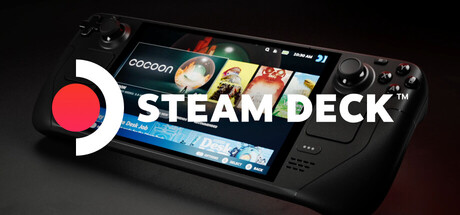
Valve has pushed SteamOS 3.9.5 out to every supported Steam Deck, Steam Machine and third-party handheld as a stable release, closing out a beta cycle that ran for most of October. The update rebases the operating system on a newer Arch Linux base and a Linux 7.2 kernel, but the two changes most players will actually notice are a default Wi-Fi backend switch on Steam Deck and a fix for a crash that was taking down Forza Horizon 6 on Lenovo's Legion Go 2. Here's what changed, how to grab the update, and what to watch for if something breaks afterward.
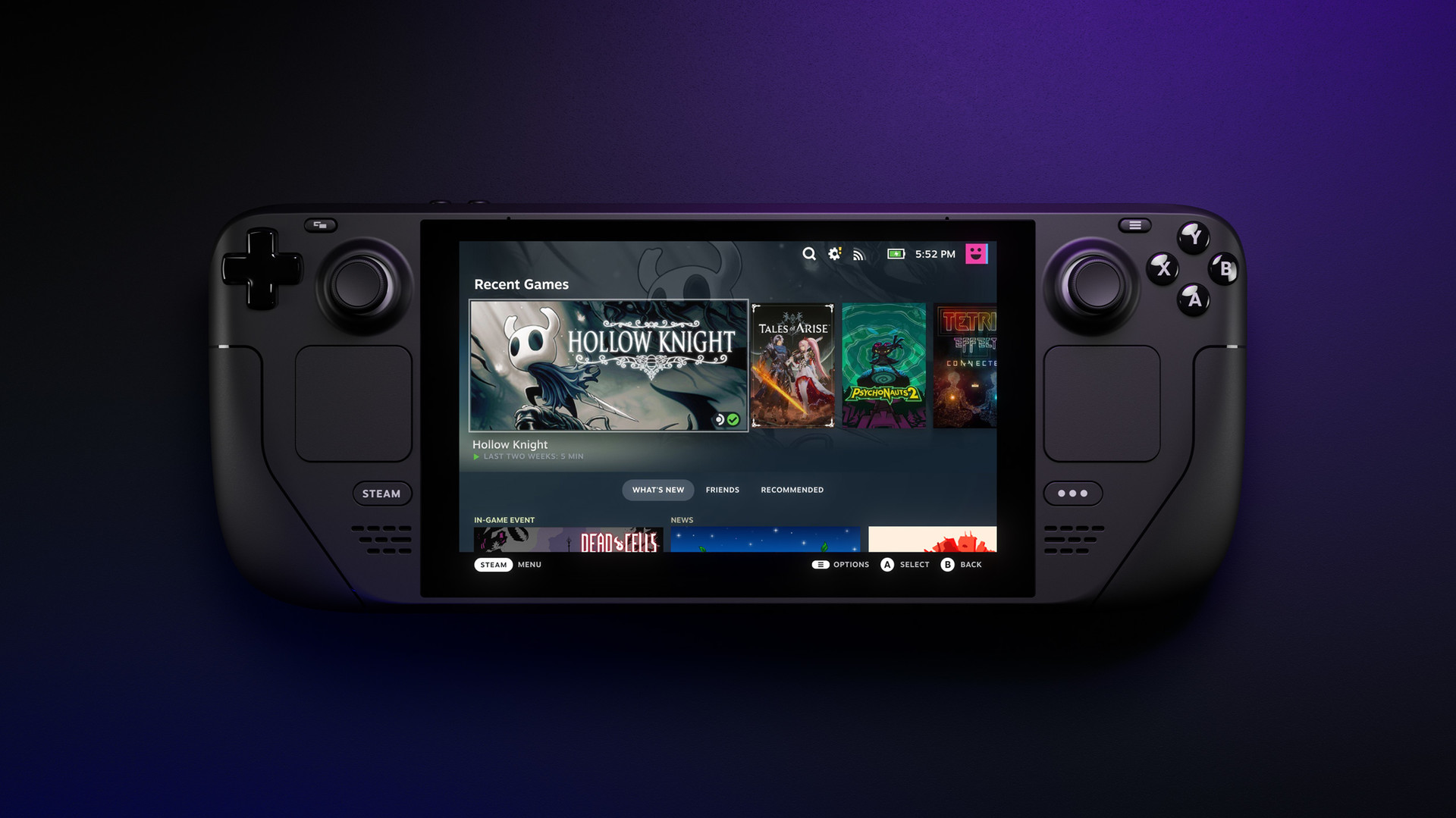
What SteamOS 3.9.5 actually changes
According to Valve's official release notes, SteamOS 3.9.5 updates Desktop Mode from KDE Plasma 6.4.3 to Plasma 6.7.3, rebases the kernel on Linux 7.2, and folds in every fix shipped across the SteamOS 3.9 beta cycle. On Steam Deck specifically, Valve says idle power consumption is improved when no audio is playing, a bug that stopped hidden Wi-Fi networks from connecting on the first attempt is fixed, and a timezone change that could block switching to Desktop Mode until a reboot is resolved. The notes also list improved support for the Steam Frame wireless adapter, the accessory Valve has been quietly refining support for since the headset was first announced, though full Linux streaming through that adapter is still limited next to the Windows path.
A handful of game-specific fixes are buried further down the list: Valve says it fixed a system crash when launching Forza Horizon 6 on Legion Go 2, a performance regression in Star Wars: Galactic Racer on resume from suspend on Steam Machine, a GPU-error issue in The Crew Motorfest, and a bug that stopped certain titles, including Elden Ring and Dark Souls III, from running on recent Intel Panther Lake CPUs. None of that will show up as a flashy changelog headline, but if any of those games have been giving you trouble, 3.9.5 is the patch that's supposed to fix it.
How to update your Steam Deck or Legion Go 2
SteamOS updates roll out automatically in Game Mode: open the Quick Access menu with the ••• button, go to Settings, then System, and select "Check for Updates." If 3.9.5 hasn't reached your device yet, make sure you're on the Stable channel rather than Beta or Preview in that same System menu, since staged rollouts don't hit every device the same day. A full install can take several minutes and the Deck will reboot once it's done. Owners of third-party handhelds running SteamOS, including the Legion Go family, get the same update through their own System menu, though Valve's SteamOS hardware page still lists official support for non-Valve devices as a separate, evolving track from Steam Deck itself.
If the update stalls or reports a failure, Valve's notes separately mention that firmware updates could occasionally fail to apply on Steam Machine in the prior cycle; retrying the check once more or power-cycling the device before trying again has cleared that for most reports since.
The Legion Go 2 fix that matters most
Of everything in this release, the Legion Go 2 crash fix for Forza Horizon 6 is the one with the clearest cause and effect: launch the game on that handheld pre-3.9.5 and it could crash out instead of booting into the menu. Valve lists the fix in the General section of the patch notes without further detail on the root cause, but it sits alongside a related change for Steam Machine users running the same racing game, and both point to engine-level handling that SteamOS's graphics stack needed to catch up with. If you picked up a Legion Go 2 for Forza Horizon 6 specifically, update before you reinstall or try troubleshooting the game itself.
Why your Steam Deck just switched Wi-Fi backends
The most disruptive change for some players is also the most invisible one day to day: SteamOS 3.9.5 switches Steam Deck's default Wi-Fi backend to wpa_supplicant, replacing iwd. Valve says the move improves compatibility with a wider range of routers and networks, and it brings fast reconnect on resume from sleep, previously an iwd-only feature, to the new default as well. For most people this should mean fewer dropped connections after closing the lid, not more.
If your Deck was working fine on iwd and starts acting up after the update, the fix some Steam Deck community threads point to is in Desktop Mode: open a terminal and check which backend NetworkManager is actually using, since a stuck configuration from before the upgrade can occasionally linger. Most networks won't need any manual intervention at all, but it's worth knowing the backend changed if you're troubleshooting an unfamiliar connection issue for the first time this week.
What the Steam Frame adapter improvements mean right now
The Steam Frame wireless adapter line in the patch notes is easy to skim past, but it's one of the clearer signs that Valve's unreleased VR headset is still being actively prepped for launch. Each SteamOS 3.9 beta going back to August added another round of adapter fixes, and 3.9.5 folds the latest of those into the stable branch. That said, Valve's own support documentation still describes full SteamVR and Steam Frame streaming through the adapter as available on Windows first, with Linux support arriving in stages rather than all at once. If you don't own a Steam Frame or its adapter, this line won't change anything about how your Deck runs today; it's mainly a signal that the hardware is still on track.
Hibernation, fan noise, and what's still not finished
SteamOS 3.9.5 adds preliminary support for hibernation at the kernel level, but Valve is explicit that it isn't exposed in the Game Mode UI yet, and it remains disabled on Steam Deck itself because of an outstanding driver bug. In other words, there's no new "Hibernate" option to go looking for this week; the groundwork is there for a future release to turn on. Separately, Valve says it worked around a firmware issue on some ASUS devices that was causing excessive fan speed when waking from sleep, reintroduced support for Android's binder IPC, and gave the Legion Go 2 preliminary brightness control, an area where third-party SteamOS handhelds have historically lagged behind Valve's own hardware.
None of this is as headline-grabbing as a new feature launch, but it's the kind of patch that quietly fixes the exact crash or connectivity issue you might have been fighting with for weeks. The full, unedited list of changes is on Valve's own Steam Deck page, and it's worth skimming even if your handheld already updated itself, since several of the smaller fixes apply to specific monitor setups and GPU generations that are easy to miss in a short summary.
Official links
Lena tests the hardware that games run on, from handheld thermals to controller latency. If a spec sheet is doing something suspicious, she has already opened the device.