Planet Zoo 2 PC Settings Guide: Specs, Storage and GPUs Before October 13
Frontier's zoo sim launches October 13 with new aquariums, aviaries and a heavier lighting engine. Here is exactly what your PC needs to run it well.

Frontier Developments' Planet Zoo 2 arrives on October 13, and this time the construction-and-management sequel is asking considerably more of the hardware under your desk than the 2019 original ever did. The jump comes from two new habitat types, a rebuilt lighting system, and the usual publisher habit of quietly raising the floor on supported operating systems. Here is what the official Steam listing actually specifies, why the numbers moved, and what to check before launch day.

What Planet Zoo 2 Asks Of Your PC
Frontier's own published specifications, pulled directly from the Steam store page, set the minimum tier at an Intel Core i7-8700K or AMD Ryzen 5 3600, 16GB of RAM, and a 6GB graphics card: a GeForce RTX 2060, a Radeon RX 5600 XT, or an Intel Arc A750. The recommended tier climbs to an i7-10700K or Ryzen 7 5800X, the same 16GB of RAM, and an 8GB-or-larger GPU: an RTX 3070, an RX 6700 XT, or an Arc A770 with a full 16GB of VRAM. Both tiers call for 40GB of free storage and DirectX 12.
Two details stand out next to the first Planet Zoo's requirements. The minimum GPU tier has effectively doubled in VRAM expectations, and Intel's Arc cards get an explicit, named mention alongside NVIDIA and AMD rather than an afterthought in a "DirectX 12 compatible" catch-all. That is a sign Frontier tested against Arc's driver stack directly rather than assuming it would simply work.
Why The Bar Moved Up From The Original
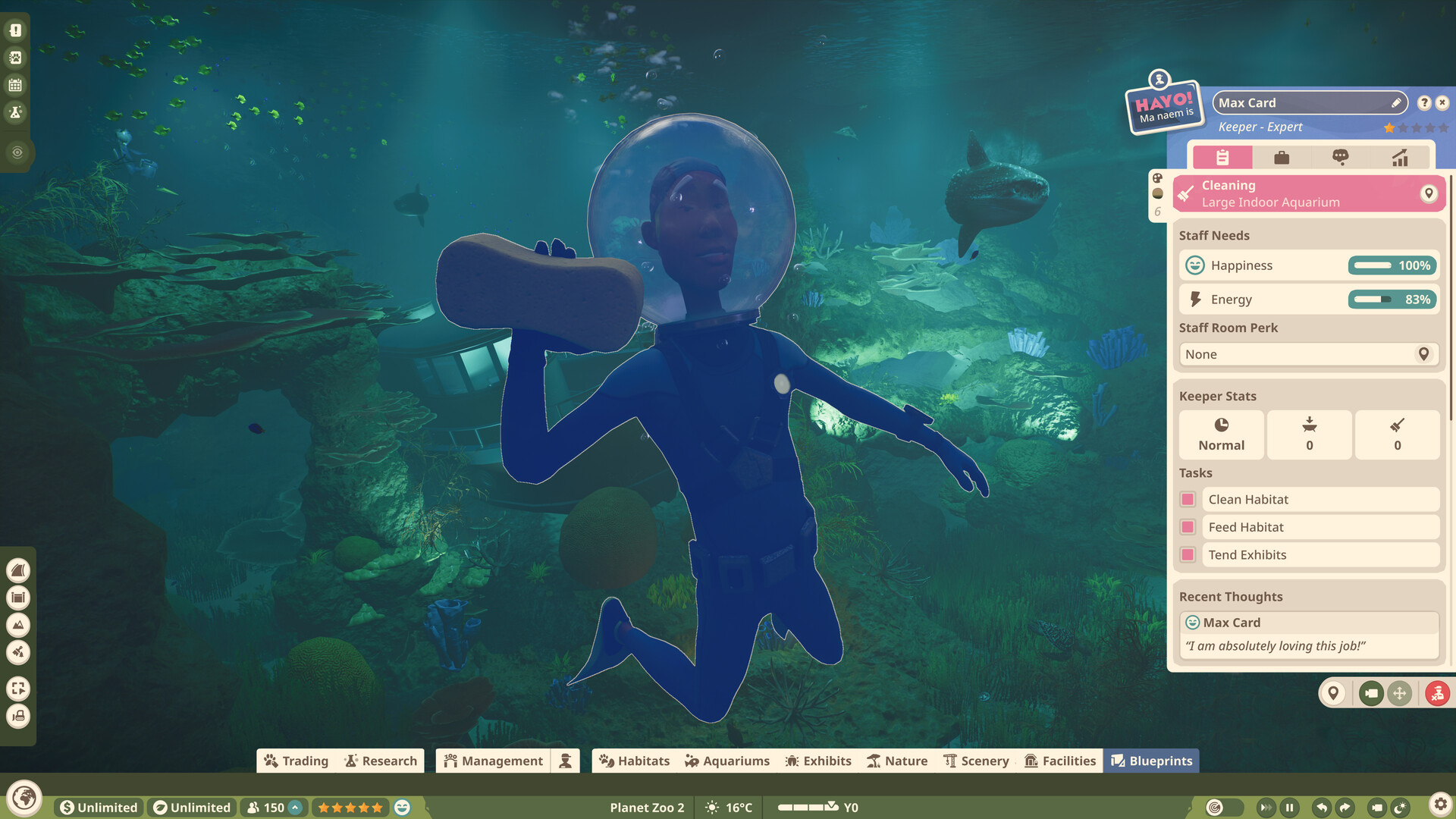
The jump isn't arbitrary. Frontier's own announcement coverage and subsequent gameplay reveals describe a near-complete overhaul of the Cobra engine's lighting, with shadows and ambient light now tracking a moving sun and moon in real time, plus higher-fidelity fur, feather, and scale rendering on every animal model. Planet Zoo 2 also introduces two simulated habitat types the original never had to render at all: fully aquatic exhibits with swimming fish, rays and sharks, and aviaries stocked with free-flying birds that path around branches and visitors rather than staying fixed to a single animation loop. Every one of those systems runs continuously in the background of a populated zoo, which is the direct cause of the higher CPU and VRAM asks.
The game also ships with Denuvo anti-tamper protection according to pre-release listings, which on some systems adds a small but real CPU overhead during the opening minutes after launch. It is not something you can disable, but it is worth knowing about if the game feels sluggish in the first loading screen and smooths out once a zoo is actually running.
It's also worth remembering what a zoo sim's performance curve actually looks like in practice. A benchmark run in an empty, freshly-built habitat tells you very little, because the CPU cost in these games scales with population: dozens of individually simulated animals, hundreds of guests pathing between exhibits, and now schools of fish and flocks of birds each running their own behavior logic at once. The recommended-tier CPUs Frontier lists, an i7-10700K or a Ryzen 7 5800X, are both chips built for exactly that kind of sustained multi-threaded simulation load rather than peak single-core speed, which lines up with how the original Planet Zoo aged on launch-era hardware once players built out sprawling, fully-staffed parks.
Storage, Windows Version And The SSD Question
Both requirement tiers list 40GB of free space, and Frontier's notes flag an SSD as recommended at minimum settings and required for the recommended tier. A zoo this detailed streams a large amount of texture and animation data as the camera moves, and a mechanical hard drive is likely to show stutter that a spec-matched GPU otherwise wouldn't produce.
The operating system line is worth reading carefully too. The minimum tier lists Windows 10 or 11, but Frontier adds a direct caveat: Microsoft has ended support for Windows 10, so the studio cannot guarantee ongoing compatibility on it. The recommended tier lists Windows 11 only. If your PC is still on Windows 10, Planet Zoo 2 should install and run, but treat it as a short-term arrangement rather than a platform Frontier is committing to patch around indefinitely.
Picking A GPU Across Three Vendors
Naming Arc GPUs by model, rather than lumping Intel into a generic compatibility note, suggests Frontier spent real QA time on Arc's driver stack, which has historically been the rockiest of the three for launch-day simulation games. Arc owners should still update to Intel's latest Graphics driver before launch rather than trusting whatever shipped with Windows, since that has been the single biggest predictor of first-day performance on Arc hardware across other recent releases.
On the AMD and NVIDIA side, the jump from a 6GB minimum card to an 8GB-plus recommended one lines up with the VRAM cost of keeping full-resolution aquarium water and feather textures resident at once. Anyone running a 6GB card bought for the original Planet Zoo should expect to drop to medium settings once aviaries or large aquariums fill up with visitors, even if the frame rate looks fine in an empty paddock.
None of the three vendors gets a stated performance edge in Frontier's own documentation; the minimum and recommended tiers are presented as roughly equivalent across NVIDIA, AMD and Intel at each VRAM level, rather than one brand needing to step up a tier to match. That is a meaningfully different posture from games that only list NVIDIA cards by name and leave AMD and Intel owners to extrapolate, and it matches Frontier's broader push toward Arc support across its back catalogue over the past year.
A Pre-Launch Checklist For October 13
- Confirm you're on Windows 11, or accept the unsupported risk if you're staying on Windows 10.
- Free up at least 40GB on an SSD, not a spinning hard drive, before preloading.
- Update your GPU driver the day before launch, especially on Intel Arc.
- Check your card's VRAM against the 6GB minimum / 8GB-plus recommended split, not just its raw GPU model name, since older 6GB variants of newer-generation cards can still fall short.
- Expect Denuvo's one-time online check on first launch, and make sure you're connected before loading in.
Frontier has not yet published a full in-game graphics options list detailing individual toggles for shadow quality, water simulation fidelity, or an upscaler like DLSS or FSR, and nothing here should be read as confirming one exists at launch; that is unconfirmed and worth checking against the official help center once the game is live. What Frontier has committed to, through its own store listing, is the hardware floor above. Matching your rig to the recommended tier rather than the minimum is the safer bet for a zoo sim where the slowdown shows up gradually, as more animals, guests, and now fish and birds fill the screen, rather than all at once.
Official links
Lena tests the hardware that games run on, from handheld thermals to controller latency. If a spec sheet is doing something suspicious, she has already opened the device.